

Summary
Staff rostering is the process of assigning employees to specific shifts, dates, locations, and roles so a business has the right people working at the right time. An effective staff roster balances employee availability, forecasted demand, labor costs, skills, compliance requirements, and business operating hours. In the USA, "employee schedule" is the more common term, but the workflow is the same: forecast need, assign qualified staff, publish the roster, then manage swaps and open shifts through shift scheduling and staff management.
Step-by-step
How Staff Rostering Works
A practical staff rostering workflow runs weekly for most hourly teams. Software automates conflict checks, notifications, and roster updates after publish.
Step 1: Forecast staffing demand
Estimate busy blocks using workforce forecasting and historical sales or traffic data.
Step 2: Collect employee availability
Gather preferred hours, restrictions, and time-off through employee availability management before assigning shifts.
Step 3: Assign qualified employees to shifts
Match roles, certifications, and locations to each block on shift scheduling.
Step 4: Check labor rules and overtime
Verify break rules, minor limits, weekly hour caps, and overtime risk before publish.
Step 5: Publish the roster
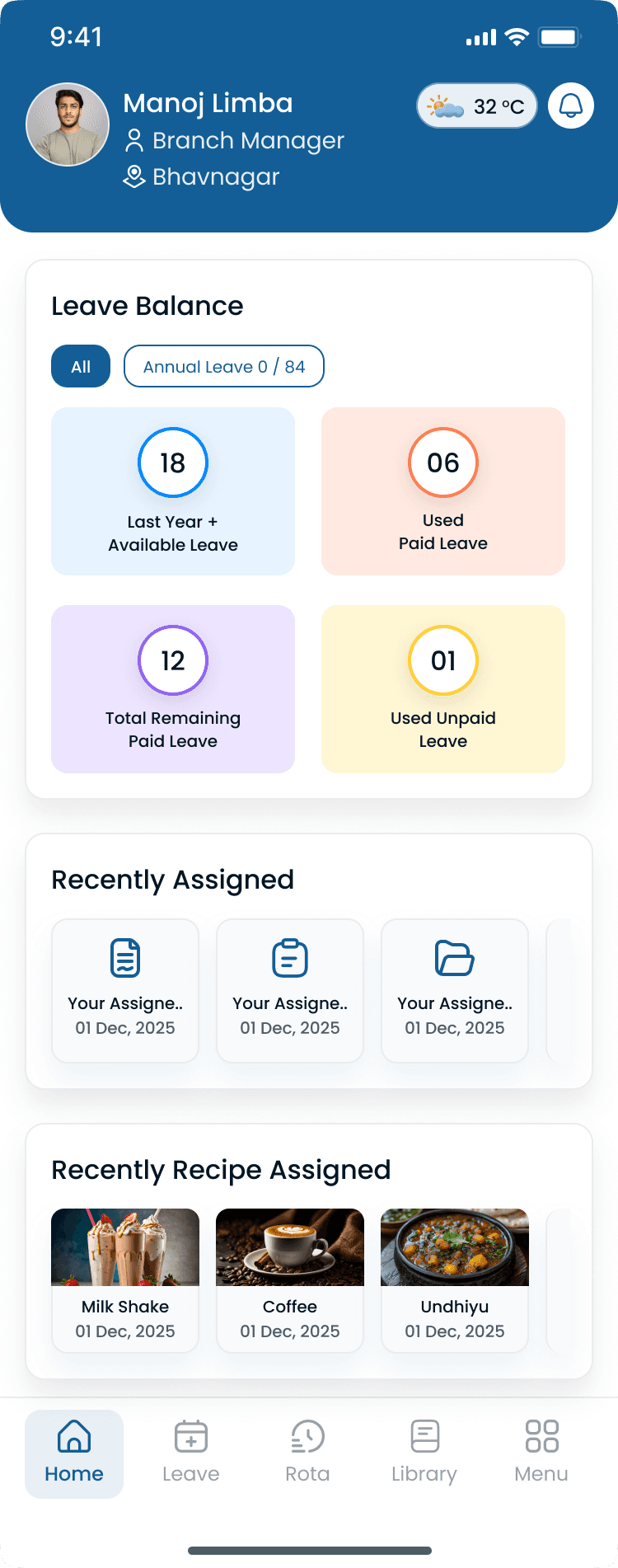
Release the official week to staff via the mobile app so everyone sees the same version.
Step 6: Handle swaps, leave, and open shifts
Manage shift swapping, leave, and open shifts on the published roster, not in side chats.
“Roster and schedule mean the same thing in practice. The difference is regional vocabulary, not a different workflow.”
Examples
Staff Rostering Example
Rostering assigns people to shifts that match demand, skills, and budget. The example below shows how headcount changes by daypart instead of staying flat all day.
Retail store roster (9 AM to 9 PM)
A retail business operates from 9 AM to 9 PM. The roster assigns employees based on availability, expected customer traffic, and skill requirements while keeping labor costs within budget.
| Daypart | Target headcount | Rostering focus |
|---|---|---|
| Morning (9 AM to 12 PM) | 4 associates | Opening tasks plus steady traffic |
| Afternoon (12 PM to 5 PM) | 6 associates | Peak floor coverage |
| Evening (5 PM to 9 PM) | 5 associates | Close procedures plus evening rush |
Staff rostering vs employee scheduling
| Topic | Staff rostering | Employee scheduling |
|---|---|---|
| Common usage | UK, Australia, Asia, and international ops | Preferred term in the USA |
| Focus | Creating the work roster | Scheduling employee shifts |
| Core objective | Right people, right time | Right people, right time |
| Output | Published roster or schedule | Published roster or schedule |
| In practice | Same workflow, different vocabulary | Same workflow, different vocabulary |
Best practices
Common Staff Rostering Challenges
Rostering breaks down when demand, availability, and the official publish step live in different places.
| Practice | Why it works |
|---|---|
| Last-minute absences | Call-offs after publish require fast open shift posting and qualified fill. |
| Conflicting availability | Rosters built without current availability guarantee swaps and gaps within days. |
| Overtime risks | Assigning the same dependable employees every week stacks hours past 40 before managers notice. |
| Seasonal demand | Flat rosters miss holiday and peak-season curves. Use demand-based scheduling inputs. |
| Multi-location scheduling | Separate files per site hide double-bookings and district hour totals. See multi-location scheduling. |
| Manual spreadsheet errors | Version drift, formula mistakes, and no mobile publish path slow every roster cycle. |
Why it matters
Why Staff Rostering Matters
A well-planned roster is how hourly businesses turn staffing plans into who works when. Without a clear roster, coverage gaps, overtime, and confusion show up fast.
| Pain point | What operators see |
|---|---|
| Maintain adequate staffing | Every shift has qualified assignees before the period starts. |
| Reduce labor costs | Rosters built to demand and budget avoid paying for idle hours. |
| Avoid unnecessary overtime | Hour totals are visible before publish, not after payroll. |
| Improve employee satisfaction | Predictable, fair rosters reduce last-minute chaos and favoritism. |
| Prevent scheduling conflicts | One system flags double-bookings, availability clashes, and rule violations. |
| Support multi-location operations | District managers see rosters and hour totals across every site. |
Staff rostering connects to workforce planning, demand-based scheduling, and shift coverage as the execution layer where plans become assigned shifts.
Industries
Industries That Use Staff Rostering
Any business with hourly employees, shift-based work, and variable demand uses staff rostering (or employee scheduling) to assign who works when.
| Industry | Typical scheduling challenge |
|---|---|
| Restaurants | Roster FOH and BOH by daypart, certification, and rush coverage. |
| Retail | Assign floor and cashier shifts to traffic patterns and sale events. |
| Healthcare | Build clinical rosters with license, credential, and rest-rule checks. |
| Warehouses | Staff pick-and-pack and receiving blocks to shipment volume. |
| Hospitality | Roster front desk, housekeeping, and F&B to occupancy and events. |
| Cleaning services | Assign crews across client routes and territories. |
| Construction | Crew job sites by trade, phase, and deadline. |
| Manufacturing | Rotate line and maintenance coverage across shifts. |
| Security | Post guards across sites with certification and 24/7 rotation rules. |
| Multi-location businesses | Publish rosters district-wide with local demand and shared float staff. |
“A roster only works when it is published, visible, and updated in one place. Side chats fork the official week every time.”
Buyer's guide
Staff Rostering Best Practices
These habits keep rosters accurate, fair, and trusted by hourly teams.
| # | Question | What to verify |
|---|---|---|
| 1 | Build rosters at least one week in advance | Early publish gives staff planning time and surfaces gaps before the week starts. See [how shift scheduling works](/answers/how-does-shift-scheduling-work). |
| 2 | Keep employee availability updated | Require self-service updates through [staff management](/features/staff-management) before each roster cycle. |
| 3 | Review labor demand regularly | Compare forecast to actual sales and traffic weekly. Reforecast before you copy last week's roster. |
| 4 | Publish changes instantly | Push updates through the app so the roster stays official. Avoid forked schedules in group texts. |
| 5 | Use scheduling software instead of spreadsheets | Software handles conflicts, notifications, and labor visibility. Model savings with the [scheduling ROI calculator](/tools/scheduling-roi-calculator). |
| 6 | Track overtime before schedules are published | Check weekly hour totals during roster build. Use the [overtime risk calculator](/tools/overtime-risk-calculator) when coverage is tight. |
Expertise & sources
Why trust this guide
ReviewedThis guide was created by the Heyshift Team for managers responsible for workforce scheduling, employee rostering, attendance, and labor cost management across restaurants, retail stores, healthcare providers, warehouses, hospitality businesses, cleaning companies, construction teams, manufacturing operations, and other multi-location organizations in the United States.
Heyshift Team
Workforce scheduling research · USA multi-location operators
Heyshift publishes scheduling playbooks for operators who build published rosters hourly teams can trust across every location.
Published & updated
Sources
2 external · 2 on Heyshift
| Source | Reference |
|---|---|
DOLU.S. Department of Labor | Fair Labor Standards Act (FLSA) |
SHRMSHRM | Society for Human Resource Management (SHRM) |
| Further reading on Heyshift | |
| Heyshift answers library | What is employee scheduling software? |
| Heyshift answers library | How does shift scheduling work? |
Frequently Asked Questions
Create staff rosters in minutes with Heyshift
Build schedules faster, reduce overtime, manage employee availability, and keep every location fully staffed from one platform. Start your free trial.
No credit card required
Related resources
| Resource | Link |
|---|---|
| What is employee scheduling software? | Open |
| What is workforce planning? | Open |
| What is workforce management software? | Open |
| What is employee availability management? | Open |
| What is open shift management? | Open |
| What is shift swapping? | Open |
| How does shift scheduling work? | Open |
| What is demand-based scheduling? | Open |
| What is shift coverage? | Open |
| What is multi-location scheduling? | Open |
| Shift scheduling feature | Open |
| Staff management feature | Open |
| Mobile app feature | Open |
| Attendance tracker feature | Open |
| Scheduling ROI calculator | Open |
| Labor cost percentage calculator | Open |
| Shift coverage gap calculator | Open |