

Typical retail stack
Four tools, one weekly rebuild
- Weekly Excel schedule for each store
- Phone trees for call-outs
Employee scheduling and shift planning for USA businesses with multi-site rosters and finance-week aware coverage.
Plan store weeks with fewer spreadsheets, tie attendance to the roster you published, and see labor signals before Saturday traffic, not after payroll.
For store managers, district leads, and ops teams running boutiques, supermarkets, franchise groups, and multi-site retail without a heavy HRMS.
30-day free trial on every plan, then Starter from $4/seat per month ($3.60 billed yearly). Mobile access included for staff and managers. View pricing.
Store managers juggle dayparts, part-time availability, call-outs, and district reporting, often with a spreadsheet per location, texts for swaps, and attendance in another system. Heyshift puts the official store roster, coverage, and worked hours on one surface so teams stop reconciling tools every Sunday night.
Retail employee scheduling software should feel like running the store, not maintaining parallel schedules. Heyshift is for teams that need scheduling, attendance, and labor context without enterprise HR complexity.
01
Checkout and sales floor understaffed during predictable peaks
Daypart templates and one publish path so floor, fitting room, and stock see the same week, not a screenshot in group chat
02
Part-time availability buried in texts before holiday weekends
Availability and time-off requests sit on the grid before you lock Black Friday, inventory counts, or promo weekends
03
Clock data that never matches the schedule managers approved
Attendance and breaks linked to published shifts for planned-vs-worked reviews without exporting two systems
04
Labor hours that only make sense after the week is paid
Scheduled hours and overtime signals visible while you build Thursday through Sunday coverage, not in a payroll surprise
05
District leads comparing stores with incompatible spreadsheets
Store and department structure in one account so multi-site coverage is comparable without email attachments per location
Many stores still run a spreadsheet for the week, a chat thread for call-outs, and a separate time clock for payroll. That split is why Sunday rebuilds take hours. Heyshift puts the official roster, coverage changes, and worked hours on one published week.
Typical retail stack
Four tools, one weekly rebuild
On Heyshift
Scheduling and attendance aligned
Build and publish official store schedules, not version seven of the same spreadsheet.
Clock-ins, breaks, and overtime tied to published shifts for planned vs worked visibility.
See who is scheduled, who is in, and where coverage gaps exist before peak traffic hits.
Scheduled hours and labor signals beside the grid while managers still have time to adjust.
How it connects
One operational surface for floor supervisors
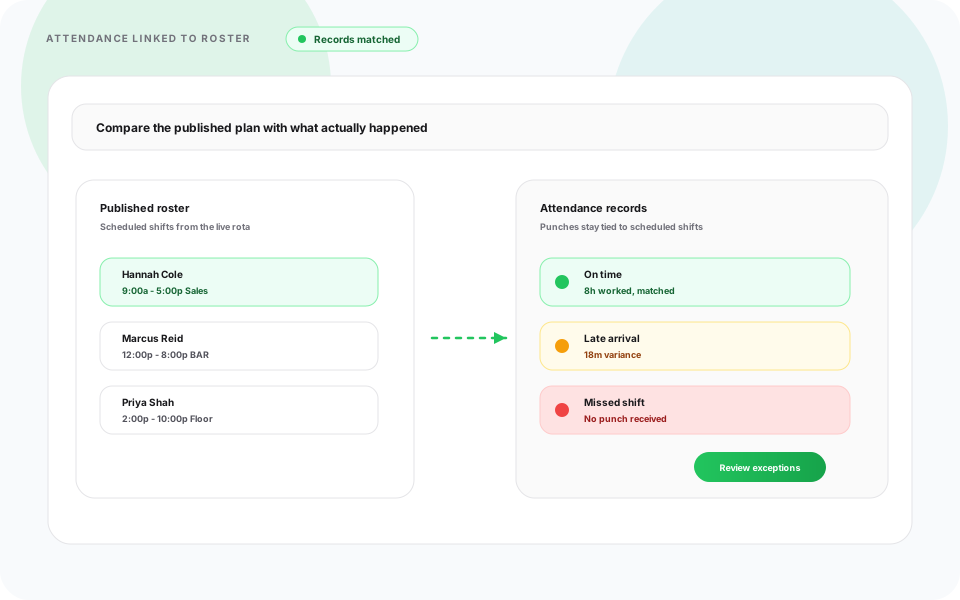
From open-to-close coverage to stock replenishment shifts, retail teams need scheduling, availability, attendance, and multi-store visibility without stitching together point solutions each week.
Build store schedules by daypart, department, role, and location with templates, copy-week, and one publish path.
ViewSee part-time and full-time availability before assigning peak-hour and weekend shifts.
ViewIdentify open shifts when call-outs or demand changes leave coverage gaps on the floor.
ViewMonitor clock-ins, breaks, overtime, and worked hours beside the roster managers published.
ViewManage employees across multiple retail locations from one account with store and department structure.
ViewEmployees view schedules and receive updates from tablet and phone, same official roster as desktop, not a PDF export.
ViewCustomer demand changes throughout the week. Heyshift helps managers plan staffing levels, reduce coverage gaps, improve shift planning, manage seasonal demand, and balance labor costs without sacrificing service on the floor.
See open hours, peak windows, and headcount needs while you build the week, not only after the shift ends.
Open shifts and availability on the same grid surface gaps before customers queue at checkout.
Copy weeks and adjust for holidays, sales events, and inventory pushes without rebuilding from scratch.
Monitor scheduled hours and overtime risk while you still have time to adjust part-time and full-time mix.
Every retail business has unique staffing requirements. A grocery store managing multiple departments operates differently from a fashion retailer preparing for seasonal sales or a convenience store running 24/7. Heyshift helps retailers build smarter employee schedules, reduce labor costs, improve communication, and keep every store properly staffed.

Supermarket & grocery
Grocery stores require employees across cashiers, produce, bakery, deli, seafood, inventory, and customer service. Schedule employees by department, plan shifts around busy shopping hours, manage weekend and holiday staffing, reduce conflicts, and keep teams informed with instant schedule updates.

Apparel retail
Fashion stores often experience fluctuating staffing needs during promotions, new product launches, and holiday shopping seasons. Schedule based on expected customer traffic, adjust staffing during sales events, manage part-time and full-time associates, and coordinate opening and closing teams.
24/7 operations
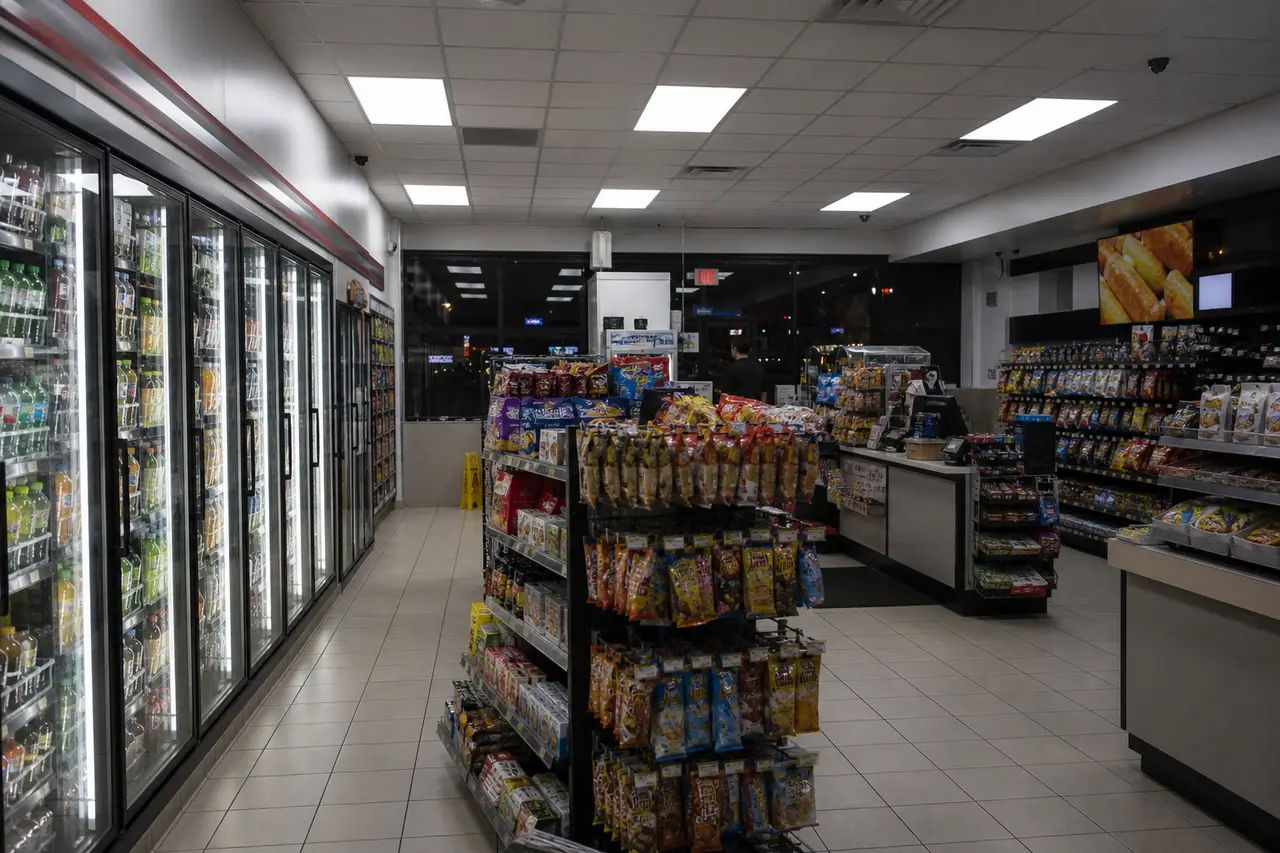
Convenience stores frequently operate around the clock, requiring reliable staffing across morning, evening, and overnight shifts. Build recurring schedules, fill last-minute open shifts, track employee availability, and ensure every shift has adequate coverage.

Specialty retail
Electronics stores often require specialists for different product categories while balancing customer service throughout the day. Assign employees by department, schedule experienced staff during peak hours, coordinate product launch events, and improve communication across teams.
Big-box retail
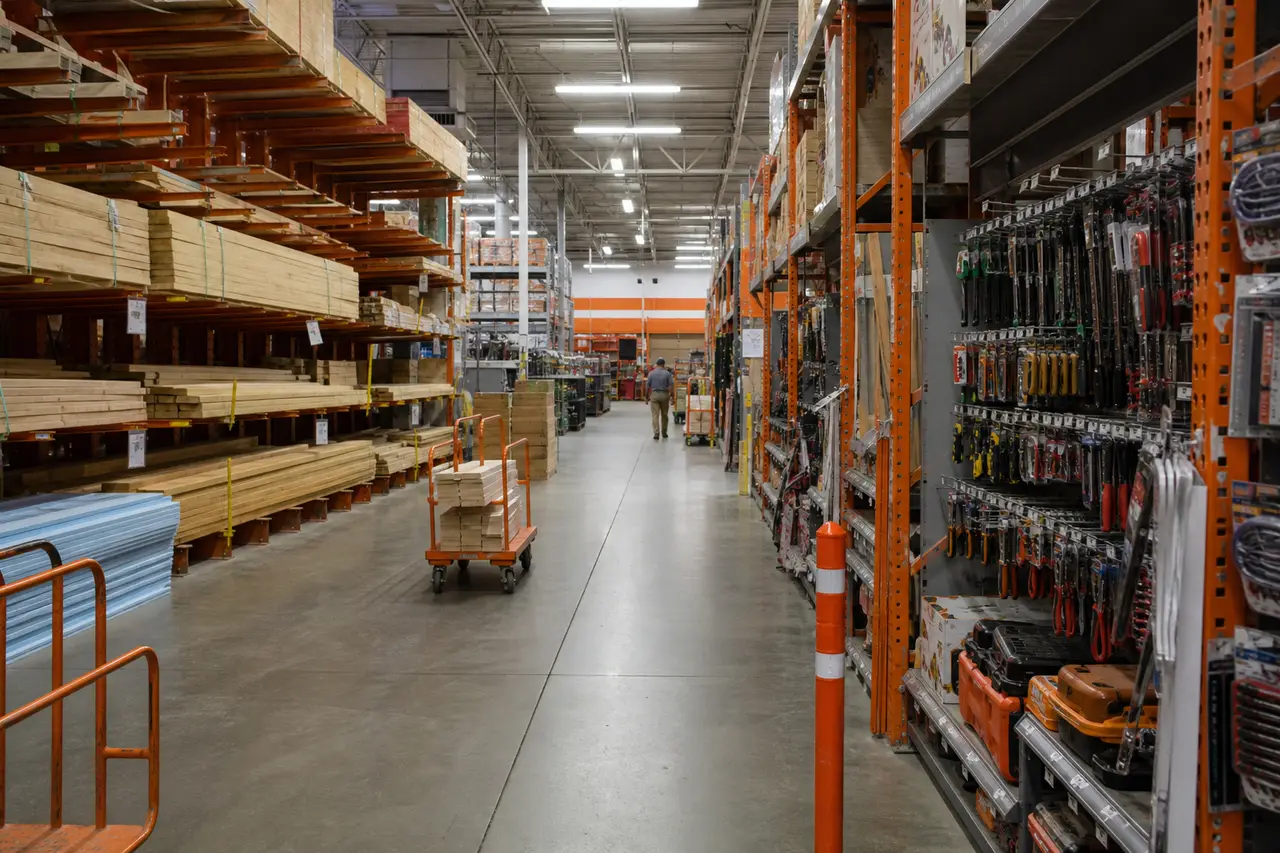
Large retail stores need schedules across sales, warehouse, customer pickup, inventory, and customer service departments. Heyshift helps organize staffing while improving visibility across every department on one published roster.
Regional & national
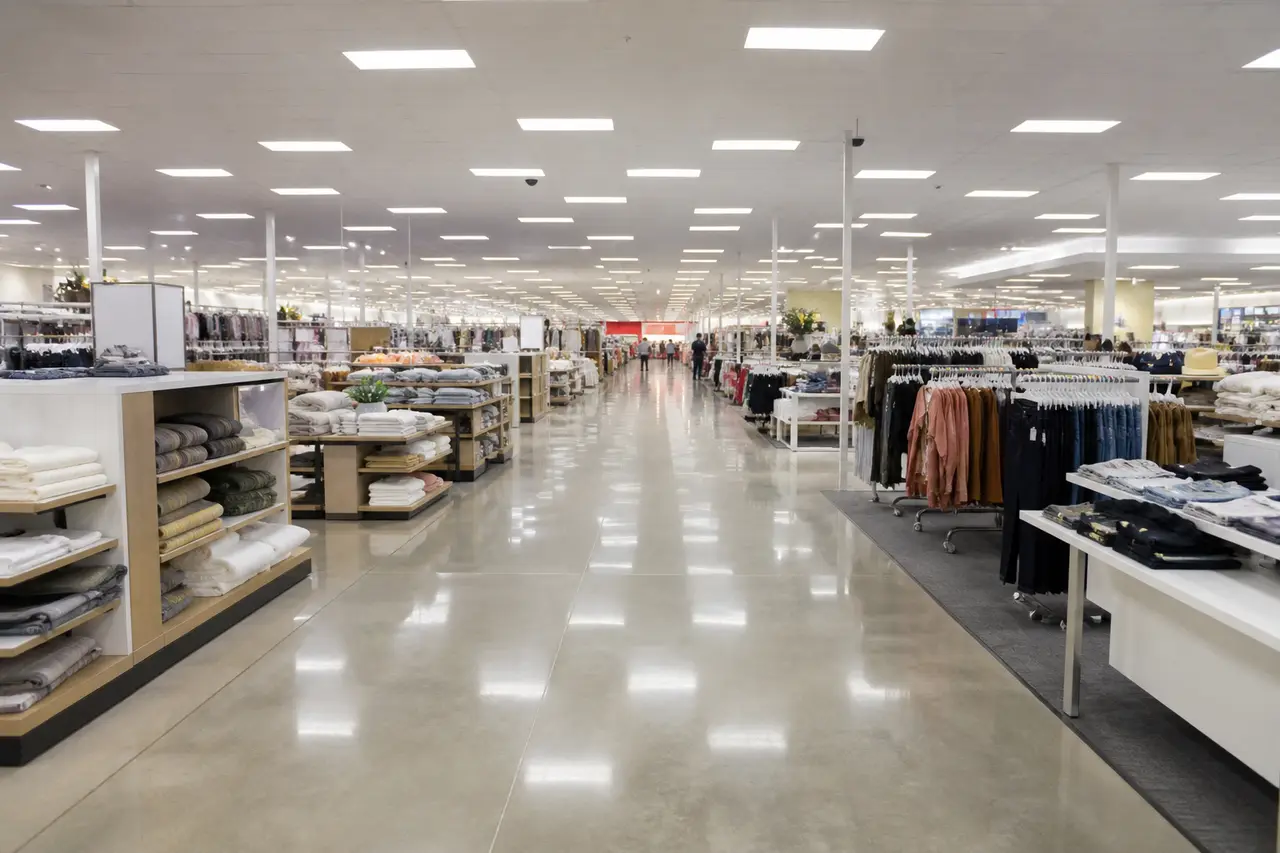
Managing schedules across several store locations becomes increasingly difficult as businesses grow. Regional managers can view schedules for every location, standardize scheduling practices, manage employees across stores, and reduce administrative workload.
Compare multi-store scheduling when district leads also run warehouse or property teams.
Retail operations depend on many employees working together to deliver excellent customer service. Heyshift retail workforce scheduling software helps schedule store managers, associates, stock teams, and support staff from one platform. Whether you operate a single retail location or a nationwide chain, everyone stays connected. Start with an employee schedule template when migrating off spreadsheets.
Roles you can schedule on one roster
Retail staffing changes daily based on customer demand, employee availability, promotions, and seasonal trends. Heyshift helps solve everyday retail scheduling problems without rebuilding schedules from scratch each week. See retail scheduling best practices for operational habits that pair well with store scheduling software.
Common retail scheduling challenges
With Heyshift
The goal is not another dashboard. It is shorter schedule builds, fewer coverage scrambles, and labor numbers managers can act on before doors open.
Top outcome
Spend less time building schedules each week with templates, copy-week, and bulk publish.
Keep stores properly staffed during peaks, weekends, and seasonal events.
Track attendance in real time beside the roster you published.
Manage store operations from one dashboard with comparable publish habits.
Monitor hours before they impact payroll, not only after the week closes.
Associate mobile roster
Retail employee scheduling app for store staff and managers
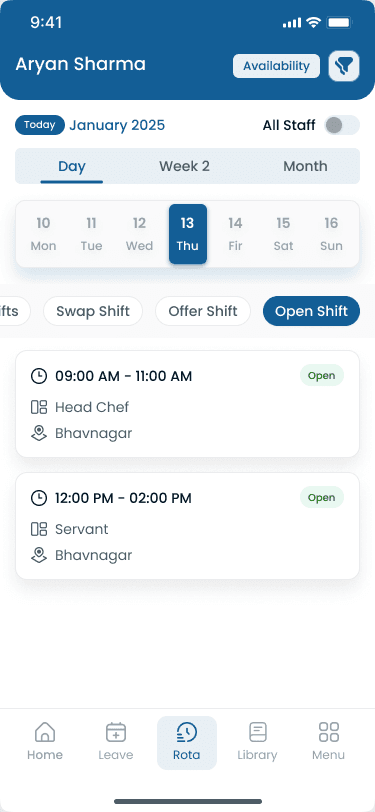
Many store managers still build schedules in Excel or Google Sheets, then chase coverage through messages and keep attendance in a separate system. The table shows where that workflow breaks once you staff more than one department or store.
| Capability | Manual scheduling | Heyshift |
|---|---|---|
| Weekly schedule | Manual rebuild each week | Centralized published roster |
| Availability | Manual notes and texts | Built into the assign workflow |
| Open shifts | Manual call lists | Structured open-shift fill |
| Shift changes | Messages and version confusion | Published change workflow |
| Attendance | Separate system | Connected to published shifts |
| Multi-store | Difficult file-per-store | Centralized locations |
| Tablet & Mobile Access | Limited or PDF exports | Built for staff phones |
| Labor visibility | After the week closes | During planning |
Store managers plan floor, checkout, and stock lanes on desktop. Associates see the official roster on tablet and phone, and clock-ins stay tied to the published shift.
Store managers build daypart lanes for sales floor, stock, and checkout on one grid, then publish a single official week. Copy-week and templates cut rebuild time when holidays, inventory counts, or promo weekends land mid-pay period. Compare with an employee schedule template when migrating off Excel.
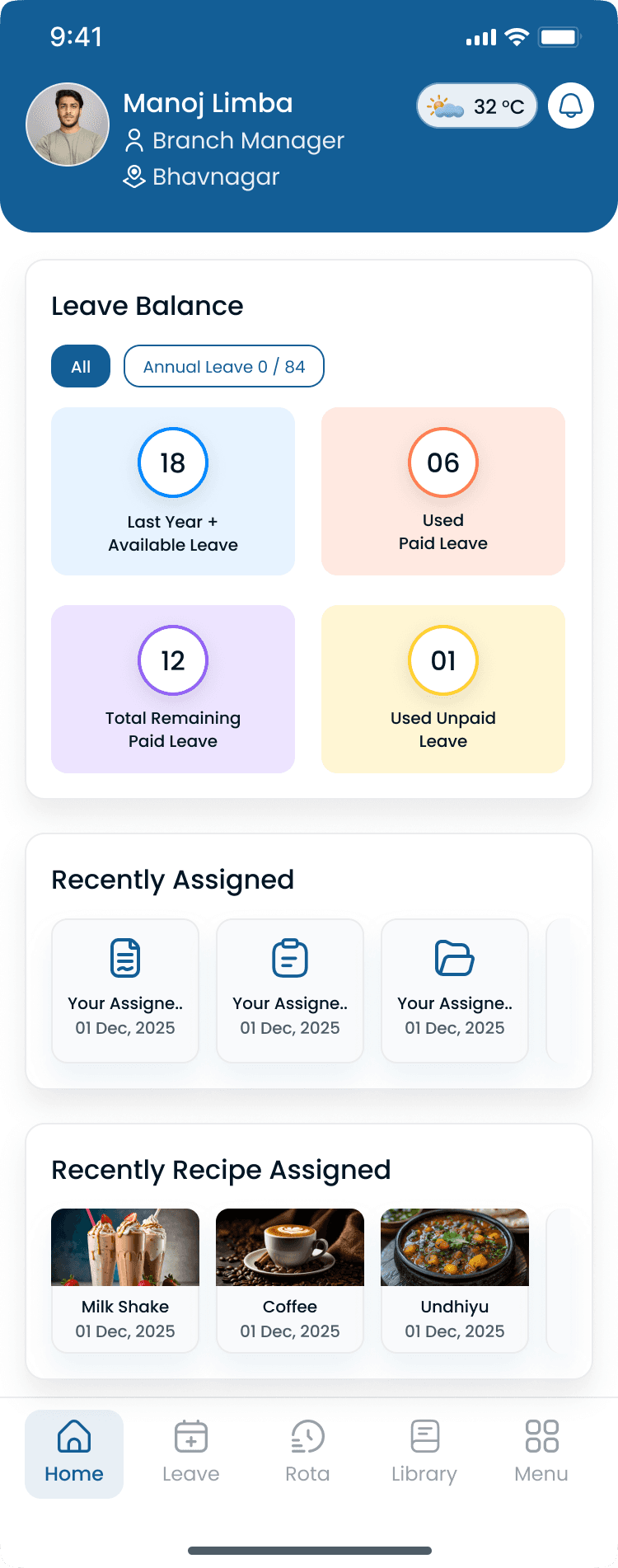
Associates view schedules and receive shift reminders from iOS and Android, the same roster managers publish on desktop. That reduces no-shows driven by outdated PDF exports and keeps multi-store teams aligned without a separate messaging thread.
Spreadsheets work until a second store, a franchise operator, or a larger hourly team turns Sunday night into a reconciliation job. The trigger is growth, not a new industry list.
What changes as you grow
Different lanes need different headcount. Lane-based scheduling helps managers put the right associates on checkout, floor, stock, and pickup work without a second spreadsheet.
Lanes you can schedule on one roster
Retail businesses should choose scheduling software that grows alongside their operations while simplifying workforce management. The right retail shift scheduling software saves managers time while improving employee coordination and customer service. Compare options in the employee scheduling software overview and best retail scheduling software guide, then start a free trial with your real store patterns.
Prioritize in this order
Common questions from retail managers and operations leads evaluating retail staff scheduling software.
Get started
Build a real store schedule, publish it to your team, and see how attendance and coverage fit together. Start a 30-day free trial.