

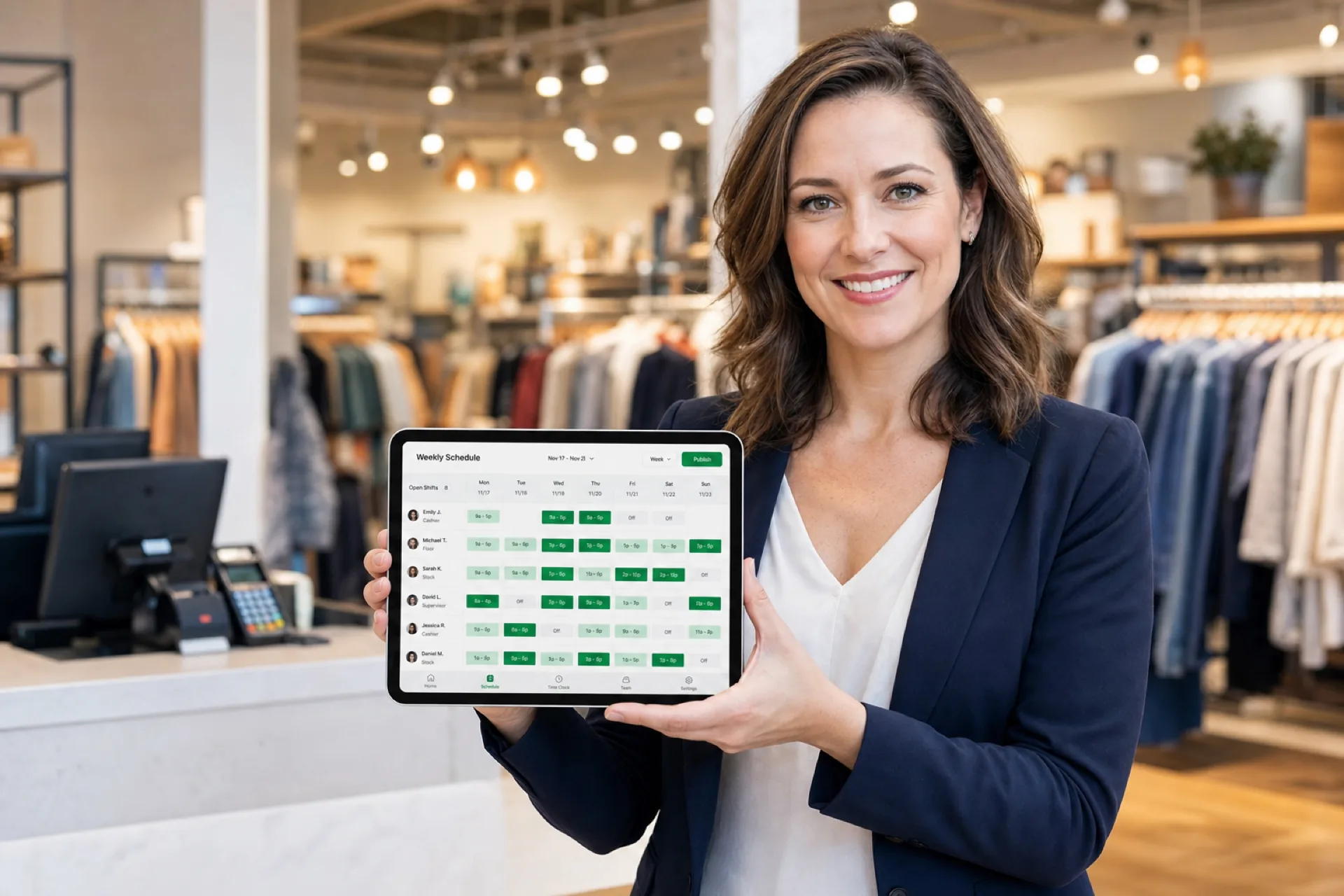
Best employee scheduling software for retail stores (2026)
Compare the best employee scheduling software for retail stores. Score scheduling, availability, coverage, attendance, and multi-store fit before you buy.
Comparison table
| Software | Best for | Auto scheduling | Multi-location | Shift swaps | Time off | Mobile | Attendance |
|---|---|---|---|---|---|---|---|
| Heyshift | Growing retail teams | Draft assist coming soon | Yes | Yes | Yes | Yes | Yes |
| Homebase | Smaller stores that also want hiring and payroll add-ons | Limited | Limited | Yes | Yes | Yes | Yes |
| Deputy | Larger ops that want demand-style automation | Yes on higher plans | Yes | Yes | Yes | Yes | Yes |
| Connecteam | Field-heavy teams that live in one mobile app | Limited | Limited | Limited | Yes | Yes | Yes |
| Sling | Smaller teams that want a simple shared calendar | Limited | Limited | Yes | Yes | Yes | Basic |
How to read the table. “Limited” means the capability exists in a narrower form, on higher plans, or with extra products. “Basic” means time tracking is present but thinner than a full attendance suite. Confirm the current plan before you treat a cell as a buying decision.
1. Heyshift
Best for: Growing retail businesses and multi-store teams
Key features:
- Employee scheduling
- Employee availability
- Shift management
- Auto scheduling (draft assist coming soon)
- Multi-location scheduling
- Mobile access
- Attendance
Pros
- One workspace for stores, departments, and people instead of a spreadsheet per location
- Availability and time-off requests sit next to the roster
- Attendance can be reviewed against the published schedule
- Paid plans start at $4, $6, and $9 per seat after a 30-day free trial, with unlimited locations on paid plans
Considerations
- AI draft assist is coming soon on Pro and Business, not a finished auto-scheduler today
- Does not replace a POS or a traffic-forecast tool
Start a 30-day free trial. No credit card required.
2. Homebase
Best for: Smaller store teams that also want hiring, tips, or payroll add-ons around the schedule
Key features:
- Employee scheduling
- Employee availability
- Shift management
- Auto scheduling
- Multi-location scheduling
- Mobile access
- Attendance
Pros
- Familiar hourly-team workflows for small stores
- Hiring and payroll add-ons if you want more than a roster
Considerations
- Extra locations sit on paid plans, so multi-store depth is limited unless you expand
- Built more for local hourly teams than district-level roll-up
Confirm current Homebase plans on Homebase’s site.
3. Deputy
Best for: Larger retail operations that want demand-style automation and a wide integration catalog
Key features:
- Employee scheduling
- Employee availability
- Shift management
- Auto scheduling
- Multi-location scheduling
- Mobile access
- Attendance
Pros
- Strong scheduling depth for complex, multi-store operations
- Auto-scheduling and demand-style tools on higher plans
- Broad marketplace if you already run a large HR or payroll stack
Considerations
- Pricing and packaging are harder to pin down from public pages alone
- Setup and admin time are usually heavier than a focused scheduler
Confirm current Deputy plans and add-ons on Deputy’s site.
4. Connecteam
Best for: Mobile-first retail teams that want chat, tasks, and scheduling in one app
Key features:
- Employee scheduling
- Employee availability
- Shift management
- Auto scheduling
- Multi-location scheduling
- Mobile access
- Attendance
Pros
- Mobile-first experience that floor staff will actually open
- Useful when operations already live in a work chat plus a task list
Considerations
- Multi-location admin, auto-scheduling, and reporting are thinner than dedicated WFM suites
- Confirm which scheduling and attendance features sit on which plan
Confirm current Connecteam plans on Connecteam’s site.
5. Sling
Best for: Smaller retail teams that want a simple shared calendar
Key features:
- Employee scheduling
- Employee availability
- Shift management
- Auto scheduling
- Multi-location scheduling
- Mobile access
- Attendance
Pros
- Fast to learn
- Shift offers and swaps are easy to explain to hourly staff
Considerations
- Multi-location controls, automation, and reporting are limited
- Attendance is basic compared with a full time-and-attendance suite
Confirm current Sling plans on Sling’s site.
Best scheduling software by retail business type
Grocery stores. Prioritize recurring schedules, early-morning shifts, weekend coverage, and large hourly teams.
Fashion and apparel stores. Manage part-time employees, seasonal workers, and busy shopping periods.
Electronics stores. Coordinate sales associates, product specialists, and store support teams.
Convenience stores. Support extended or 24/7 operating hours.
Department stores. Manage multiple departments and large employee teams.
Specialty retail. Build flexible schedules based on store traffic and employee availability.
Use the list as a starting point, not a ranking. A 12-person boutique and a 5-store grocery group can pick different tools even if both sell to walk-in customers.
How to schedule retail employees during peak seasons
Black Friday, Cyber Monday, holiday shopping, inventory weeks, and promotional events compress the same problems you already have: more hours, more weekends, more temporary employees, and more overtime risk. Extended store hours only work if someone owns backup coverage when a seasonal hire no-shows.
Retail peak-season checklist
- Forecast staffing needs from last year’s comparable week, not a guess
- Confirm availability early from regulars and seasonal staff
- Hire seasonal employees before you lock the grid
- Build schedules in advance so people can plan childcare and rides
- Prepare backup coverage for opening, register, and close
- Monitor overtime before you add another Saturday
- Communicate schedule changes quickly through the official roster
How to manage retail opening and closing shifts
Opening and closing are not leftover hours. They are named jobs.
Managers need to schedule opening staff who can receive freight or set the floor, sales-floor staff and cashiers for traffic, stocking teams around delivery windows, closing staff who can cash out and secure the store, and supervisors who own the handoff.
A useful week shows those bands as separate shifts, not one 10-hour block labeled “store.” That is how you see a missing closer before the door is supposed to lock.
How does scheduling software help retailers with multiple stores?
Multi-location scheduling software allows retail organizations to manage schedules across multiple stores while giving local managers control over their own teams.
What that should look like in practice:
- Centralized visibility for district or owner review
- Store-level managers who publish their own week
- Location-based schedules that match each store’s hours
- Shared employees and transfers without a second spreadsheet
- Reporting on hours and coverage across the group
If every store keeps its own file, you will double-book a floater or leave a register thin and not see it until Monday.
Example: scheduling a 5-store retail business
This is a hypothetical example, not a customer case study.
Consider a retailer operating five stores with 20 employees at each location. Each store has different operating hours, employee availability, and customer traffic patterns.
Manual approach. Five spreadsheets. Availability checks by text. Schedule creation. Phone calls when someone calls off. Every change creates another version of the file.
Software approach. Locations first. Employees and roles next. Availability. Shifts against coverage. A review of hours. One published schedule. Notifications.
The software path does not remove judgment about who should open or close. It removes the version-control problem.
Which retail scheduling software is best for your business?
Start with the week you already run: store count, how often the grid changes, and whether associates need the roster on a phone. Then pick from a use case, not a feature count.
Choose Heyshift if: you need straightforward employee scheduling, availability management, shift coordination, and multi-location workforce visibility.
Choose Homebase if: your primary requirement is hiring or payroll add-ons around a smaller-store schedule.
Choose Deputy if: your primary requirement is demand-style automation, a large integration catalog, and you have time for a heavier rollout.
Choose Connecteam if: your primary requirement is one mobile app for team communication plus a schedule, and you can accept thinner multi-store admin.
Choose Sling if: your primary requirement is a simple shared calendar for a smaller team and you do not need deep reporting.
How Heyshift helps retail managers build employee schedules
Instead of another feature list, here is the working path.
- Add stores and departments.
- Add employees and roles.
- Set employee availability.
- Create shifts.
- Build the schedule.
- Review staffing coverage.
- Publish the schedule.
- Notify employees.
- Manage shift changes.
- Review attendance.
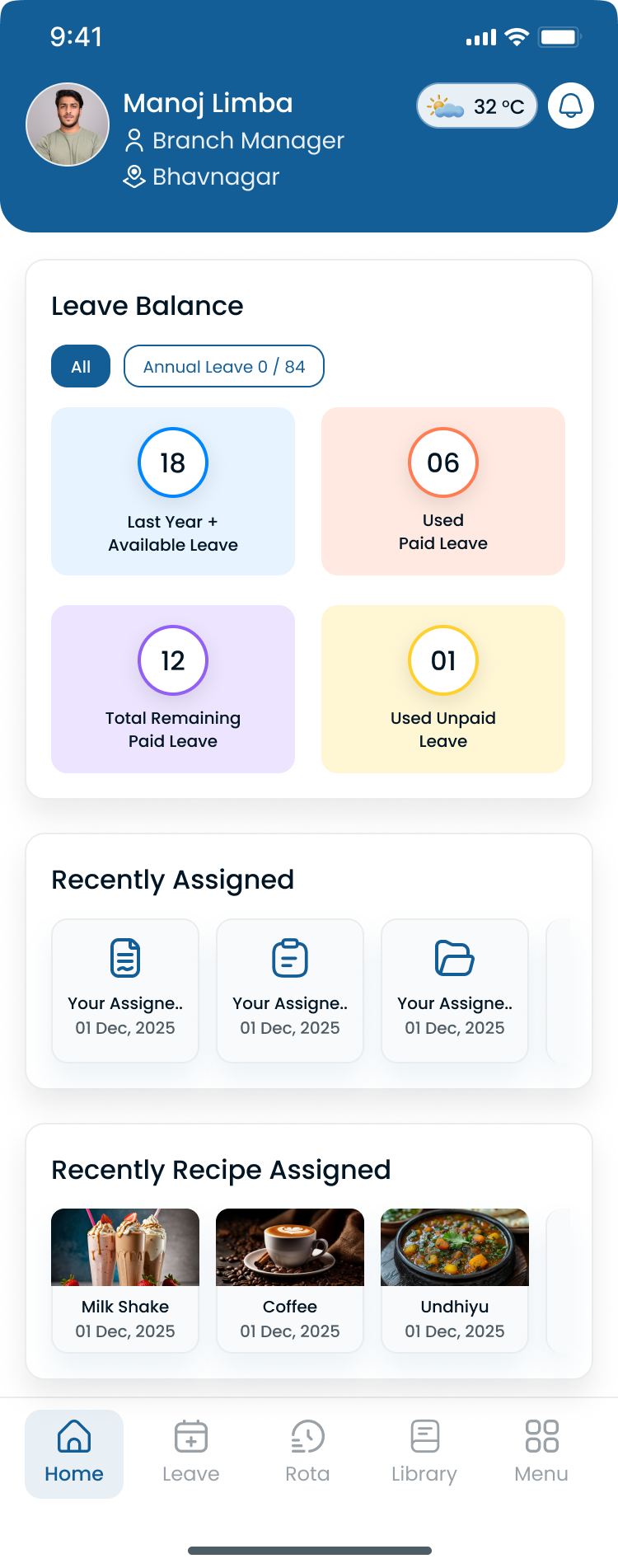
Managers can move between stores without exporting a new file for each location.
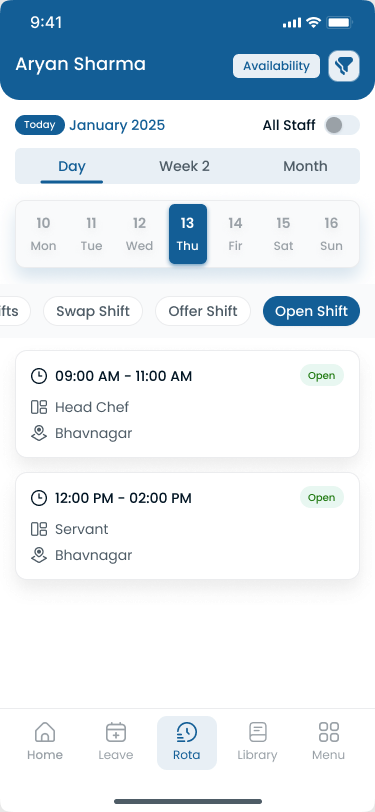
Associates can check the published roster on a phone, which matters on a floor where nobody wants another portal password.
Key takeaways
- Retail scheduling needs to account for changing customer demand and store operating hours.
- Part-time and seasonal employees make availability management especially important.
- Multi-store retailers benefit from centralized workforce visibility.
- Mobile access makes it easier for employees to stay informed about schedule changes.
- Auto scheduling can reduce the manual work involved in building recurring schedules, when the product you buy actually has it.
- The right platform depends on store count, workforce size, operating hours, and scheduling complexity.
Final thoughts
The best retail scheduling software is the one your store managers will actually update on a Saturday when a closer calls off. Start with coverage, availability, opening and closing bands, and attendance. Then decide whether you need Homebase-style add-ons, Deputy-scale automation, or a focused scheduler.
Start your 30-day free trial to see Heyshift against a real store week. Or book a walkthrough.
Frequently Asked Questions
Continue with related topics
More articles on topics related to this one.
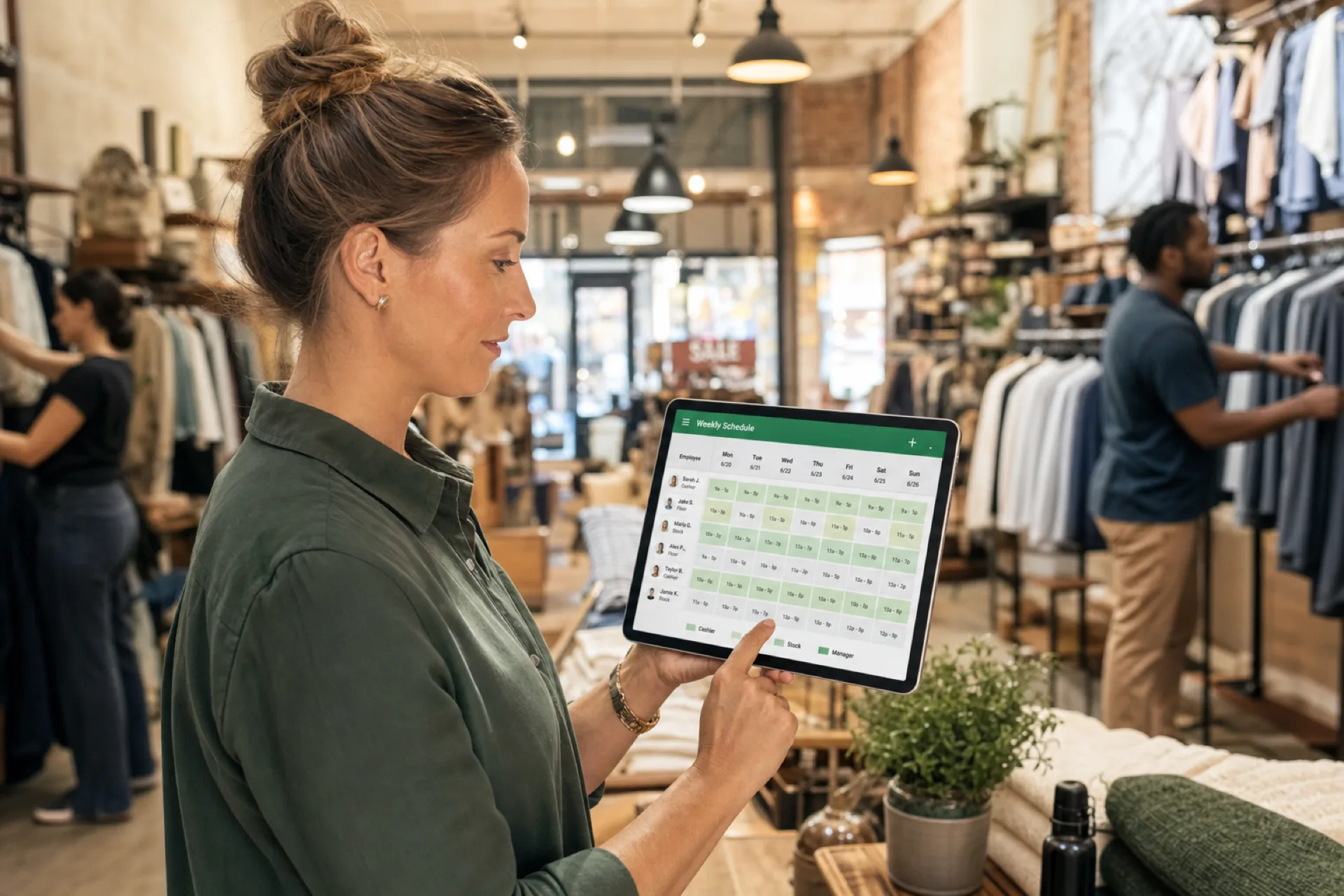
Retail employee scheduling best practices: a complete guide for retail managers
Retail employee scheduling best practices help store managers match staffing to customer traffic, control labor cost, reduce call-offs, and keep part-time teams aligned on one published roster.
Read article
Retail Scheduling Software for NYC Stores: Fair Workweek Rules and Buyer's Guide
NYC retailers with 20 or more employees must publish a written schedule 72 hours ahead. Here is what Fair Workweek requires and how to test scheduling software.
Read article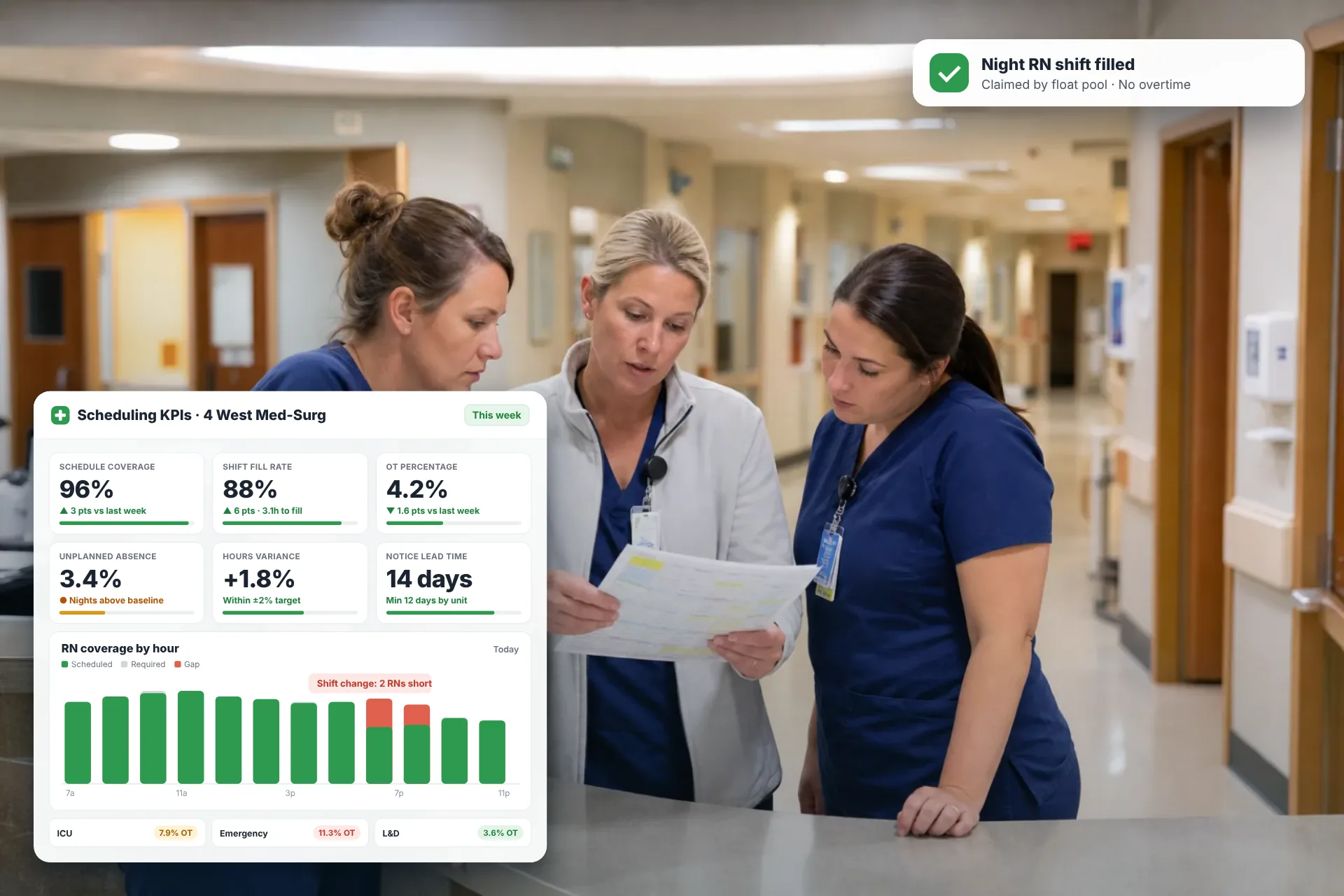
Employee Scheduling KPIs: 12 Metrics Every Operations Manager Should Track
Twelve employee scheduling KPIs with formulas, review cadences, and first actions, plus the trade-offs between them that most KPI lists skip.
Read article