

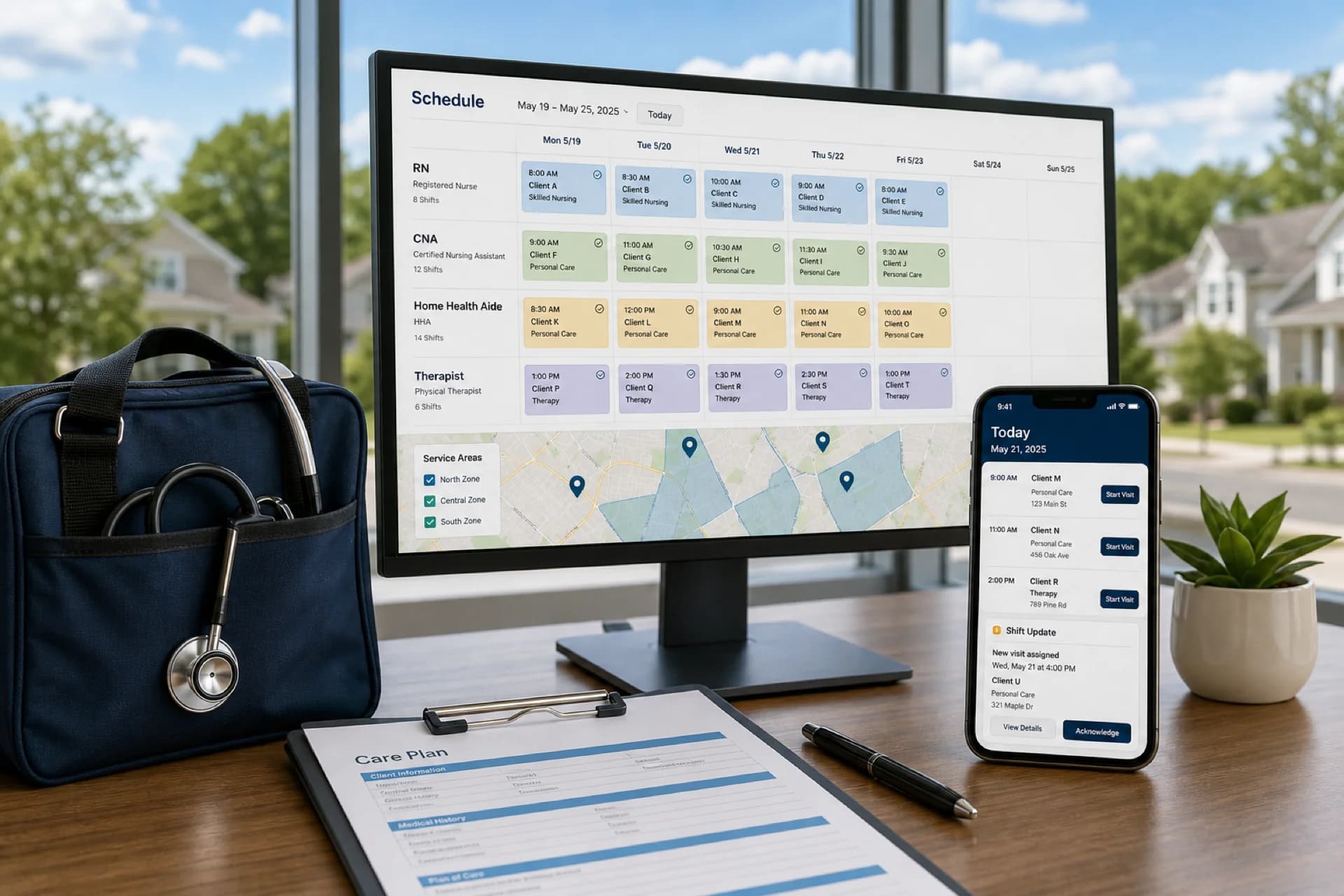
Best employee scheduling software for home healthcare agencies (2026)
Compare the best employee scheduling software for home healthcare agencies: caregiver scheduling, recurring visits, mobile access, and multi-area coverage.
Best home healthcare scheduling software compared
| Software | Best for | Caregiver scheduling | Mobile | Availability | Shift changes | Recurring schedules | Multi-location |
|---|---|---|---|---|---|---|---|
| Heyshift | Growing agencies | Yes | Yes | Yes | Yes | Yes | Yes |
| Connecteam | Field teams that live in one mobile app | Yes | Yes | Yes | Limited | Yes | Limited |
| Deputy | Larger ops that want demand-style automation | Yes | Yes | Yes | Yes | Yes | Yes |
| Homebase | Smaller teams that also want hiring add-ons | Yes | Yes | Yes | Yes | Yes | Limited |
| Sling | Smaller teams that want a simple shared calendar | Yes | Yes | Yes | Yes | Yes | Limited |
How to read the table. “Limited” means the capability exists in a narrower form, on higher plans, or with extra products. Recurring schedules here means copy-week or repeating shifts, not a clinical visit-routing engine. Confirm the current plan before you treat a cell as a buying decision.
1. Heyshift
Best for: Growing home healthcare agencies that need straightforward employee scheduling and workforce visibility
Key features:
- Employee scheduling
- Employee availability
- Shift management
- Open shifts
- Time-off management
- Multi-location scheduling
- Mobile schedule access
- Attendance
Pros
- Simple scheduling workflow
- Centralized workforce visibility
- Suitable for growing teams
- Paid plans start at $4, $6, and $9 per seat after a 30-day free trial, with unlimited locations on paid plans
Considerations
- Agencies requiring highly specialized clinical-care workflows should verify that the platform meets their specific operational requirements
- AI draft assist is coming soon on Pro and Business, not a finished auto-scheduler today
- Does not replace EHR, EVV, or patient-routing tools
Start a 30-day free trial. No credit card required.
2. Connecteam
Best for: Mobile-first agencies that want chat, tasks, and scheduling in one app
Key features:
- Employee scheduling
- Employee availability
- Shift management
- Open shifts
- Time-off management
- Multi-location scheduling
- Mobile schedule access
- Attendance
Pros
- Mobile-first experience that field caregivers will actually open
- Useful when operations already live in a work chat plus a task list
Considerations
- Multi-area admin, auto-scheduling, and reporting are thinner than dedicated WFM suites
- Confirm which scheduling and attendance features sit on which plan
Confirm current Connecteam plans on Connecteam’s site.
3. Deputy
Best for: Larger agencies that want demand-style automation and a wide integration catalog
Key features:
- Employee scheduling
- Employee availability
- Shift management
- Open shifts
- Time-off management
- Multi-location scheduling
- Mobile schedule access
- Attendance
Pros
- Strong scheduling depth for complex, multi-area operations
- Auto-scheduling and demand-style tools on higher plans
- Broad marketplace if you already run a large HR or payroll stack
Considerations
- Pricing and packaging are harder to pin down from public pages alone
- Setup and admin time are usually heavier than a focused scheduler
Confirm current Deputy plans and add-ons on Deputy’s site.
4. Homebase
Best for: Smaller agencies that also want hiring or payroll add-ons around the schedule
Key features:
- Employee scheduling
- Employee availability
- Shift management
- Open shifts
- Time-off management
- Multi-location scheduling
- Mobile schedule access
- Attendance
Pros
- Familiar hourly-team workflows
- Hiring and payroll add-ons if you want more than a roster
Considerations
- Built more for restaurants and local services than field visit blocks
- Multi-area and reporting depth are limited unless you expand into more products
Confirm current Homebase plans on Homebase’s site.
5. Sling
Best for: Smaller agencies that want a simple shared calendar
Key features:
- Employee scheduling
- Employee availability
- Shift management
- Open shifts
- Time-off management
- Multi-location scheduling
- Mobile schedule access
- Attendance
Pros
- Fast to learn
- Shift offers and swaps are easy to explain to hourly staff
Considerations
- Multi-area controls, automation, and reporting are limited
- Attendance is basic compared with a full time-and-attendance suite
Confirm current Sling plans on Sling’s site.
Which home healthcare businesses use scheduling software?
Home health agencies. Coordinate nurses, aides, therapists, and other field employees.
Personal care agencies. Schedule caregivers providing daily living assistance.
Companion care agencies. Manage recurring companion visits and caregiver availability.
Senior care providers. Coordinate caregivers across multiple clients and service areas.
Private-duty care agencies. Manage longer shifts and recurring caregiver assignments.
Use the list as a starting point. A 15-person companion-care team and a 3-area skilled agency can pick different tools even if both send people into homes.
How recurring caregiver scheduling works
Many home healthcare agencies provide services on a recurring basis.
For example:
- Monday: Caregiver A, 8 AM-12 PM
- Tuesday: Caregiver B, 8 AM-12 PM
- Wednesday: Caregiver A, 8 AM-12 PM
- Thursday: Caregiver B, 8 AM-12 PM
- Friday: Caregiver A, 8 AM-12 PM
Scheduling software can help managers create repeat schedules instead of manually rebuilding the same week. In Heyshift that usually means copying a published week and editing exceptions, not a separate clinical recurrence engine. A nurse schedule template or healthcare employee schedule template can help you sketch the pattern first.
How to handle caregiver call-offs
When a caregiver cannot work, managers need to identify coverage quickly.
- Caregiver calls off.
- Manager marks the visit block as an open shift.
- Check available caregivers who can work that window and area.
- Assign a replacement.
- Update the published schedule.
- Notify affected employees.
That path is faster than a phone tree only if availability is already in the same system as the roster.
Managing caregivers across multiple service areas
As agencies grow, they may serve patients across multiple cities or regions.
Multi-location scheduling software can help managers organize locations, service areas, departments, employees, shifts, availability, and coverage in one workspace. Local coordinators still publish their own week. Regional leads should see hours and open visits without merging files.
Example: scheduling 50 caregivers across three service areas
This is a hypothetical example, not a customer case study.
A home healthcare agency has 50 caregivers serving 120 clients across three service areas. Each caregiver has different availability, while many patients require recurring weekly visits.
Manual process. Multiple spreadsheets. Availability checks. Phone calls. Schedule creation. Changes. Repeated updates.
Centralized scheduling. Employees first. Then availability, recurring schedules, shift assignments, coverage review, publish, and notifications.
The software path does not decide who is qualified for a client. It removes the version-control problem when three coordinators edit the same week.
Which home healthcare scheduling software is right for your agency?
Choose Heyshift if: you need a straightforward scheduling platform for managing employees, availability, shifts, time off, and multiple locations.
Choose Connecteam if: mobile field workforce management and in-app communication are your highest priority, and you can accept thinner multi-area admin.
Choose Deputy if: your agency needs heavier automation, a large integration catalog, and you have time for a broader rollout.
Choose Homebase if: your primary requirement is hiring or payroll add-ons around a smaller-team schedule.
Choose Sling if: your primary requirement is a simple shared calendar and you do not need deep reporting.
Agencies with highly specialized home-care workflows, EVV, or clinical routing should verify those requirements on the vendor’s current documentation. Scheduling software is the roster layer, not the whole care stack.
How Heyshift helps home healthcare agencies manage schedules
Instead of another feature list, here is the working path.
- Add locations or service areas.
- Add employees.
- Set employee availability.
- Create shifts.
- Build recurring schedules where applicable, usually by copying a published week.
- Review staffing coverage.
- Publish schedules.
- Notify employees.
- Manage schedule changes.
- Review attendance.
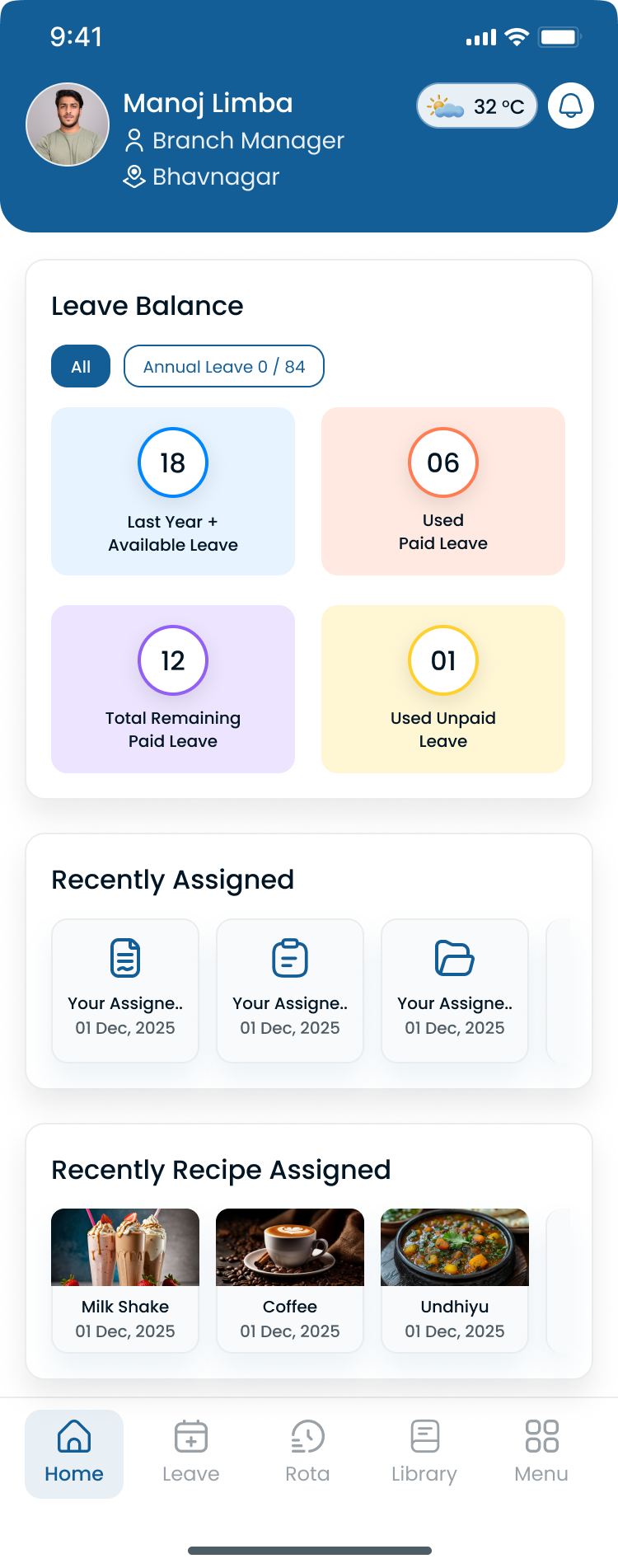
Coordinators can move between service areas without exporting a new file for each city.
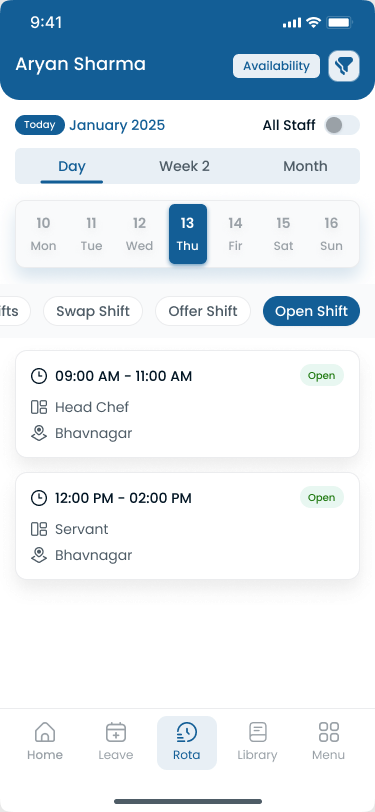
Caregivers can check the published roster on a phone, which matters between patient homes where nobody wants another portal password.
Key takeaways
- Home healthcare scheduling is more complex because employees work across different patient locations.
- Caregiver availability and recurring visits are important scheduling considerations.
- Agencies need a reliable process for handling call-offs and open shifts.
- Mobile access helps field employees stay informed about schedule changes.
- Multi-location scheduling becomes increasingly important as agencies expand.
- The best scheduling software depends on agency size, workforce structure, service model, and required capabilities.
Final thoughts
The best home healthcare scheduling software is the one your coordinators will actually update at 6 a.m. when a caregiver calls off. Start with availability, recurring visit blocks, open shifts, and mobile publish. Then decide whether you need Connecteam-style field chat, Deputy-scale automation, or a focused scheduler.
Start your 30-day free trial to see Heyshift against a real multi-area week. Or book a walkthrough.
Frequently Asked Questions
Continue with related topics
More articles on topics related to this one.

Home Healthcare Scheduling Software for Caregiver Management (2026)
Discover how home healthcare scheduling software helps agencies manage caregiver schedules, availability, open shifts, attendance, overtime, and multi-patient coverage.
Read article
Best Healthcare Staff Scheduling Software (2026): Compare the Top Solutions
Compare the best healthcare staff scheduling software for hospitals, clinics, nursing homes, assisted living, and home healthcare agencies. Features, pricing factors, and buying guidance for growing care organizations.
Read article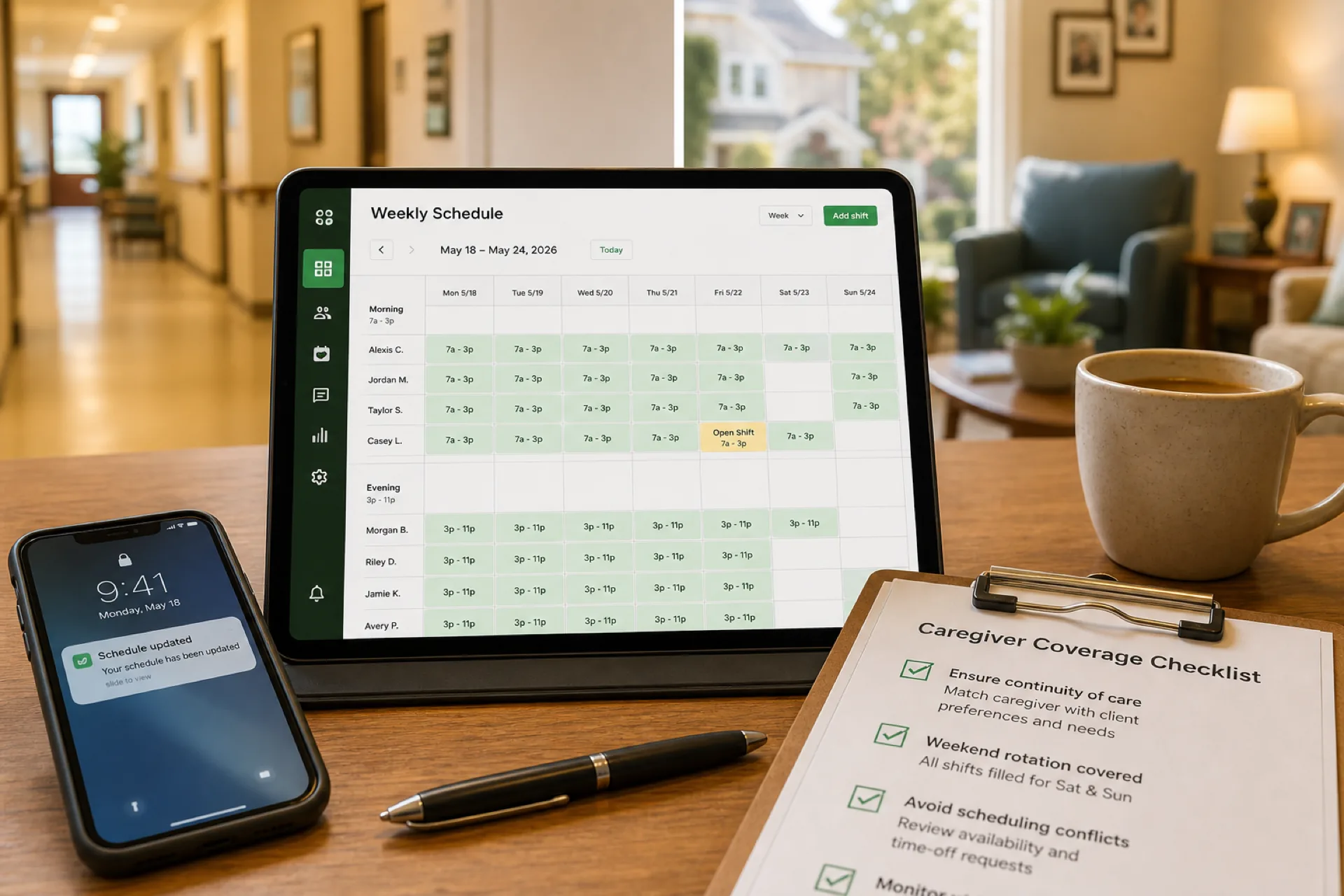
Caregiver Scheduling: Best Practices to Improve Coverage and Reduce Burnout (2026)
Learn caregiver scheduling best practices to improve shift coverage, reduce overtime, prevent burnout, and manage home healthcare, senior care, and personal care teams more efficiently with publish-first workforce software.
Read article