

Employee scheduling software with availability management: features, benefits, and how to choose
Compare employee scheduling software with availability management. Collect when people can work, prevent conflicts, and publish a more reliable week.
Managers cannot publish a reliable week if they do not know when people can actually work. Part-time hours, school, second jobs, time off, and last-minute personal changes make a separate spreadsheet or a pile of texts go stale.
Employee scheduling software with availability management puts those constraints in the same system as the roster. Employees submit when they can work. Managers review it, then assign shifts against current information instead of last month's notes.
This buying guide covers the workflow, the features that matter, and how to choose. It is not a vendor ranking.
Quick answer: what should availability management software do?
Employees should submit recurring and temporary availability from a phone. Managers should see those hours before they assign a shift. Approved time off should count as a hard no. The system should flag assignments that sit outside availability. The published week should use the current record, not a text from three weeks ago.
Availability is the input. The schedule is the output.
What is employee availability management?
Employee availability is when a person can work. Unavailability is when they cannot. Recurring availability repeats each week. Temporary availability is a short-term change. Preferred availability is when they would rather work. Approved time off is a decided leave day, not a preference.
Time off is not the same as availability. "I cannot work Fridays after 4 PM" is availability. "I have Friday off next week" is approved leave. Both should sit next to the roster. Mixing them is how Friday still gets assigned.
How employee availability management works
A clean path looks like this:
- The employee submits availability.
- A manager reviews it if your policy requires approval.
- Availability becomes a scheduling constraint.
- The manager builds the week against it.
- The employee receives the published schedule.
Temporary changes should overlay the recurring pattern for a date range, then expire. Do not overwrite the permanent week because someone has two unusual evenings.
Why employee availability is important for scheduling
Current availability cuts assignments people cannot work. That means fewer last-minute changes, fewer coverage holes, and fewer arguments about a shift nobody agreed to. Part-time teams especially need it, because the manager cannot hold every school and second-job pattern in their head.
Less manual chasing also helps. Employees stop texting "I already told you Tuesdays are out" if the constraint is already on the week.
Common problems with manual availability tracking
Spreadsheets keep availability in a different file from the roster.
Texts arrive whenever something changes, then disappear in the thread.
Email buries the one message that mattered.
Paper forms are outdated by the next semester.
Multiple managers keep different versions of the same person.
Last-minute changes happen because the week was built on old information.
Growing teams feel this first. If you are adding people and a second manager, scheduling software for growing teams is the broader buying page.
Features to look for in employee scheduling software with availability management
Do not stop at "can employees type hours?" Ask whether those hours change the published week.
Employee self-service availability
People should submit their own availability instead of waiting for a manager to retype a text.
Recurring availability
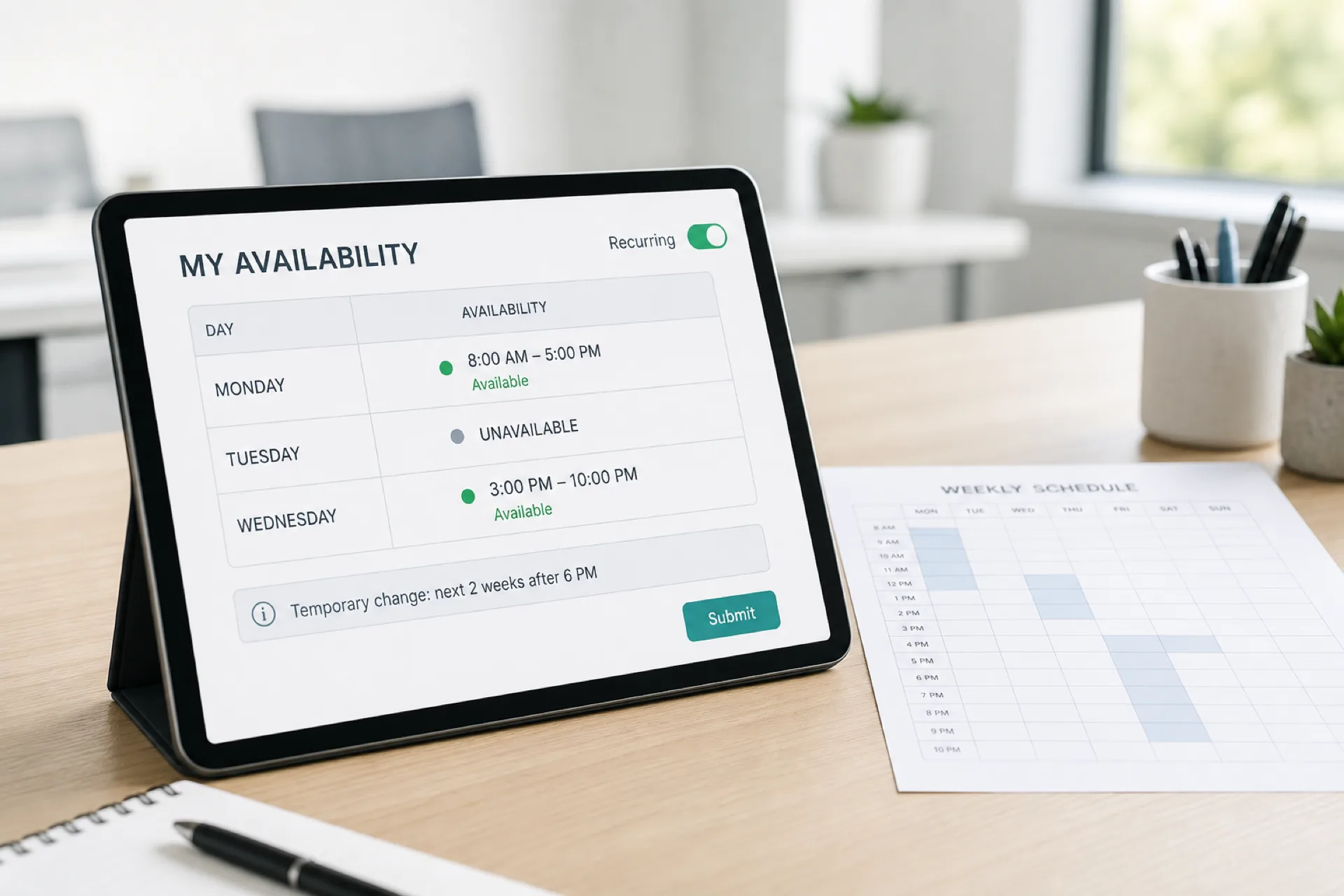
Useful when the week repeats. Example: Monday 8 AM-5 PM, Tuesday not available, Wednesday 3 PM-10 PM.
Temporary availability changes
A two-week change should not become the new permanent pattern.
Availability by day and time
Managers need exact windows, not a vague "evenings."
Time-off integration
Approved leave should block those dates when the week is built.
Conflict detection
The software should help flag a shift that sits outside stated availability. It will not replace a manager's judgment on every edge case. For the wider clash list, see how to prevent employee scheduling conflicts.
Mobile access
Hourly staff will update availability on a phone or they will not update it at all. That is why employee scheduling software with a mobile app matters here.
Manager approval
You may want to approve availability changes so a last-minute edit cannot silently rewrite next week's constraints.
Multiple locations
Someone may be available at Store A Monday through Wednesday and Store B Thursday and Friday. Availability is not a license to assign them anywhere.
Role and qualification matching
Being free at 4 PM does not make someone a closer, a nurse, or a certified food handler. Confirm role and labor rules with qualified HR or legal counsel.
Employee availability vs employee preferences
Availability is when I can work. Preference is when I would rather work.
Example: available Monday through Saturday, prefers Monday through Friday. Saturday may still be legal and possible. It is not the first choice. Managers should see both, then decide against coverage needs.
Recurring vs temporary employee availability
Recurring repeats. Example: available Monday through Friday after 4 PM.
Temporary is a short window. Example: available only after 6 PM for the next two weeks.
A useful system keeps them separate so a short change does not erase the standing week.
How availability management helps prevent scheduling conflicts
Current constraints reduce unavailable assignments, last-minute call-offs, coverage gaps, and disputes about a shift that never should have been offered. They also sit next to double-booking checks when someone is already assigned.
The path is: check availability, assign the shift, check conflicts, publish. After publish, shift swapping and open shifts handle changes without going back to a text list.
Availability management for part-time employees
Part-time staff often have school, a second job, a variable week, family hours, or seasonal limits. The manager should not have to remember those details. The system should show them before a name lands on Tuesday night.
Availability management across multiple locations
A person can be available at two sites and still be a bad assignment: travel, role, existing hours, or eligibility can block the shift.
Check location, travel time, role, current assignments, weekly hours, and whether they are allowed at that site. Multi-location employee scheduling software is the buying page when that is the job.
How mobile availability management works
The phone path should be short: open the app, view current availability, add or change a window, submit, wait for review if required, then see the published week use the new information.
If that path is harder than a text, availability will stay in the text thread.
Employee availability software vs spreadsheets
Software does not remove every scheduling problem. It reduces the number of files you have to reconcile by hand.
| Feature | Spreadsheet | Scheduling software |
|---|---|---|
| Employee updates | Manual | Self-service |
| Availability history | Manual | Centralized |
| Temporary changes | Easy to overwrite | Structured |
| Time off | Separate process | Connected |
| Conflict checking | Manual | System-supported |
| Mobile access | Limited | In the app |
| Multiple locations | Hard to keep current | One record |
| Schedule connection | Manual | Direct |
How much does employee availability management software cost?
Vendors price per employee, per location, per month, by feature pack, or by workforce size. Do not buy availability as a standalone calendar if you still publish the week in another file.
Compare the full workflow: scheduling, availability, time off, open shifts, swaps, attendance, locations, and mobile access.
Heyshift paid plans start at $4, $6, and $9 per seat after a 30-day free trial, with unlimited locations on paid plans.
Free employee availability apps vs paid scheduling software
A free form can work for a small team with stable hours and one manager who always sees the replies.
Growing operations usually need the roster, availability, time off, open shifts, swaps, attendance, locations, mobile access, and approvals in one place. Compare the workflow, not only whether the download is free.
Who needs employee availability management software?
Restaurants often schedule hourly and part-time people whose evenings change.
Retail often has school, weekend, and seasonal windows.
Healthcare often has complex shift bands and role rules. Confirm clinical staffing requirements before you treat availability as the only constraint.
Hospitality often moves people across departments and overnight bands.
Warehouses often split day, evening, and overnight availability.
Multi-location businesses often have different eligibility by site, not only by clock time.
How to choose employee scheduling software with availability management
- Can employees manage availability themselves?
- Can managers approve changes?
- Does it support a recurring weekly pattern?
- Can it hold a temporary change without overwriting the standing week?
- Does availability connect to the schedule?
- Does approved time off count when you assign shifts?
- Can it flag assignments outside availability?
- Can employees update it on a phone?
- Can it handle more than one location?
- Can it respect roles and departments?
- Can it grow as you add people and sites?
Why Heyshift for employee availability management
Heyshift keeps scheduling, availability, time off, open shifts, swaps, mobile access, attendance, multi-location weeks, and publish in one workspace. It is not an enterprise HRIS.
Managers should not have to remember when every person can work. Availability should sit in the same workflow as the published roster.
Employee availability management checklist
- Collect current availability
- Mark recurring patterns
- Record temporary changes
- Track approved time off
- Review availability before you assign
- Check location eligibility
- Check role requirements
- Check existing assignments
- Review scheduled hours
- Publish the official week
- Communicate any later change
Final thoughts
Availability management should sit at the start of the week, not in a side file.
The useful path is collect, review, assign against constraints, check conflicts, then publish.
Choose software that keeps when people can work in the same place as the roster they follow.
Frequently Asked Questions
Continue with related topics
More articles on topics related to this one.
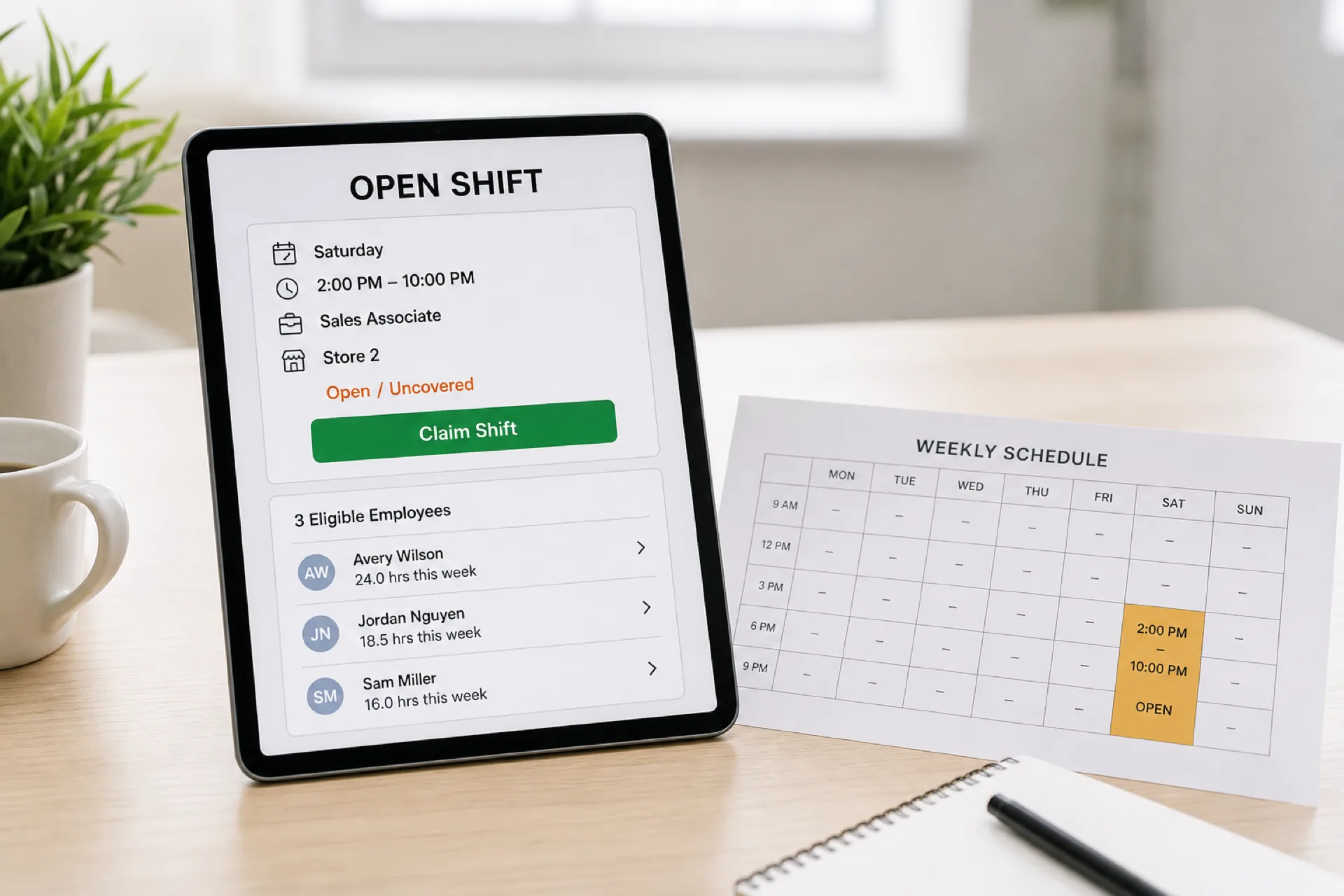
Employee scheduling software with open shifts: features, benefits, and how to choose
Compare employee scheduling software with open shifts. See how to publish uncovered hours, find eligible people, and update the official roster.
Read article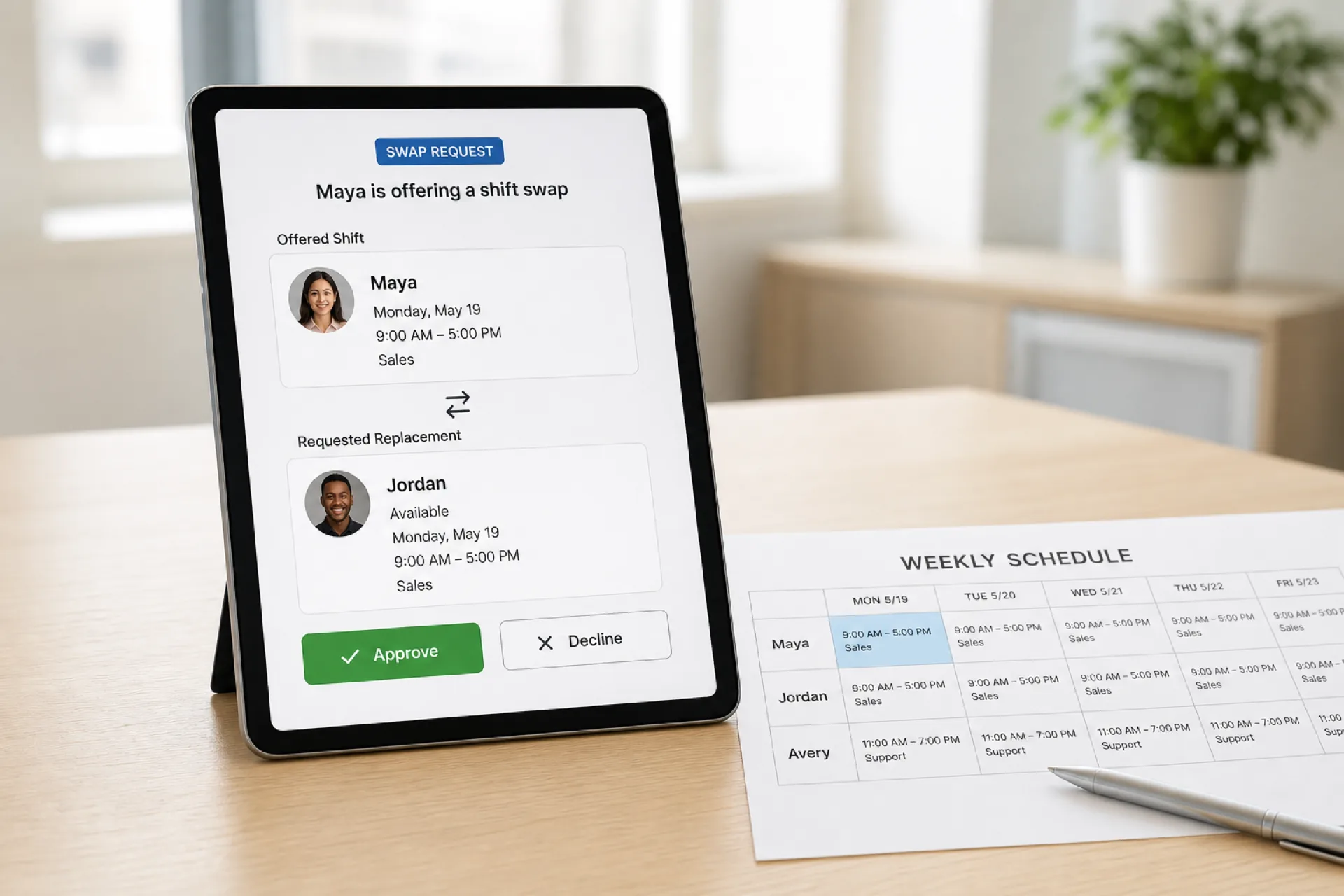
Employee scheduling software with shift swapping: features, benefits, and how to choose
Compare employee scheduling software with shift swapping. See requests, approvals, availability checks, and how the published roster updates.
Read article
Employee scheduling software with a mobile app: features, benefits, and how to choose
Compare employee scheduling software with a mobile app. See which features matter for shifts, availability, time off, swaps, and attendance.
Read article