

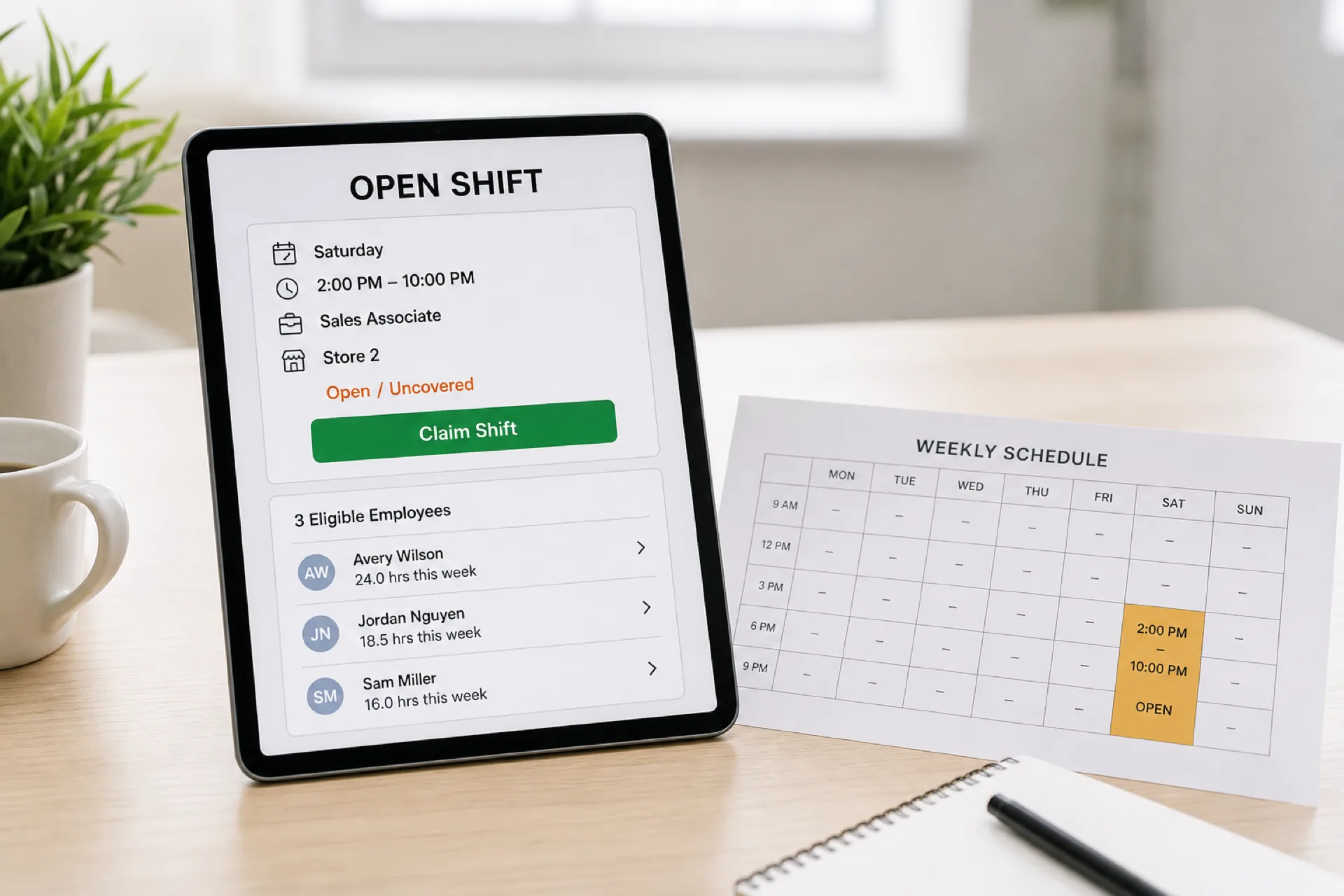
Employee scheduling software with open shifts: features, benefits, and how to choose
Compare employee scheduling software with open shifts. See how to publish uncovered hours, find eligible people, and update the official roster.
A published week still fails when a shift has no one on it. Someone calls off. Demand jumps. A new hour appears. Managers then spend the afternoon calling down a list while the rest of the team works from an old file.
Employee scheduling software with open shifts turns that hole into a structured offer: the hours, the role, who is eligible, who claims it, and what the official roster says after approval.
This buying guide covers the workflow, the features that matter, and how to choose. It is not a vendor ranking. It is not a healthcare-only playbook.
Quick answer: what should open shift software do?
Managers should publish an uncovered shift to eligible employees. People should see the location, hours, and role on a phone. The system should check availability, existing assignments, and hours. A manager should approve the claim. The published roster should update.
If coverage still starts with a group text, you do not have open shift management. You have another unofficial channel.
What is an open shift?
An open shift is a required assignment that does not yet have an approved employee.
A scheduled shift already has a name. An uncovered shift is the operational problem: the hours need coverage and nobody is confirmed. A shift swap starts with someone who already owns a shift and wants a named trade.
Use an open shift when the hole has no replacement yet. Use a swap when two people can exchange coverage. For the trade workflow, see employee scheduling software with shift swapping.
How open shift management works
A clean path looks like this:
- A shift becomes available or was never filled.
- The manager publishes it as an open shift.
- Eligible employees see it.
- Someone claims or requests it.
- The manager approves or declines.
- The published schedule updates.
- The team sees the current week.
Skip the eligibility check and you can fill the cell with the wrong person. Skip the publish step and two phones will disagree about who owns Saturday.
Why businesses have open shifts
Open hours show up after call-offs, unexpected absences, a rush in demand, availability changes, a new shift, seasonal volume, a last-minute edit, or someone leaving the business.
The cause changes. The job does not: find a qualified person without creating a new conflict.
Problems with filling open shifts manually
Calling people one by one is slow. Group texts create three yes answers for one shift. Availability is stale. The first person who replies may already be booked, or not qualified. Managers lose hours hunting coverage, then still have to edit a spreadsheet and tell the rest of the team.
Growing teams feel this first. If you are adding managers and a second site, scheduling software for growing teams is the broader buying page.
Features to look for in open shift scheduling software
Do not stop at "can I mark a shift open?" Ask what happens after you publish it.
Open shift creation. Managers should turn uncovered hours into a visible offer: date, start, end, location, and role.
Employee eligibility. Only people who can work that site and role should see the claim.
Availability checking. The claimant should be able to work those hours.
Conflict detection. The software should flag overlapping assignments before approval.
Mobile access. Hourly staff will not sit at a desktop to pick up Saturday. That is why employee scheduling software with a mobile app matters here.
Employee shift claiming. Eligible people should request or claim the hours from the offer.
Manager approval. You should be able to require a decision so the first tap does not silently rewrite the week.
Notifications. People should hear when a shift opens, when someone claims it, and when it is approved or declined.
Multiple locations. The offer should say which site, and the check should include the person's full week.
Role and qualification matching. A closer, a nurse, or a certified food handler is not interchangeable with "anyone who replied." Confirm role and labor rules with qualified HR or legal counsel.
Schedule updates. After approval, the official roster should show the name. Side notes do not count.
Attendance integration. After the week runs, managers should be able to compare scheduled hours with actual hours.
Open shifts vs shift swapping
A swap starts with an assigned employee who wants a specific trade. An open shift starts with hours that still need someone eligible to claim them.
| Open shift | Shift swap | |
|---|---|---|
| Starting point | Uncovered hours | An assigned employee |
| People involved | One eligible claimant | Usually two |
| Purpose | Fill a gap | Exchange coverage |
| Approval | Often required | Often required |
| Availability check | Required | Required |
| Schedule update | Required | Required |
Use both. Do not treat a named trade as an open offer, or an empty cell as a swap.
How mobile open shift management works
The phone path should be short: open the app, view the available shift, read location and hours, claim or request it, wait for approval, see the updated week.
If that path is longer than a text, employees will stay in the text thread.
How open shifts help reduce manager work
Manual: call one person, wait, call another, update a spreadsheet, notify the team.
Software: publish the open shift, eligible people see it, someone claims it, the manager approves, the roster updates.
The manager still decides. They stop being the switchboard.
Open shift management for multiple locations
A floater can look free at Store B and already be assigned at Store A. Travel between a close at one site and an open at another can make a "yes" unusable.
Publish the location on the offer. Check the person's complete week, not one store file. Multi-location employee scheduling software is the buying page when that is the job.
How open shifts can help control overtime
Automatically handing extra hours to the person who already worked the most is how overtime appears after Friday.
An open shift lets other eligible people see the hours first. Review weekly totals before you approve. Confirm overtime rules for your jurisdiction with qualified HR or legal counsel. If you need the business case for software, use the employee scheduling software ROI guide.
Open shift scheduling for different industries
Hourly teams that change the week often get the most value.
Restaurants fill server, kitchen, and bar gaps when a call-off hits dinner.
Retail fills sales, opening, and closing hours across departments and stores.
Healthcare fills nurse, caregiver, and support gaps when leave and call-offs hit a unit. For that setting, use healthcare open shift management. Confirm clinical staffing rules before you allow a claim.
Hospitality fills front desk, housekeeping, and food service across overnight bands.
Warehouses fill associate and supervisor lines on early, evening, and overnight shifts.
Facility and field teams fill site-specific hours when the next job is not at the same address.
How much does open shift scheduling software cost?
Vendors price per employee, per location, per month, by feature pack, or by workforce size. Do not compare only the subscription.
Judge whether you also get scheduling, open shifts, availability, swaps, mobile access, approvals, locations, and a published update. A cheap offer tool that leaves the official week in a spreadsheet still costs manager time.
Heyshift paid plans start at $4, $6, and $9 per seat after a 30-day free trial, with unlimited locations on paid plans.
Free open shift apps vs paid scheduling software
A free or basic board can work for a small team with rare holes and one manager who always sees the replies.
Paid scheduling software is more useful when you need eligibility, availability checks, conflict detection, approvals, more than one location, and one official roster. Compare the workflow, not only whether the download is free.
How to choose open shift scheduling software
- Can managers create an open shift?
- Can eligible employees see it?
- Does the system check availability?
- Can it flag double-booking?
- Can managers approve claims?
- Does it support more than one location?
- Can employees finish the claim on a phone?
- Does the published week update after approval?
- Are people notified?
- Does it sit in the same workflow as scheduling, swaps, and availability?
Why Heyshift for open shift management
Heyshift keeps scheduling, open shifts, availability, swaps, mobile access, attendance, time off, locations, and publish in one workspace. It is not an enterprise HRIS.
Managers post the hole once. Eligible employees see it on a phone. The official week updates after approval. That is the product test: coverage without a second unofficial list.
Open shift management checklist
- The uncovered shift is identified
- The required role is defined
- The location is set
- The open shift is published
- Eligible employees are notified
- Availability is checked
- Existing assignments are checked
- Hours are reviewed
- The manager approves
- The published roster updates
Final thoughts
Open shift software should fill the hole without creating a second schedule in messages.
The useful path is publish, notify eligible people, check constraints, approve, update the official week.
Choose software that lets employees pick up coverage and still leaves managers in control of the roster.
Frequently Asked Questions
Continue with related topics
More articles on topics related to this one.
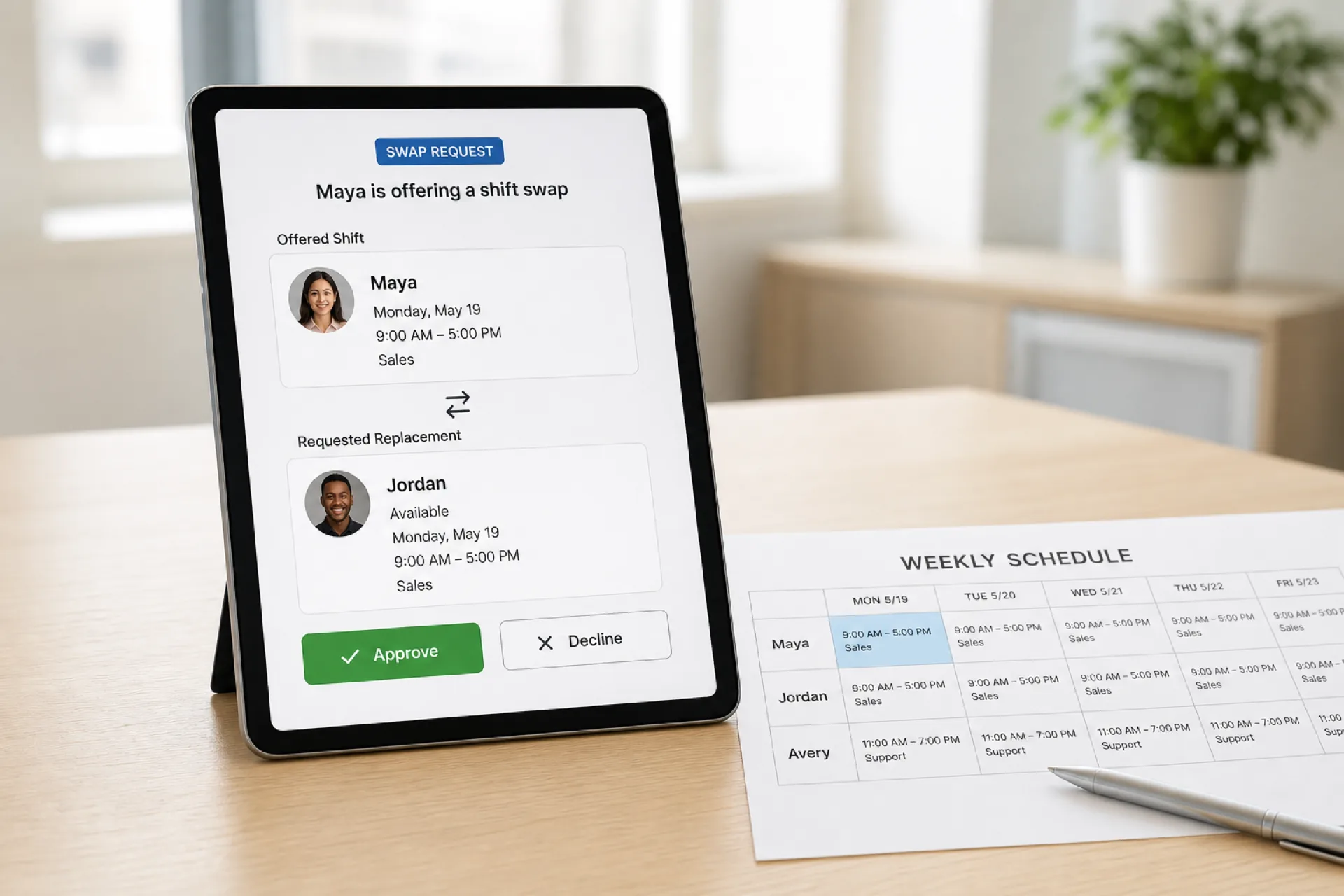
Employee scheduling software with shift swapping: features, benefits, and how to choose
Compare employee scheduling software with shift swapping. See requests, approvals, availability checks, and how the published roster updates.
Read article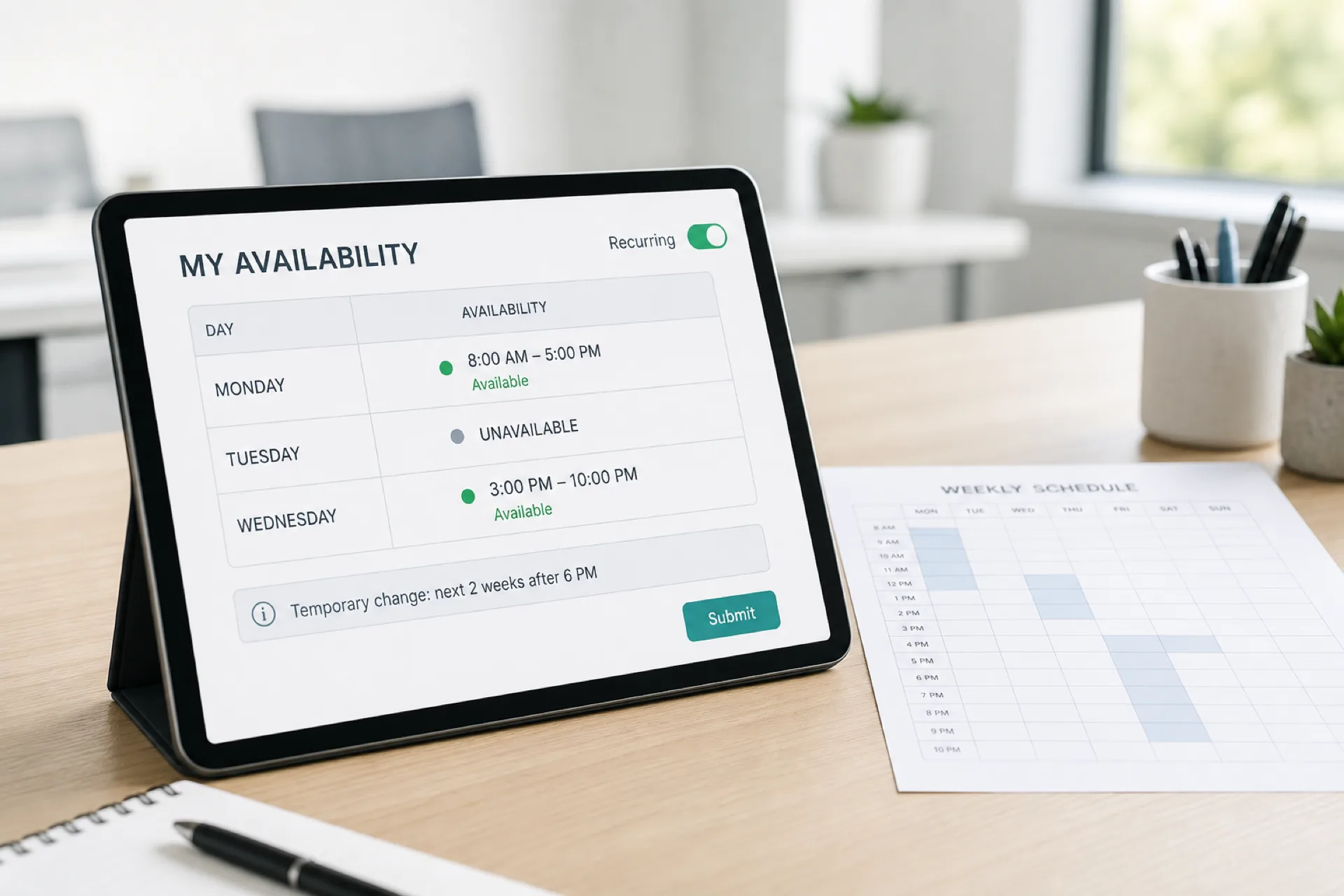
Employee scheduling software with availability management: features, benefits, and how to choose
Compare employee scheduling software with availability management. Collect when people can work, prevent conflicts, and publish a more reliable week.
Read article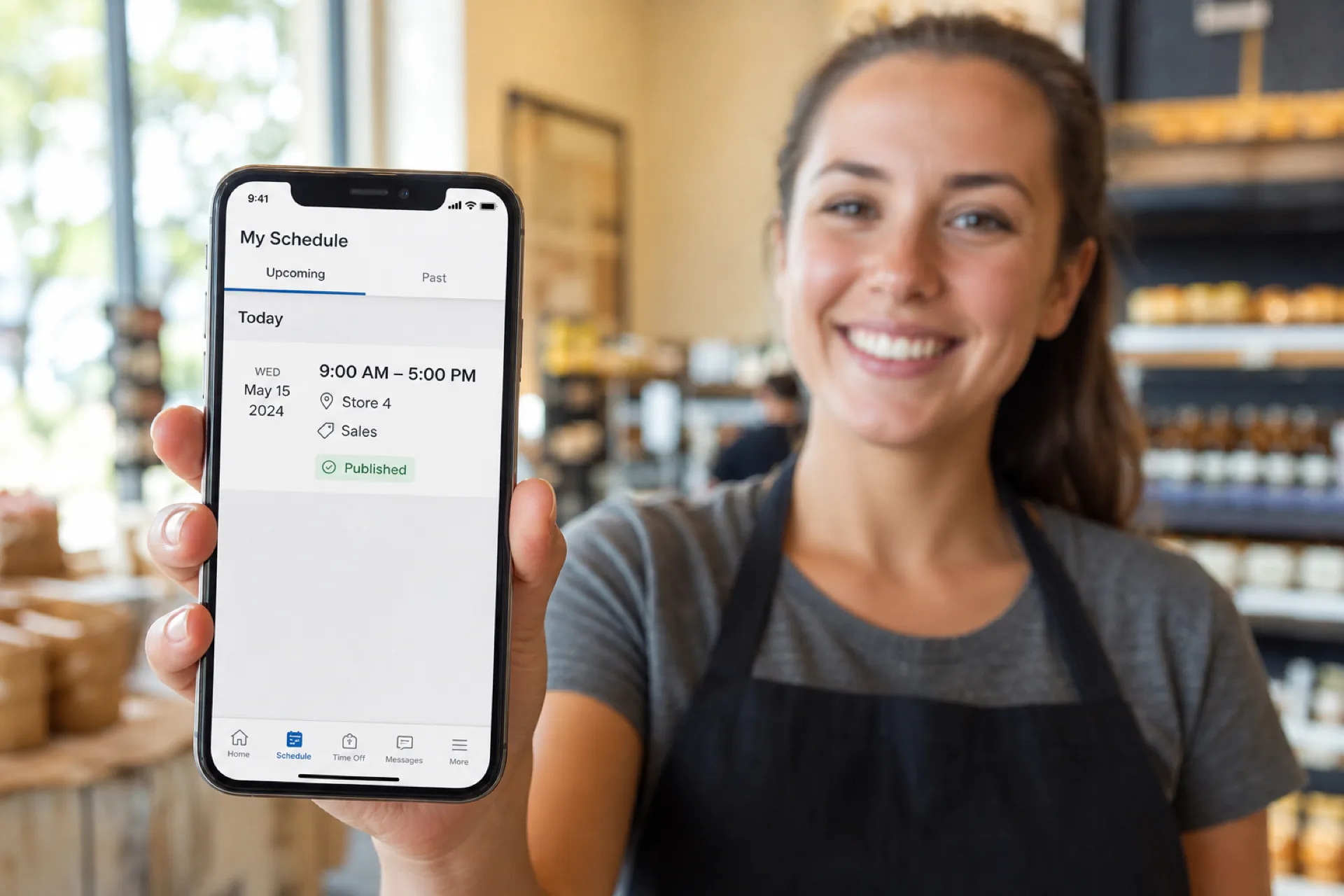
Employee scheduling software with a mobile app: features, benefits, and how to choose
Compare employee scheduling software with a mobile app. See which features matter for shifts, availability, time off, swaps, and attendance.
Read article