


Employee scheduling software ROI calculator guide: is scheduling software worth it? (2026)
Learn how to calculate employee scheduling software ROI in 2026: hidden manual costs, overtime, attendance, a worked example, and when software pays for itself.
Is employee scheduling software worth it?
When you evaluate employee scheduling software, one question shows up before any feature demo:
Will this actually save my business money?
Most owners do not buy workforce tools for convenience alone. They buy to save management time, reduce labor cost, improve attendance, cut scheduling errors, and run multi-site teams with less chaos.
The trap is comparing subscription price to zero while ignoring what manual scheduling already costs you in hours, overtime, no-shows, payroll fixes, and communication rework.
The better question is not only how much scheduling software costs. It is how much manual scheduling costs today.
This employee scheduling software ROI guide gives you a simple calculator mindset: formula, hidden costs, a worked example, and when payback usually appears.
For plan tiers and hidden fees, see employee scheduling software pricing guide.
What is ROI?
ROI (return on investment) measures financial benefit against cost:
ROI = ((Gain from investment − Cost of investment) ÷ Cost of investment) × 100
A positive ROI means value exceeds spend.
For workforce scheduling software, gains usually come from:
- Reduced scheduling administration time
- Lower overtime and better labor utilization
- Fewer attendance and no-show disruptions
- Cleaner payroll handoff
- Faster workforce communication on mobile
The hidden costs of manual scheduling
Spreadsheets, paper rosters, group chat, and text threads feel free until you add labor math.
1. Manager scheduling time
Manual scheduling often consumes 3 to 10 hours per week across:
- Availability and time-off requests
- Shift swaps and coverage gaps
- Spreadsheet updates and version control
- Re-communicating changes staff already missed
Example
- Manager effective rate: $30/hour
- Scheduling admin: 5 hours/week
- Annual cost: 5 × $30 × 52 = $7,800/year
That is before overtime, attendance issues, or payroll corrections.
2. Overtime costs
Without visibility while building the week, overtime often surfaces after payroll runs.
Common drivers:
- Last-minute coverage changes
- Thin staffing on peak shifts
- No roll-up view across locations
- Reactive fixes instead of planned buffers
Example
- Extra overtime: 5 hours/week
- Blended OT cost: $25/hour
- Annual cost: 5 × $25 × 52 = $6,500/year
See how to prevent overtime before payroll for weekly discipline that supports ROI.
3. Employee no-shows and call-offs
Every missed shift costs replacement time, overtime, or service quality.
Industries hit hardest include retail, restaurants, healthcare, cleaning, and security. Read reduce no-shows and last-minute call-offs.
4. Payroll errors
Manual attendance increases incorrect hours, disputes, overpayments, and correction cycles. Pair scheduling ROI with attendance tied to published shifts.
5. Communication gaps
When chat replaces the published roster, managers re-send updates and staff work from stale versions. That rework is a real cost even if it never appears on a software invoice.
Example ROI calculation
Use this template with your numbers.
Business profile
- 25 employees across 2 locations
- 1 scheduling manager on paid tools
- Current process: spreadsheet plus group chat
Scheduling administration savings
Current: 5 hours/week at $30/hour = $7,800/year
Assume software cuts admin time 50%:
Savings: $3,900/year
Overtime savings
Current: 5 OT hours/week at $25/hour = $6,500/year
Assume 50% reduction with labor visibility while planning:
Savings: $3,250/year
Total annual savings (conservative)
| Source | Annual savings |
|---|---|
| Scheduling admin | $3,900 |
| Overtime | $3,250 |
| Total | $7,150 |
This excludes attendance accuracy, fewer no-shows, and multi-location roll-up value.
Subtract software cost to get net ROI
Compare savings against subscription cost. Use your actual seat count and plan from pricing.
Example: one planner seat on Starter
- Starter: $6/seat/month ( $4.80/seat/month billed annually)
- One seat for 12 months at monthly billing: $72/year
Net gain: $7,150 − $72 = $7,078/year
ROI: (($7,150 − $72) ÷ $72) × 100 ≈ 9,830%
Even if savings are half the example, ROI stays strongly positive for most shift-based operators.
Teams under 15 employees on one location can start on Heyshift Free at $0 while proving publish discipline, which makes early ROI math even simpler.
Where scheduling software creates ROI
Time savings
Managers spend less time building, updating, approving, and re-sending schedules when one published roster lives in shift scheduling.
Labor cost visibility
See scheduled hours and overtime risk while planning, not only after export. Pro adds labor cost vs sale reporting for operators who need finance-grade roll-ups.
Attendance management
Shift-based attendance improves accountability and trend visibility across sites. See attendance management software.
Workforce communication
Mobile notifications tied to the published week reduce chase-down time. Staff use the mobile app without a separate per-hourly-user mobile fee on Heyshift.
Multi-location management
District leads gain centralized visibility instead of merging site exports. See multi-location scheduling software.
ROI by industry
| Industry | Typical ROI levers |
|---|---|
| Retail | Peak-hour coverage, overtime control, attendance on promo weekends |
| Restaurants | Day-part staffing, swap volume, labor vs sales context |
| Healthcare | Coverage minimums, audit-friendly attendance |
| Cleaning and field service | Route visibility, mobile clock-in, multi-site coordination |
| Security | Shift coverage monitoring, client-site accountability |
Industry buyers should also read best scheduling software for retail, restaurants, and multi-location businesses.
When does scheduling software pay for itself?
Payback often appears within weeks to one payroll cycle when you:
- Cut scheduling admin time materially
- Catch overtime before export
- Reduce no-show scramble and chat rework
- Publish one official roster staff actually use on mobile
- Roll up two or more locations without spreadsheet merges
Even modest improvements frequently outweigh subscription cost. If you still run on Excel, compare workforce scheduling software vs Excel before you delay.
Why businesses move beyond spreadsheets
Spreadsheets work for very small static teams. Growth usually requires:
- Attendance beside the roster
- Mobile access for hourly staff
- Approved swap and open-shift paths
- Labor reporting and multi-location visibility
- Communication through the same system as the schedule
Read why spreadsheets fail for workforce scheduling.
How Heyshift supports ROI
Heyshift helps operators:
- Publish schedules faster with fewer version conflicts
- Track attendance against published shifts
- Manage swaps and open shifts on the official roster
- Improve mobile communication for deskless teams
- Reduce overtime exposure with planning-time visibility
- Coordinate multi-location areas from one account
Instead of juggling spreadsheets, email, and chat, managers run one workforce loop.
Heyshift plans and ROI context
| Plan | Price | ROI note |
|---|---|---|
| Free | $0 forever | Up to 15 employees, 1 location: prove savings before paid seats |
| Starter | $6/seat/mo | Multi-site growth, OT rules, geo-fencing |
| Pro | $9/seat/mo | Labor reporting, payroll depth, up to 10 locations |
| Enterprise | Custom | Unlimited scale, SSO, API, dedicated success |
Paid tiers include a 30-day money-back guarantee. Start a 30-day free trial with all features unlocked. No credit card required.
Hourly staff mobile access is included on every plan. Paid seats focus on planners and admins, not every employee on the roster.
Simple ROI calculator checklist
Copy this into a spreadsheet:
- Annual scheduling admin hours × manager hourly cost = Admin cost
- Weekly overtime hours × OT rate × 52 = OT cost
- Estimated no-show or payroll correction cost (optional buffer)
- Total manual cost = sum of above
- Expected reduction % after software (start with 25 to 50% on admin and OT)
- Annual software cost = seats × monthly rate × 12
- Net ROI = (Savings − software cost) ÷ software cost × 100
If step 7 is positive, the investment likely pays for itself.
Final thoughts
Employee scheduling software ROI is easy to ignore because subscription cost appears on an invoice while manual scheduling cost hides in manager hours, overtime, and rework.
The right platform reduces those hidden costs while improving workforce visibility. For growing shift-based businesses, scheduling software is usually an efficiency investment, not a line-item expense.
Measure what manual scheduling costs you this month, then compare it to one published week on software.
Frequently Asked Questions
Continue with related topics
More articles on topics related to this one.

How much does employee scheduling software cost? (2026 pricing guide)
Learn how much employee scheduling software costs in 2026: pricing models, typical monthly ranges, hidden fees, free trials, ROI, and how to choose the right tier.
Read article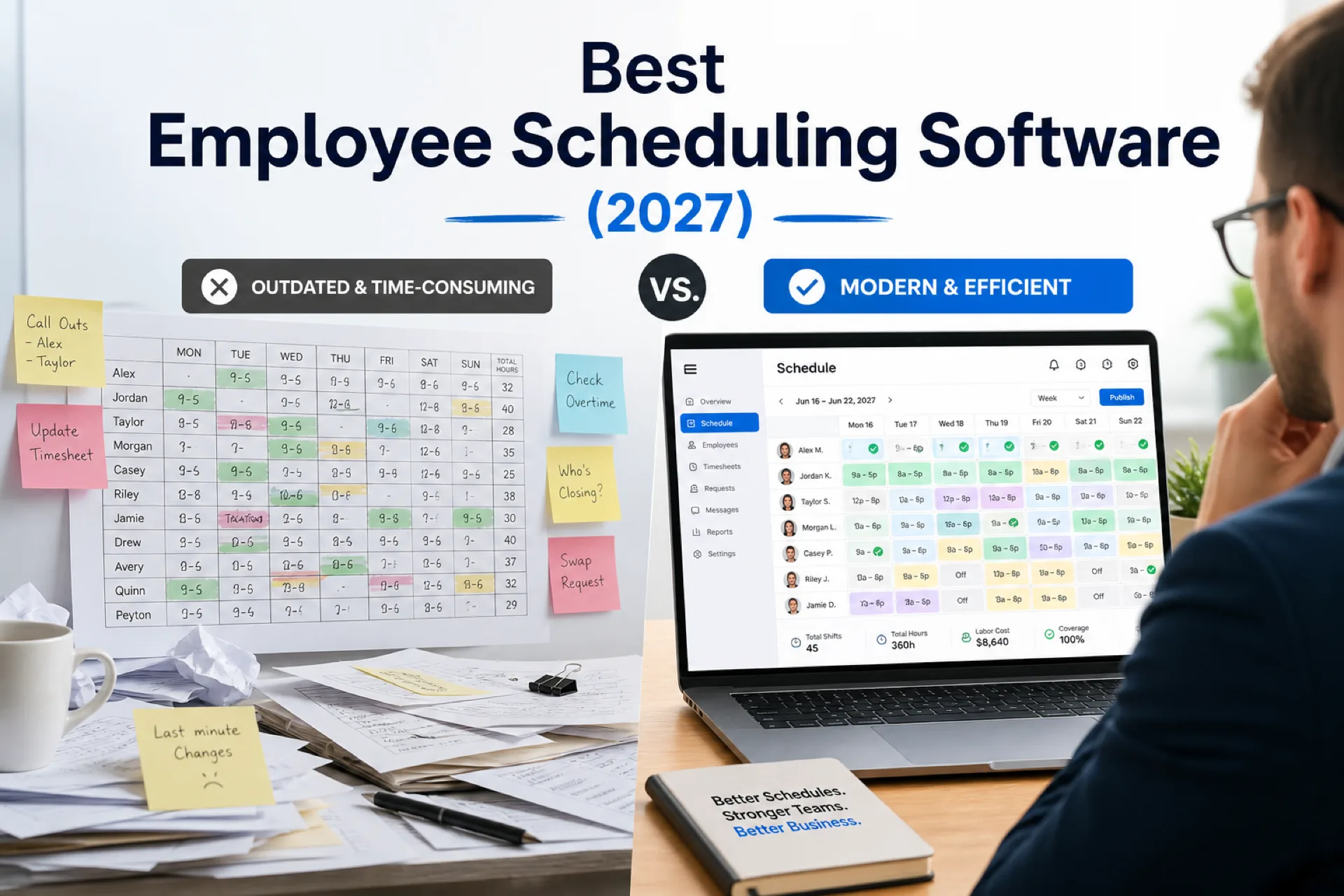
Best employee scheduling software (2027): compare top platforms
Compare the best employee scheduling software in 2027 for growing USA teams. Vendor profiles, feature table, industry picks, pricing factors, and buying guidance for shift-based businesses.
Read article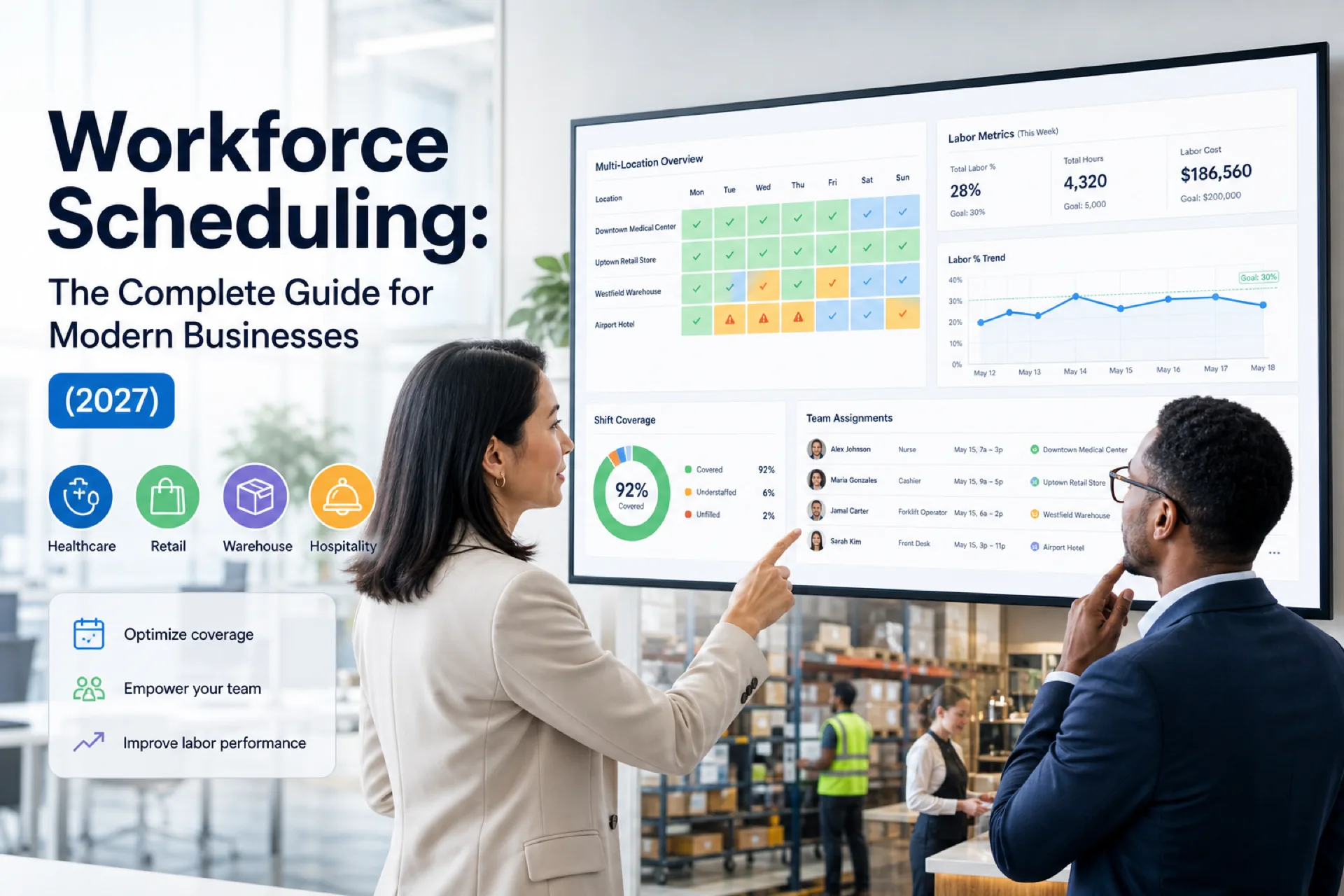
Workforce scheduling: the complete guide for modern businesses (2027)
Complete workforce scheduling guide for operations managers and HR: planning, software, industry playbooks, best practices, AI trends, and when to replace spreadsheets.
Read article