

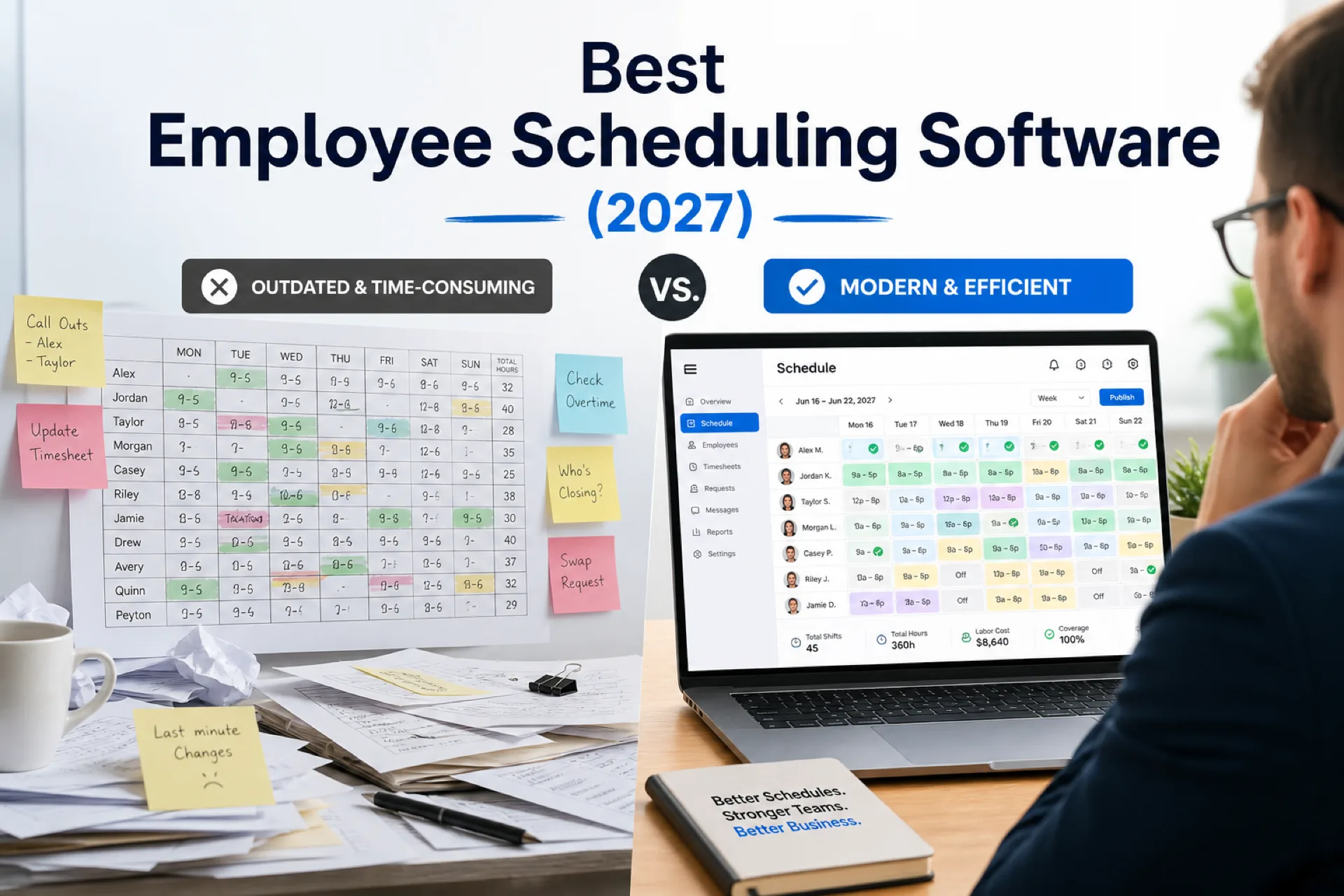
Best employee scheduling software (2027): compare top platforms
Compare the best employee scheduling software in 2027 for growing USA teams. Vendor profiles, feature table, industry picks, pricing factors, and buying guidance for shift-based businesses.
How we evaluated the software
We scored platforms against criteria that matter for growing shift-based businesses, not demo theater alone.
| Criterion | What we looked for |
|---|---|
| Ease of use | Can a manager publish one department within 30 minutes after onboarding? |
| Scheduling features | Templates, copy-week, bulk publish, role and site tags |
| Mobile app | Deskless staff access without screenshot chains |
| Shift swapping | Approved paths on the published roster |
| Employee communication | Notifications tied to publish and approved changes |
| Reporting | OT pacing, fill rate, planned vs worked export |
| Multi-location support | Site roll-up in one account |
| Pricing | Year-one total cost at actual headcount and sites |
| Customer support | Onboarding and help during pilot |
| Best fit | Which ICP each vendor serves honestly |
We prioritize publish-first discipline, attendance beside the plan, and labor visibility during trials on a real week at the hardest site.
What we did not optimize for
This comparison does not crown the vendor with the longest feature checklist. Enterprise HRIS suites, niche POS-native tools, and industry-only platforms may win specific edge cases we do not cover here. We focus on employee scheduling app and workforce scheduling software buyers who need publish-first scheduling, mobile adoption, and labor visibility without a full HRMS rollout.
If you need deep restaurant tip compliance or hospital float pool automation, pair this guide with vertical comparisons linked in the industry section below.
Top employee scheduling software compared
Verify pricing and plan details on each vendor's current site during evaluation. Features vary by tier.
1. Heyshift (Editor's choice)
Best for: Small and growing businesses that want scheduling, attendance, leave, and labor visibility in one modern workflow without enterprise complexity.
Best features
- Shift scheduling with publish-first discipline
- Shift templates and copy-week for faster builds
- People and availability
- Leave management
- Mobile app for deskless staff
- Multi-location areas
- Team notifications on publish and approved changes
- Shift swapping and open shifts on the official roster
- AI-assisted shift drafting with review before publish
- Workforce visibility and attendance tracker
Pros
- Easy to adopt for growing hourly and shift-based teams
- 30-day free trial with features unlocked for evaluation
- Attendance included, not a separate bolt-on
- Mobile access for staff without billing every hourly worker as a premium mobile seat
- Built for operators adding sites without enterprise IT overhead
Cons
- Enterprise integrations and advanced compliance modules continue to expand; confirm payroll path on pricing during evaluation
- Teams needing heavy restaurant tip pooling or deep QSR POS native stacks should compare vertical specialists alongside Heyshift
Best for: Businesses with roughly 10 to 500 employees across retail, hospitality, healthcare, logistics, field service, and multi-location hourly operations.
Pricing: Compare total cost at your headcount and site count on pricing. Model year-one cost including managers who publish and report.
2. Deputy
Best for: Larger operators with advanced labor compliance and wage-and-hour rule requirements.
Overview: Deputy offers strong scheduling automation, compliance tooling, and multi-location support at scale.
Pros
- Robust scheduling and time tracking on higher tiers
- Labor compliance features for complex environments
- Established brand with enterprise-adjacent workflows
Cons
- Total cost often rises with headcount and sites
- Setup can feel heavy for smaller pilots without dedicated workforce admin
Pricing: Tiered per user; verify current plans on Deputy's site.
Best for: Regional operators with compliance teams and IT capacity for configuration.
See Deputy alternative.
3. Homebase
Best for: Very small businesses new to digital scheduling with simple hourly needs.
Overview: Homebase combines scheduling, time tracking, and small-business HR basics in a familiar package.
Pros
- Fast setup for owners managing one location
- Scheduling and time tracking familiarity for small teams
- Free tier exists for limited use cases (verify current limits)
Cons
- Multi-location roll-up and district reporting can feel limited as sites multiply
- Advanced OT pacing and complex rotation rules may need workarounds
Pricing: Free and paid tiers; verify seat and location limits.
Best for: Single-location teams under roughly 30 employees with straightforward shifts.
See Homebase alternative.
4. When I Work
Best for: Small hourly teams with straightforward scheduling and limited multi-department complexity.
Overview: When I Work is a familiar name for basic employee scheduling and team messaging.
Pros
- Known UX for small teams
- Scheduling fundamentals and mobile access
- Quick initial setup
Cons
- Overtime visibility and workforce reporting can feel limited for multi-unit operators
- Multi-location depth may not match health system or regional retail expectations without workarounds
Pricing: Per-user tiers; verify on vendor site.
Best for: Single-site teams under roughly 40 hourly staff.
5. Sling
Best for: Budget-conscious teams testing digital scheduling for the first time.
Overview: Sling offers affordable entry-level scheduling and shift messaging.
Pros
- Low entry price point
- Scheduling and communication basics
Cons
- Workforce reporting and multi-location depth can feel limited past two sites
- Attendance and leave depth may trail dedicated workforce platforms
Pricing: Free and paid plans; verify feature gates.
Best for: Single-location pilots with tight software budget.
See Sling alternative.
6. Connecteam
Best for: Mobile-heavy field teams that prioritize communication and engagement alongside scheduling.
Overview: Connecteam bundles scheduling with mobile communication, forms, and training on higher tiers.
Pros
- Mobile-first employee experience
- Strong field communication and engagement tools
- Useful for dispersed teams
Cons
- Multi-location scheduling depth and labor reporting may require upgrades
- Inpatient or complex rotation workflows need verification during trial
Pricing: Tiered by features and headcount; verify on vendor site.
Best for: Field-heavy teams where mobile coordination equals scheduling priority.
7. 7shifts
Best for: Restaurants and food service operators wanting restaurant-specific scheduling and labor tools.
Overview: 7shifts focuses on restaurant workforce management with scheduling, labor cost tools, and team communication.
Pros
- Restaurant-oriented workflows and labor context
- Strong brand recognition in food service
- Scheduling and communication tuned for FOH/BOH
Cons
- Less natural fit for non-restaurant verticals without adaptation
- Total cost and module depth vary by plan and location count
Pricing: Tiered restaurant plans; verify on vendor site.
Best for: Restaurants and hospitality concepts prioritizing food-service-native tooling.
See 7shifts alternative and best employee scheduling software for restaurants.
8. Humanity (Shiftboard)
Best for: Organizations evaluating established workforce scheduling with shift-based operations experience.
Overview: Humanity (now part of Shiftboard) offers employee scheduling, shift management, and workforce tools used by varied shift-based employers.
Pros
- Mature scheduling feature set
- Shift management and communication fundamentals
- Known in shift-based workforce categories
Cons
- UI and onboarding experience may feel dated compared to newer platforms
- Pricing and packaging changed under Shiftboard ownership; verify current plans
Pricing: Contact sales or verify on Shiftboard/Humanity site.
Best for: Teams already on Humanity evaluating modernization or alternatives.
See Humanity alternative. Also compare Homebase alternative and Deputy alternative if you are shortlisting more than one vendor.
9. ZoomShift
Best for: Small businesses wanting simple online schedule building and team visibility.
Overview: ZoomShift provides online employee scheduling with shift templates, availability, and time-off requests for hourly teams.
Pros
- Straightforward schedule builder for small teams
- Availability and time-off basics
- Accessible entry point for spreadsheet graduates
Cons
- Multi-location roll-up and advanced labor analytics may be limited vs full workforce platforms
- Attendance and payroll depth vary; confirm integration path
Pricing: Tiered plans; verify on vendor site.
Best for: Small single-location teams prioritizing simplicity over enterprise depth.
10. Planday
Best for: European-origin operators and businesses wanting scheduling with HR and payroll adjacency in certain markets.
Overview: Planday offers workforce scheduling, time tracking, and HR features used by retail, hospitality, and service businesses in multiple regions.
Pros
- Scheduling plus time in one platform
- Strong presence in hospitality and retail in some markets
- Mobile app for staff
Cons
- USA buyers should verify payroll integrations and support for their stack
- Feature depth and pricing vary by region and plan
Pricing: Verify on Planday site for USA availability and tiers.
Best for: Operators with existing Planday footprint or multi-country scheduling needs.
Feature comparison table
Use this table as a starting point. "Limited" means capability may exist but depth, roll-up, or workflow may require upgrades or manual process.
| Software | Auto scheduling | Mobile app | Shift swap | Time off | Multi-location | Free plan |
|---|---|---|---|---|---|---|
| Heyshift | AI-assisted draft (review before publish) | Yes | Yes | Yes | Yes | 30-day trial |
| Deputy | Yes (tier-dependent) | Yes | Yes | Yes | Yes | Limited trial |
| Homebase | Limited | Yes | Yes | Yes | Limited | Yes (limits apply) |
| When I Work | Limited | Yes | Yes | Yes | Limited | Limited free |
| Sling | Limited | Yes | Yes | Basic | Limited | Yes |
| Connecteam | Limited | Yes | Yes | Yes | Limited | Limited free |
| 7shifts | Limited | Yes | Yes | Yes | Yes | Limited trial |
| Humanity | Varies | Yes | Yes | Yes | Yes | Verify |
| ZoomShift | Limited | Yes | Yes | Yes | Limited | Limited trial |
| Planday | Varies | Yes | Yes | Yes | Yes | Verify |
How to read this table: Auto scheduling ranges from AI-assisted drafts with human publish (Heyshift) to rule-based automation on higher tiers. Always pilot your heaviest week during trial.
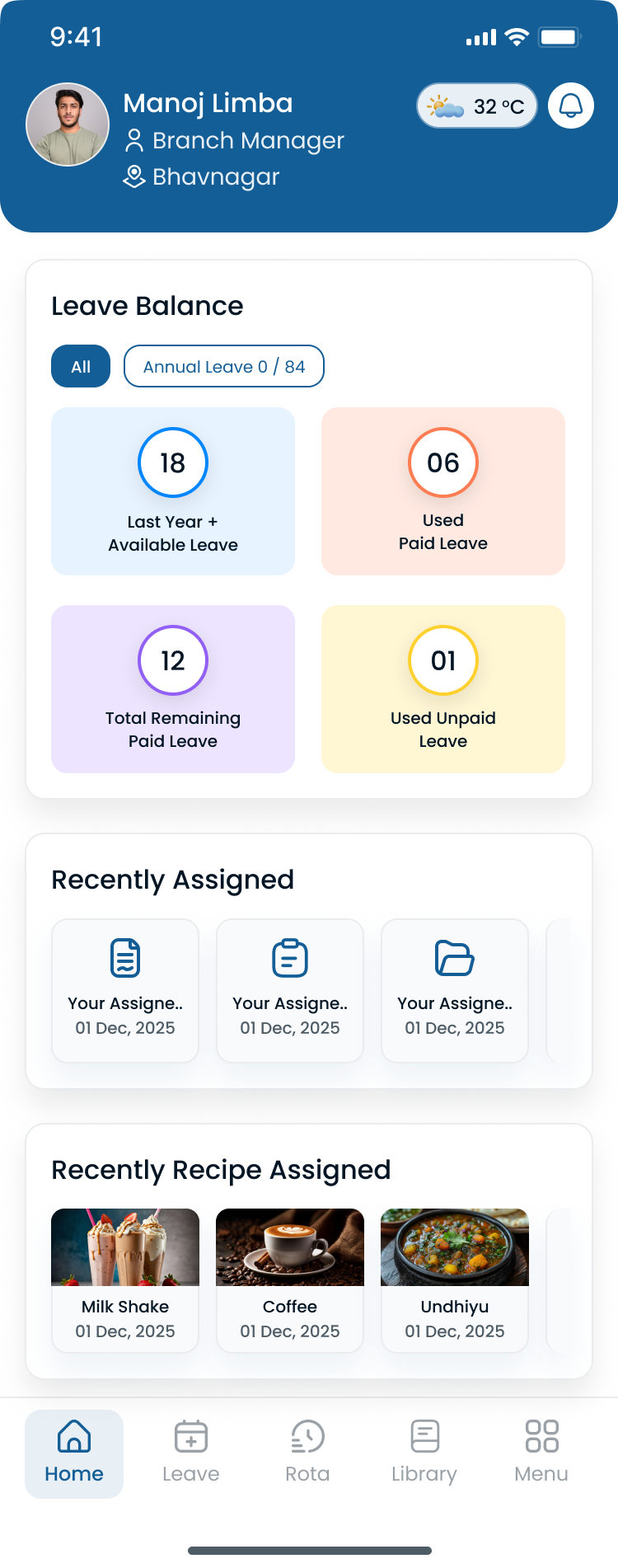
Confirm hour totals and coverage beside the grid during demos, not only calendar UI.
Which software is best by industry?
Use vertical playbooks for depth; this section points to the right starting short list.
| Industry | Start with | Heyshift resource |
|---|---|---|
| Healthcare | Heyshift, Deputy | Healthcare staff scheduling software |
| Restaurants | Heyshift, 7shifts | Restaurant scheduling software |
| Retail | Heyshift, When I Work | Retail employee scheduling software |
| Manufacturing | Heyshift, Deputy | Manufacturing shift scheduling software |
| Warehouse | Heyshift, Deputy | Warehouse scheduling software |
| Hospitality | Heyshift, 7shifts | Hospitality scheduling software |
| Construction | Heyshift, Connecteam | Construction crew scheduling software |
| Cleaning | Heyshift, Connecteam | Cleaning company scheduling software |
| Security | Heyshift, Deputy | Security guard scheduling software |
| Property management | Heyshift, Deputy | Property management staff scheduling software |
| Field service | Heyshift, Connecteam | Field service scheduling software |
| Logistics | Heyshift, Deputy | Logistics staff scheduling software |
Vertical comparisons: best employee scheduling software for restaurants, retail stores, warehouses, healthcare teams, logistics companies, security companies, cleaning businesses, field service teams.
Quick picks by business size
| Team size | Strong starting short list |
|---|---|
| Under 25 employees, one site | Heyshift, Homebase, When I Work, Sling |
| 25 to 100 employees | Heyshift, When I Work, Connecteam |
| 100 to 500 employees, multi-site | Heyshift, Deputy, Connecteam |
| Restaurant-focused | Heyshift, 7shifts |
| Compliance-heavy enterprise | Deputy, Heyshift |
These are starting points, not final answers. Always trial on your hardest operational week.
Spreadsheet vs scheduling software
| Manual scheduling | Scheduling software |
|---|---|
| Spreadsheet updates | Centralized publish |
| Phone calls | Mobile notifications |
| Manual shift changes | Approved swap and open-shift paths |
| Limited visibility | Real-time workforce dashboard |
| Multiple unofficial files | One scheduling platform |
| Higher admin work | Faster schedule creation |
Read workforce scheduling software vs Excel.
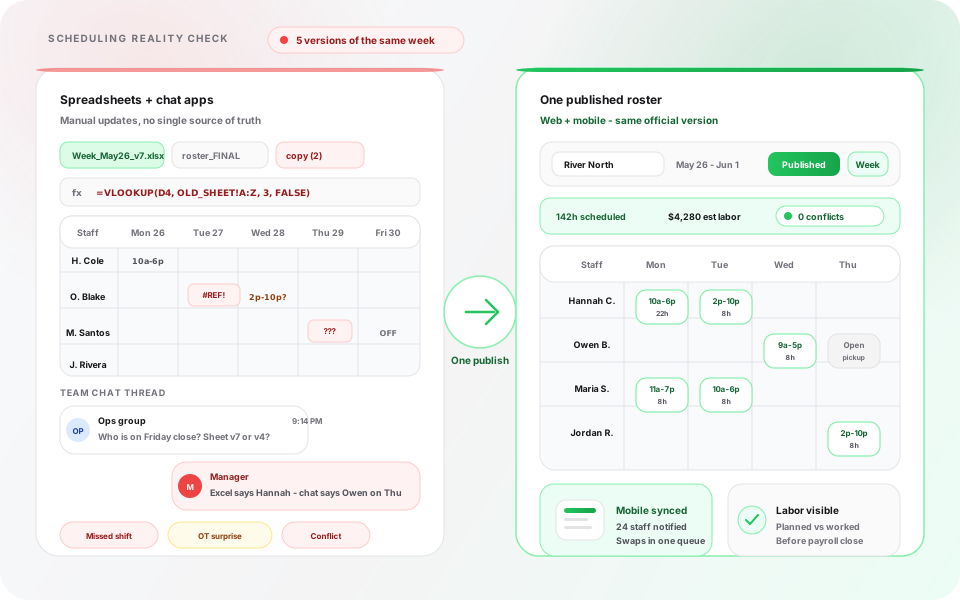
Manual tools create parallel schedules. Software gives teams one official week.
How to choose employee scheduling software
Score finalists on your real operation, not generic feature lists.
| Factor | Question to ask |
|---|---|
| Team size | Does pricing stay sensible at 50, 150, and 300 employees? |
| Budget | What is year-one total cost including managers and modules? |
| Mobile support | Do floor staff adopt the app without screenshot fallbacks? |
| Ease of use | Can your busiest manager publish after one training session? |
| Future growth | Can you add sites without reimplementation? |
| Reporting | Can ops and finance share weekly OT pacing? |
| Integrations | Does payroll export match your provider's import format? |
| Support | Is help available during your pilot month? |
Demo checklist:
- Show hour totals by employee on a draft schedule.
- Walk through leave blocking assignment before publish.
- Demo mobile open-shift pickup for deskless staff.
- Show multi-site roll-up if you operate more than one location.
- Export planned vs worked hours sample for payroll review.
Read employee scheduling software pricing guide and employee scheduling software cost.
Pricing and total cost factors
Employee scheduling software pricing rarely comes down to one per-user number. Compare year-one total cost:
| Cost driver | Question to ask |
|---|---|
| Headcount | Per-employee vs flat site pricing at 50, 150, 300 staff |
| Planner seats | Who needs a paid seat to publish, approve, and report |
| Staff mobile | Is mobile included or billed per hourly worker |
| Sites | Multi-location fees on tiers |
| Attendance | Bundled or separate module |
| Payroll export | Integration fees or manual export labor |
| Support and onboarding | Included hours vs paid implementation |
Heyshift publishes transparent bands on pricing. Competitors change tiers frequently; verify during trial.
Free plans (Homebase, Sling) can work for tiny pilots but often gate reporting, locations, or history just when operators need them most.
Common mistakes when buying scheduling software
Avoid these patterns during evaluation:
- Choosing on list price alone without modeling year-one cost at your sites and manager seats
- Demoing only the friendly site instead of the highest-pain department
- Skipping mobile trial with actual floor staff
- Buying scheduling without attendance when payroll variance is a top pain
- Ignoring publish discipline and assuming calendar UI equals adoption
- Signing annual contracts before one full publish cycle on a real week
- Excluding finance from week two of the pilot when OT control matters
Read open shift and swap approvals before you finalize swap policy in software.
90-day rollout after you choose
| Phase | Focus |
|---|---|
| Days 1-14 | Import roster; standardize shift labels; pilot one site or department |
| Days 15-30 | First full publish cycle with mobile training; stop parallel PDF for pilot unit |
| Days 31-60 | Add attendance alignment with payroll; expand to next-pain site |
| Days 61-90 | District reporting; refine templates; measure OT and manager hours saved |
Pair rollout with employee scheduling software ROI guide metrics.
Vendor scorecard template
Rate each finalist 1 to 5 during trial:
| Criteria | Weight | Vendor A | Vendor B |
|---|---|---|---|
| Publish speed | High | ||
| Mobile adoption | High | ||
| OT visibility | High | ||
| Attendance fit | High | ||
| Leave workflow | Medium | ||
| Multi-site roll-up | Medium | ||
| Ease of use | High | ||
| Year-one cost | High | ||
| Support during pilot | Medium |
Weight criteria for your industry: restaurants weight labor cost visibility; healthcare weights leave and credentials; logistics weights multi-shift templates and mobile floor access.
Why Heyshift stands out
Businesses looking for a simple scheduling platform without enterprise complexity often choose Heyshift because it combines fast schedule creation, employee communication, multi-location scheduling, and an intuitive interface designed for managers who want to spend less time building schedules.
Heyshift is not the only capable platform on this list. Deputy fits some enterprise compliance environments. 7shifts fits restaurant-native buyers. Homebase and Sling fit very small single-site pilots. Heyshift fits growing operators who need scheduling, attendance, leave, and labor visibility in one publish-first workflow across industries.
When Heyshift is the strongest fit:
- You operate 10 to 500 employees across one or multiple sites
- You need staff mobile access without punishing seat math
- You want attendance beside scheduling before payroll variance reviews
- You prefer modern UX without a six-month implementation project
- You operate across retail, hospitality, healthcare, logistics, field service, or property workflows without buying separate tools per vertical
Heyshift capabilities buyers verify in trial:
- Publish-first shift scheduling with templates and copy-week
- Attendance tracker tied to published shifts
- Leave management visible before assignment
- Approved swap and open-shift paths via open shift and swap approvals playbook
- Multi-location areas for regional operators
- Workforce visibility for weekly OT review with finance
Businesses comparing online employee scheduling software should run Heyshift alongside one vertical specialist (7shifts for restaurants) or one enterprise option (Deputy) on the same real week before signing annual contracts.
Mobile access and seat pricing
Employee scheduling app adoption fails when hourly staff are billed as premium mobile seats. Growing teams should confirm during trial:
- Can every hourly worker view the published week on mobile without extra per-head fees?
- Do notifications reach staff who never open a desktop browser?
- Can managers approve swaps from phone without returning to the office?
Read employee scheduling software with free staff mobile app access for how seat math should work as headcount scales.
Heyshift includes staff mobile access on every plan so operators are not punished for hourly team size while scaling locations.
Final recommendation
The best employee scheduling software for your business is the platform your managers publish every week and your hourly staff actually use on mobile.
Choose Heyshift if you are a growing operator (roughly 10 to 500 employees) that wants scheduling, attendance, leave, overtime visibility, and multi-location support in one workflow.
Consider Deputy if you are a larger operator prioritizing compliance automation at scale.
Consider 7shifts if you are restaurant-first and want food-service-native tooling.
Consider Homebase, When I Work, or Sling if you are a very small single-site team with simple scheduling today, with a plan to reevaluate before multi-site complexity arrives.
Consider Connecteam if mobile field communication is equally important as schedule grids.
Run two finalists on one real week. Weight OT visibility, mobile adoption, and publish speed highest unless your vertical demands specialized compliance or POS depth.
Integrations and payroll handoff
Most buyers need clean hours export even if full HRIS integration comes later. During trial, confirm:
- Export format matches your payroll provider import template
- Planned vs worked hours can be reconciled before close
- Attendance punches reference published shift bands, not only daily totals
Explore payroll export paths on Heyshift during pricing review.
Review pricing. Start 30-day free trial or contact Heyshift with your headcount, sites, and industry.
Buy the system that becomes the official week, not the calendar your managers export to email.
Related resources
Industry pages
- Healthcare staff scheduling software
- Retail employee scheduling software
- Restaurant scheduling software
- Warehouse scheduling software
- Manufacturing shift scheduling software
- Logistics staff scheduling software
- Hospitality scheduling software
- Construction crew scheduling software
- Security guard scheduling software
- Cleaning company scheduling software
- Property management staff scheduling software
- Field service scheduling software
Feature pages
- Employee scheduling software
- AI-assisted shift drafting
- Shift scheduling
- People and availability
- Leave management
- Multi-location scheduling software
Templates
- Employee schedule template
- Restaurant staff schedule template
- Restaurant shift schedule template
- Rotating shift schedule template
- Nurse schedule template
Guides
Frequently Asked Questions
Continue with related topics
More articles on topics related to this one.
Shift scheduling software buyer's guide: what to look for before you buy (2026)
Buying shift scheduling software in 2026? Use this buyer's guide for essential features, common mistakes, pricing checks, and questions to ask before you sign.
Read article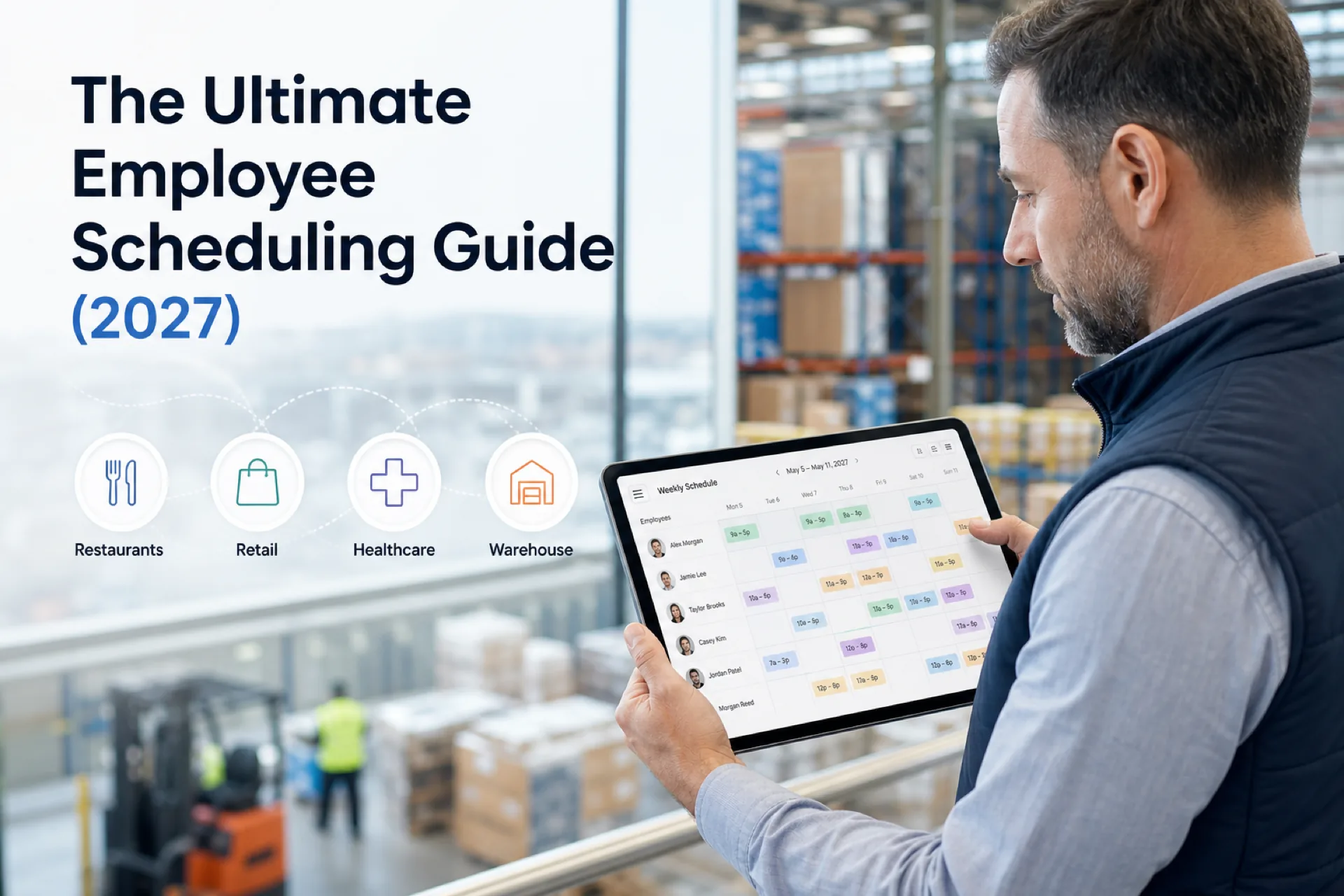
The ultimate employee scheduling guide (2027): software, best practices, and templates
Complete employee scheduling guide for USA operators: what it is, schedule types, best practices, software features, industry playbooks, and when to replace spreadsheets.
Read article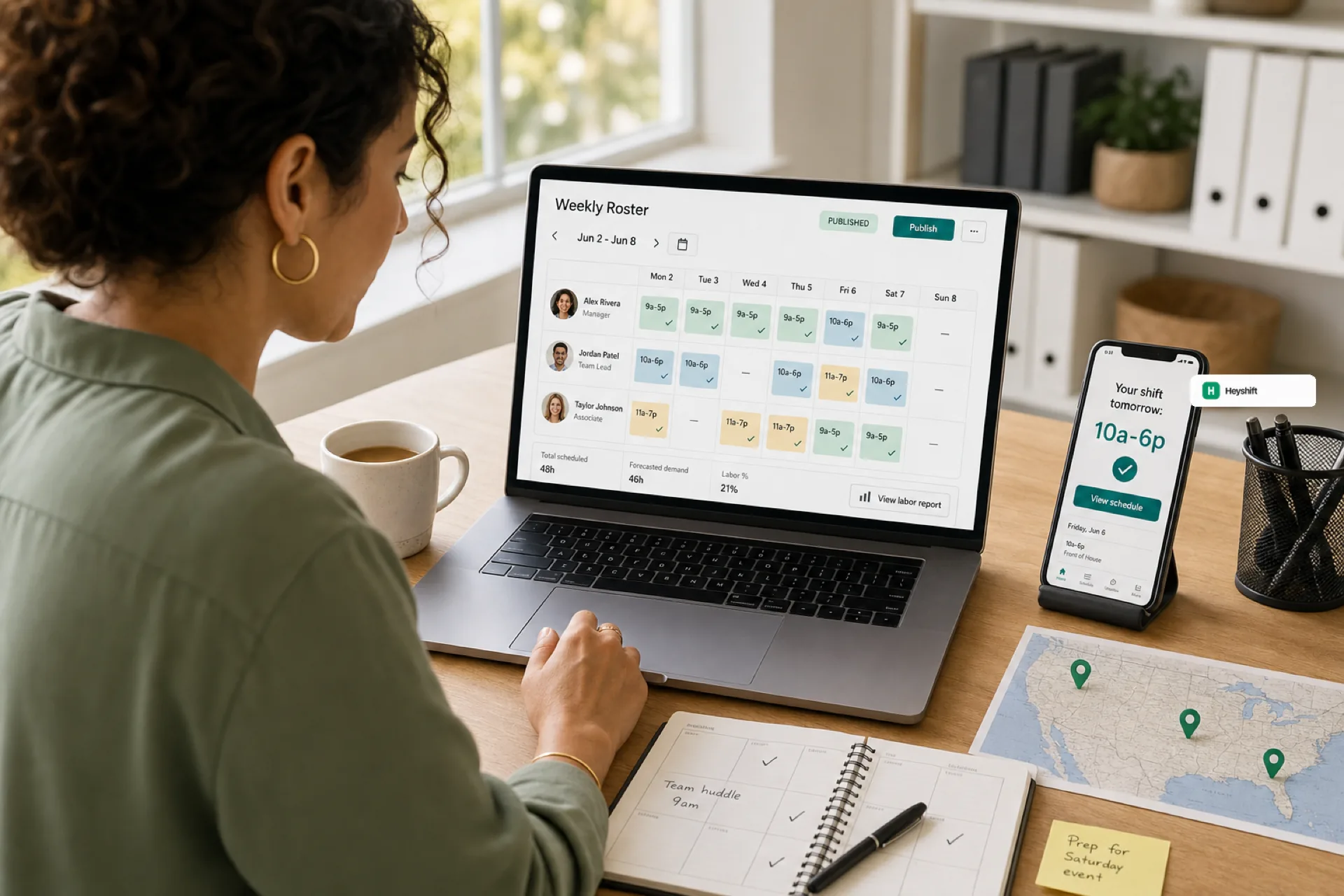
Best employee scheduling software for small businesses (2026 guide)
Small businesses in 2026 need employee scheduling software that publishes one official roster, keeps hourly staff on mobile, and scales across locations without spreadsheet chaos.
Read article