

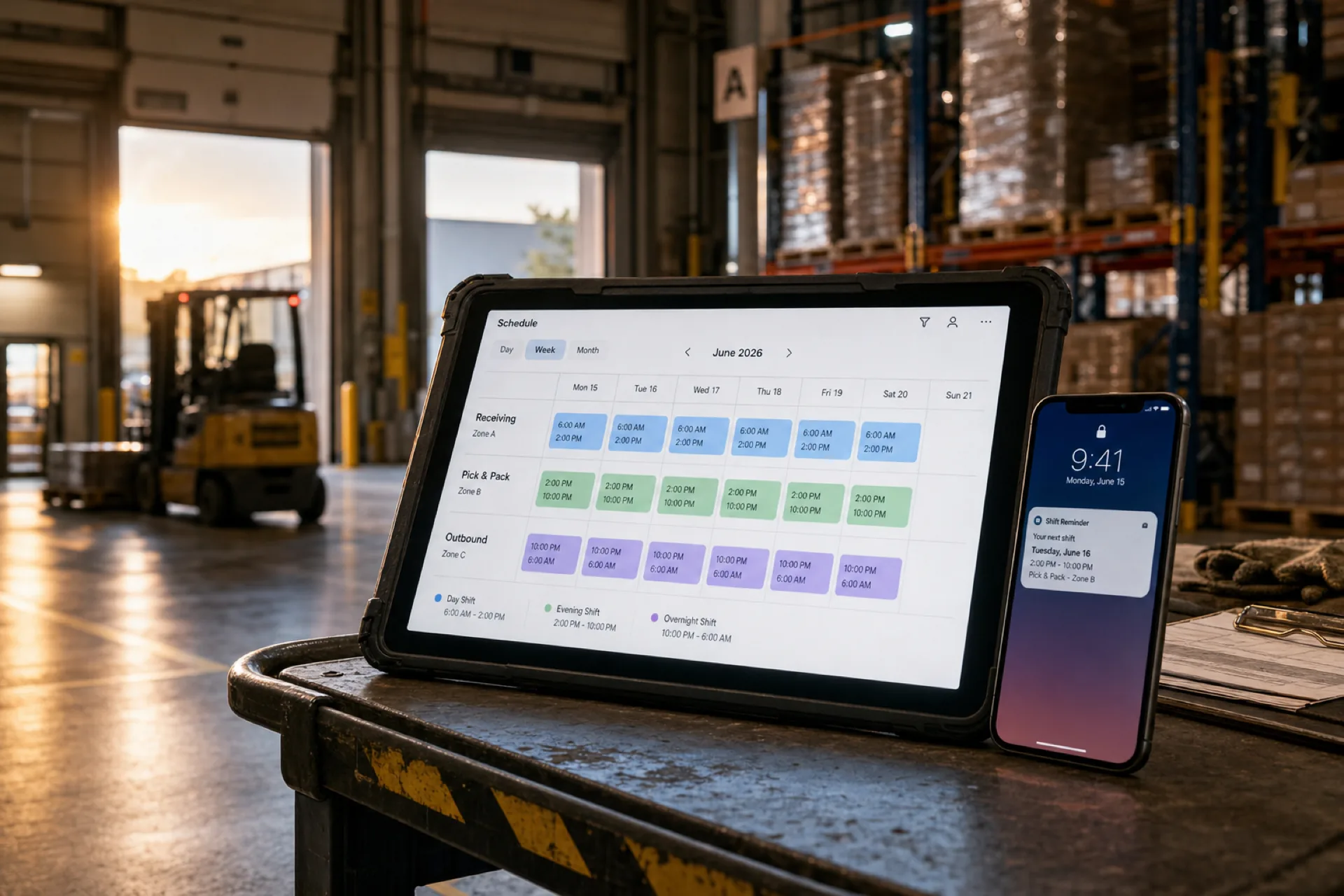
Best employee scheduling software for warehouses (2026 guide)
Compare the best employee scheduling software for warehouses in 2026: multi-shift scheduling, attendance tracking, overtime visibility, and workforce management for distribution centers and fulfillment teams.
Best warehouse scheduling software in 2026
Warehouse operations run on precision. From receiving inventory to shipping customer orders, every shift must be properly staffed to keep the floor moving.
Whether you operate a single warehouse or multiple distribution centers, managing warehouse associates, forklift operators, pickers and packers, shipping and receiving teams, inventory staff, and supervisors across day, evening, and overnight shifts becomes difficult fast when schedules live in spreadsheets, whiteboards, printed grids, phone calls, and group chats.
Those habits often lead to missed shifts, overtime surprises, attendance disputes, scheduling conflicts, and communication gaps that slow fulfillment.
That is why warehouses across the U.S. adopt employee scheduling software for warehouses: publish-first shift management, mobile access for floor staff, and attendance tied to the same official week payroll uses.
This guide compares leading warehouse scheduling software options, explains which features matter for distribution and fulfillment teams, and shows how to choose the right fit.
For multi-site rollups, read best scheduling software for multi-location businesses. For ROI framing, see employee scheduling software ROI guide. For similar deskless patterns, see cleaning businesses and field service teams. For evaluation criteria, see shift scheduling buyer's guide and small business scheduling software.
Why warehouses need scheduling software
Warehouse teams often work multiple shifts, overnight schedules, weekend operations, seasonal staffing surges, and high-volume fulfillment windows. Managers need real-time visibility into staffing, attendance, and labor cost while building the week.
Warehouse workforce management software helps ensure the right employees are assigned to the right shifts at the right time, with one published roster supervisors and floor staff both trust.
Common scheduling challenges in warehouses
Multiple shift operations: most warehouses run morning, evening, and overnight bands. Balancing coverage across receiving, pick-pack, and outbound lanes is harder when each shift uses a different file. For structured starting points, see the 8-hour shift schedule template, 2-2-3 Panama schedule template, and 4-on 4-off shift schedule template on the templates hub.
Seasonal demand: peak seasons and promotional events require temporary staff and extra shifts. Managers need flexibility to adjust schedules quickly without rebuilding from scratch.
Attendance tracking: late arrivals and no-shows disrupt productivity on the floor. Attendance should sit beside shift scheduling. See reduce no-shows and call-offs.
Overtime management: labor is one of the largest warehouse expenses. Without hour visibility while planning, overtime builds before finance sees it. Read prevent overtime before payroll.
Communication across teams: warehouse employees rarely live in email. Schedule updates and shift changes need to reach staff on mobile. See mobile workforce management guide.
Read open shift and swap approvals and employee attendance tracking guide.
Features warehouses should prioritize
| Feature | Why it matters |
|---|---|
| Employee scheduling | Build multi-shift schedules by zone or department in minutes |
| Attendance tracking | Track clock-ins, absences, and trends beside published shifts |
| Shift swaps and open shifts | Fill coverage when call-offs hit pick or receiving lanes |
| Mobile access | Floor staff view schedules and alerts on phone |
| Workforce communication | Share announcements and schedule changes instantly |
| Multi-location management | Coordinate multiple warehouses or DCs from one account |
| Overtime visibility | See hour totals while building the week, not after export |
Publish-first still wins on the floor: one authoritative roster beats a whiteboard photo in a group chat.
1. Heyshift
Best for: growing warehouse operations that want scheduling, attendance, and multi-shift workforce management together.
Heyshift helps warehouses manage employee schedules, attendance, leave, swaps, open shifts, communication, and reporting from one platform.
Key features
- Role-based schedules (receiver, picker, packer, forklift operator, supervisor)
- Zone or department templates (receiving, pick-pack, outbound)
- Publish-first week views on desktop for supervisors
- Mobile app for floor staff on every plan
- Attendance tracking tied to published shifts
- Open shifts and swap approvals on the official roster
- Multi-location areas for multiple DCs
Pros
- 30-day free trial with all features unlocked
- Built for shift-based and multi-shift operations
- Attendance included, not a separate bolt-on
- Staff mobile access included without billing every hourly associate as a mobile seat
- Multi-warehouse support on paid plans
Consider
- Advanced geo-fencing, payroll integrations, and enterprise reporting scale on higher tiers (pricing)
Ideal for: distribution centers, e-commerce fulfillment warehouses, manufacturing warehouses, logistics providers, and wholesale distributors.
Start 30-day free trial for multi-site DC rollouts.
2. Deputy
Best for: operators prioritizing scheduling automation and compliance tooling.
Pros
- Automated scheduling options
- Labor compliance tools on higher plans
Cons
- Total cost often rises with larger warehouse headcount and shift volume
See Deputy alternative.
3. Connecteam
Best for: mobile-first warehouse teams that prioritize communication alongside scheduling.
Pros
- Strong mobile employee experience
- Team communication on higher tiers
Cons
- Advanced reporting and multi-warehouse roll-up may require upgrades
4. Homebase
Best for: small warehouse teams with simple weekly patterns.
Pros
- Fast setup
- User-friendly for small hourly teams
Cons
- Better suited to smaller operations than large DC networks
See Homebase alternative.
5. Sling
Best for: budget-conscious warehouse operators needing core scheduling and messaging.
Pros
- Affordable entry pricing
- Shift scheduling and messaging basics
Cons
- Workforce analytics and multi-warehouse roll-up can feel limited
See Sling alternative.
Comparison table
| Software | Scheduling | Attendance tracking | Shift swaps | Multi-warehouse support |
|---|---|---|---|---|
| Heyshift | Yes | Yes | Yes | Yes |
| Deputy | Yes | Yes | Yes | Yes |
| Connecteam | Yes | Yes | Limited | Limited |
| Homebase | Yes | Yes | Yes | Limited |
| Sling | Yes | Basic | Yes | Limited |
Score vendors on a real warehouse week: shift-band coverage, call-off volume on pick lanes, mobile adoption by floor staff, overtime before payroll, and multi-DC roll-up clarity.
Benefits of scheduling software for warehouses
Improve shift coverage: ensure every shift band has the right headcount for receiving, pick-pack, and outbound work.
Reduce overtime costs: monitor staffing levels and hour totals while building the week.
Improve attendance visibility: identify trends and respond to no-shows before lanes fall behind.
Improve communication: keep warehouse employees informed about schedule changes through the official app.
Scale operations: add shifts, zones, or distribution centers without new unofficial tools.
Read why spreadsheets fail for workforce scheduling and employee scheduling software pricing guide.
Why warehouses are replacing spreadsheets
Manual scheduling breaks as headcount, shift bands, and seasonal volume grow. Modern warehouse workforce management software provides:
- Real-time schedule updates on mobile
- Attendance tracking beside published shifts
- Approved swap and open-shift paths
- Workforce communication without radio-and-text drift
- Multi-location visibility for operators running several DCs
See workforce scheduling software vs Excel.
How Heyshift helps warehouse teams
Heyshift helps warehouse managers:
- Build multi-shift schedules faster by zone or department
- Track attendance accurately on the published roster
- Manage leave and swap requests with approval paths
- Improve workforce communication without group chat drift
- Reduce overtime with hour visibility while planning
- Coordinate multiple warehouse locations from one account
Instead of spending hours updating spreadsheets, supervisors can focus on throughput, safety, and meeting customer demand.
Final thoughts
The best employee scheduling software for warehouses in 2026 is the platform supervisors publish every week and floor staff actually open on mobile before their shift starts.
Warehouse workforce scheduling affects throughput, labor cost, overtime, and retention. Moving beyond spreadsheets and whiteboards delivers better coverage, cleaner attendance, and faster response when schedules change on the floor.
Aim for one published roster for the floor, one mobile view associates trust before clock-in.
Frequently Asked Questions
Continue with related topics
More articles on topics related to this one.

Best Logistics Scheduling Software (2026)
Compare the best logistics scheduling software for USA warehouses, 3PLs, and multi-site teams. Review coverage, overtime, attendance, and how to choose.
Read article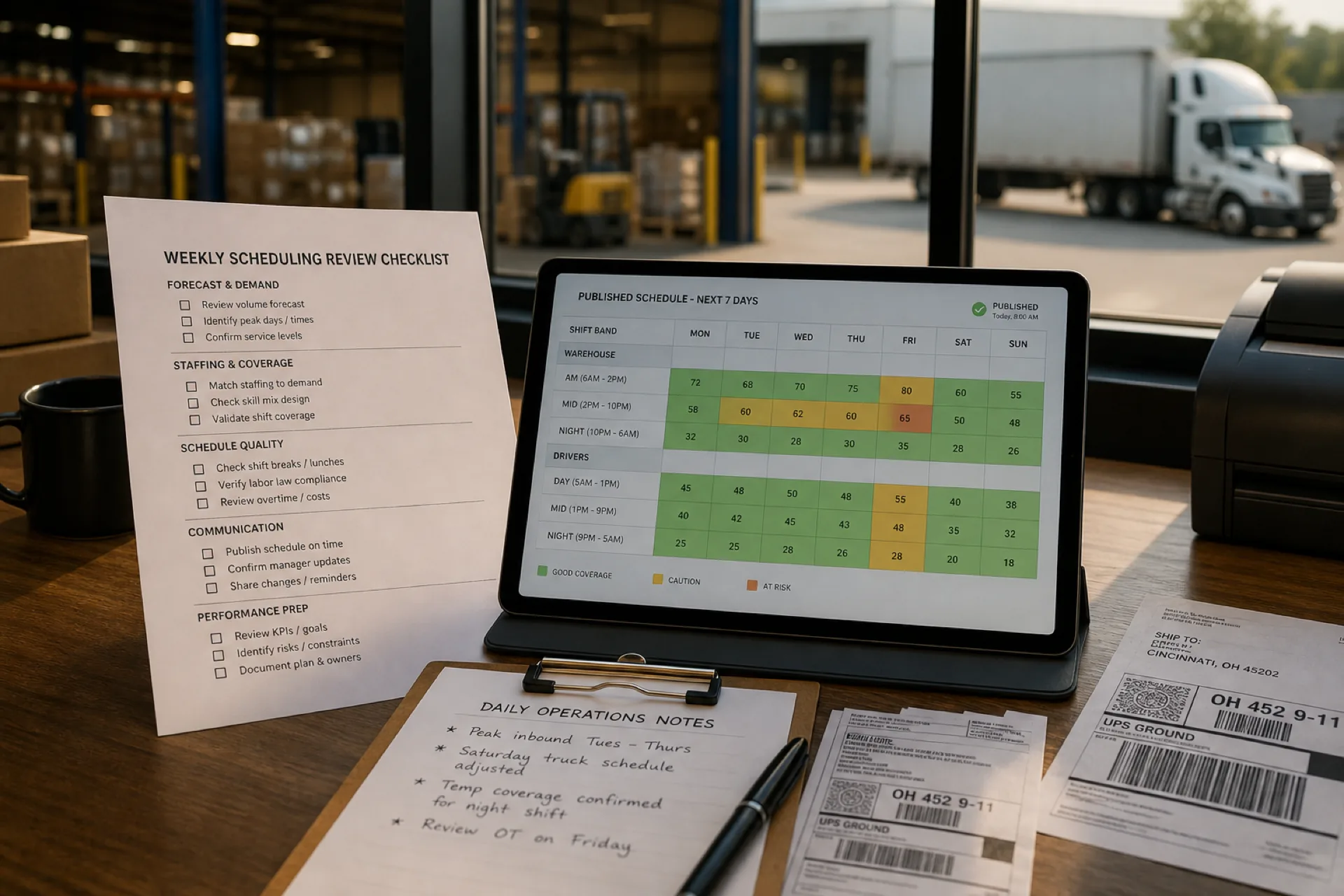
Logistics workforce scheduling best practices: 10 proven ways to improve operations (2026)
Learn logistics workforce scheduling best practices to reduce overtime, improve employee productivity, optimize warehouse staffing, and build more efficient schedules for USA logistics teams.
Read article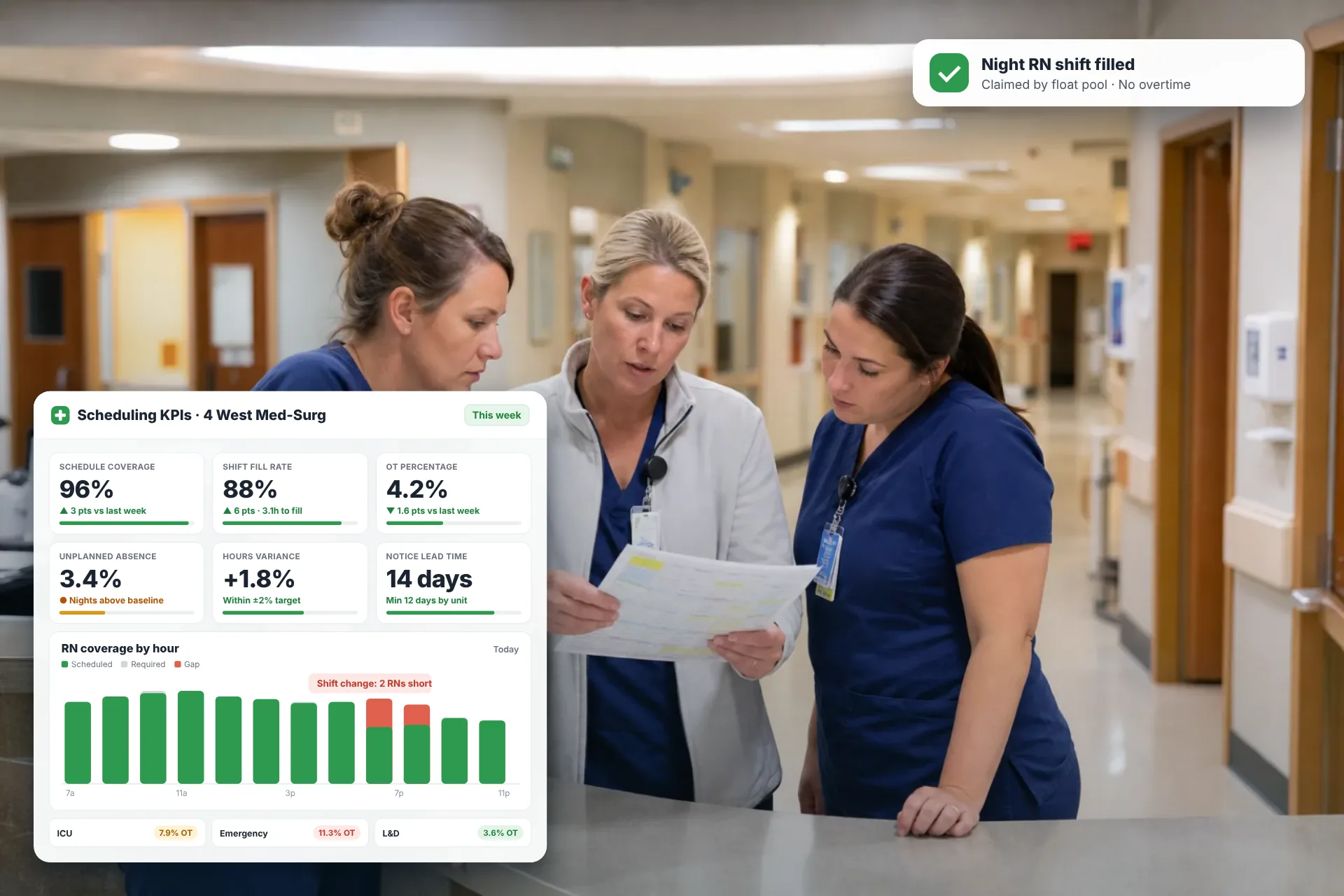
Employee Scheduling KPIs: 12 Metrics Every Operations Manager Should Track
Twelve employee scheduling KPIs with formulas, review cadences, and first actions, plus the trade-offs between them that most KPI lists skip.
Read article