

Shift scheduling software buyer's guide: what to look for before you buy (2026)
Buying shift scheduling software in 2026? Use this buyer's guide for essential features, common mistakes, pricing checks, and questions to ask before you sign.
Shift scheduling software buyer's guide for 2026
Choosing shift scheduling software is not as simple as sorting vendors by monthly price.
The right platform reduces scheduling time, improves attendance, lowers overtime risk, simplifies shift swaps, and keeps hourly staff aligned on mobile. The wrong platform adds admin work, frustrates employees, and gets expensive when you add a second manager or second location.
Whether you run retail, restaurants, healthcare, cleaning routes, warehouses, security accounts, or a multi-location group, this shift scheduling software buyer's guide covers what to look for before you buy, mistakes to avoid, and questions to ask in demos.
For vendor shortlists by industry, see retail, restaurants, and multi-location businesses. For pricing and ROI, see cost guide, pricing guide, and ROI calculator guide.
Why businesses invest in shift scheduling software
Most teams start with Excel, Google Sheets, paper rosters, group chat, or text messages. That works until headcount, swap volume, or site count grows.
Common pain points:
- Scheduling conflicts and version drift
- Last-minute shift changes that never reach the floor
- No-shows and thin coverage on peak shifts
- Overtime discovered after payroll runs
- Communication gaps when chat replaces the official roster
- Attendance tracked separately from the published week
Workforce scheduling software replaces those loops with one publish-and-track system. Product overview: employee scheduling software for USA hourly teams.
Signs you have outgrown spreadsheets
Consider shift scheduling software if any of these sound familiar:
Managers spend hours building schedules. Manual grids consume 3 to 10 hours per week for many operators.
Employees miss updates. Printed schedules and chat screenshots go stale fast.
Overtime is climbing. Without planning-time visibility, labor cost control becomes reactive.
Shift swaps eat manager time. Coverage changes live in texts instead of approved workflows.
You operate multiple locations. Each site needs its own roster plus district visibility.
Read why spreadsheets fail for workforce scheduling and workforce scheduling software vs Excel. While you evaluate software, free shift pattern templates start with the rotating shift schedule hub, then 8-hour, 2-2-3 Panama, and 4-on 4-off schedules can stabilize your grid before migration.
Essential features every buyer should prioritize
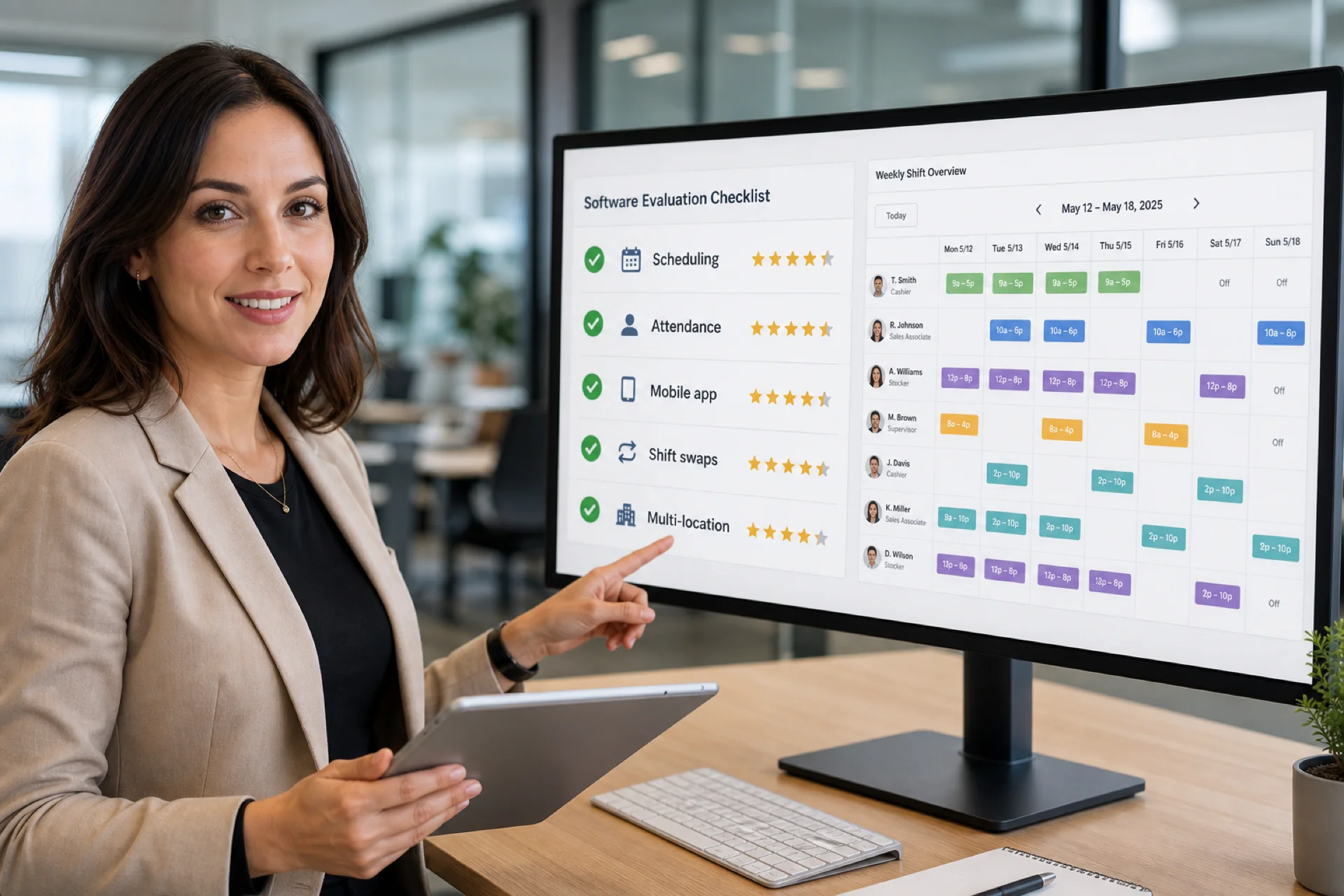
Not all platforms treat these the same. Score vendors against this checklist.
Employee scheduling
The system should make it easy to create, publish, and edit schedules without rebuilding the week in side files.
Look for:
- Drag-and-drop week views and templates
- Role and area-based planning
- Publish discipline so staff trust one official roster
- Copy week or template tools for recurring patterns
See shift scheduling for how Heyshift handles publish-first planning.
Attendance tracking
Scheduling and attendance should share the same official week.
Look for:
- Clock-in tied to published shifts
- Absence and late patterns by location
- Leave calendar beside the roster
- Correction workflows finance can audit
Shift swaps and open shifts
Hourly teams need flexibility with guardrails.
Look for:
- Employee-initiated swap requests
- Open shifts staff can pick up
- Manager approval on the published roster, not in chat
Mobile access
Deskless staff live on phones. The employee scheduling app should let workers view shifts, request leave, accept open shifts, and receive notifications without a separate per-user mobile fee.
Heyshift includes staff, manager, and owner mobile access on every plan. See mobile app and free staff mobile access.
Workforce communication
Updates should flow through the same platform as the schedule, reducing reliance on texts, email threads, and unofficial group chats.
Multi-location management
If you run more than one site, you need location-based scheduling plus roll-up visibility for district leads.
Look for:
- Separate rosters per location inside one account
- Area or department planning within each site
- Cross-location reporting without spreadsheet merges
See multi-location scheduling software and multi-location areas.
Labor cost visibility
Strong platforms show scheduled hours, overtime risk, and labor context while building the week, not only after export.
Features growing businesses need later
Buy for today's roster, but verify the platform can grow into:
| Future need | Why it matters |
|---|---|
| Advanced attendance | OT rules, geo-fencing, regularization |
| Leave policies | Multiple policies and hour-based leave |
| Labor reporting | Finance-ready exports and labor vs sales |
| Payroll handoff | Timesheet fetch and adjustments |
| Multi-location expansion | Location caps and district permissions |
| Role-based permissions | Custom roles as admin count grows |
Choose software that upgrades in place instead of forcing a rip-and-replace in year two. Read employee scheduling software for growing teams.
Common mistakes when buying scheduling software
Choosing on price alone
The cheapest subscription can cost more in manager hours, overtime, and rework. Compare total cost and ROI, not sticker price.
Ignoring mobile experience
Employees will use mobile more than desktop. Test the staff app on a real shift week before you sign.
Overlooking scalability
Many teams outgrow single-site tools within 12 months. Confirm location limits, seat model, and reporting depth.
Treating attendance as optional
Scheduling without attendance creates payroll disputes. Keep them on one official week.
Neglecting employee adoption
If staff ignore the platform, managers fall back to chat. Pick software hourly workers will actually open.
Questions to ask before you buy
Use these in every demo:
- How long does it take a manager to build and publish one real week?
- Is attendance tied to published shifts, not a side system?
- Can employees swap shifts and pick up open shifts with approval?
- Is mobile access included for hourly staff without per-employee mobile fees?
- How does multi-location scheduling and reporting work today, not on roadmap slides?
- How does pricing scale with planner seats, locations, and headcount?
- What support and onboarding are included at our tier?
- Can we run one live week on a trial before procurement?
How different industries use shift scheduling software
| Industry | Primary use case |
|---|---|
| Retail | Peak-hour coverage, promo weekends, float staff across stores |
| Restaurants | Day-part staffing, swap volume, labor vs sales context |
| Healthcare | Coverage minimums, attendance compliance, clinic coordination |
| Cleaning | Route-based teams, client sites, mobile clock-in |
| Security | Shift coverage across client locations, accountability |
| Warehousing | Rotating shifts, dock and pick zones, OT visibility |
Industry guides: retail best practices, restaurant staff scheduling, mobile workforce management.
Comparing software costs the right way
Most platforms use per employee, per seat, tiered plans, or enterprise custom pricing.
When you compare quotes, include:
- Features included at each tier, not add-on surprises
- Setup, migration, and training effort
- Support level and response expectations
- How cost scales when you add locations or planner seats
- Whether mobile access bills per hourly worker
Full breakdowns: employee scheduling software cost and pricing guide.
The right solution should save more than it costs within a few publish cycles.
Buyer scorecard template
Rate each vendor 1 to 5 on your real week:
| Criteria | Weight | Vendor A | Vendor B |
|---|---|---|---|
| Speed to publish a clean week | High | ||
| Staff mobile adoption | High | ||
| Swap and open-shift approvals | High | ||
| Attendance beside roster | High | ||
| Multi-location fit | Medium | ||
| Labor visibility while planning | Medium | ||
| Total cost at 12 months | Medium | ||
| Support and onboarding | Medium |
Run the trial on your locations, roles, and swap patterns. Generic demos hide friction.
Why operators evaluate Heyshift
Heyshift is built for USA hourly teams that need publish-first scheduling and attendance in one workflow:
- Shift scheduling with week views and templates
- Attendance tracking tied to published shifts
- Leave calendar and shift swap management
- Open shifts with manager approval on Starter and above
- Mobile app and web access included for the team
- Multi-location areas as you add sites
- Labor context and reporting on higher tiers
Whether you manage 10 employees or hundreds across locations, the goal is one official roster staff trust on mobile.
Start a 30-day free trial with all features unlocked. No credit card required. Compare plans on pricing with your buyer checklist.
Final thoughts
The best shift scheduling software for your business is the one your managers will publish every week and your hourly staff will actually use on mobile, without hidden mobile fees or location caps that break your rollout plan.
Use this buyer's guide to score demos, avoid common mistakes, and align features with how you staff today and how you will grow over the next 24 months.
Buy the workflow your team will run next month, not the feature list that looks good in a slide deck.
Frequently Asked Questions
Continue with related topics
More articles on topics related to this one.
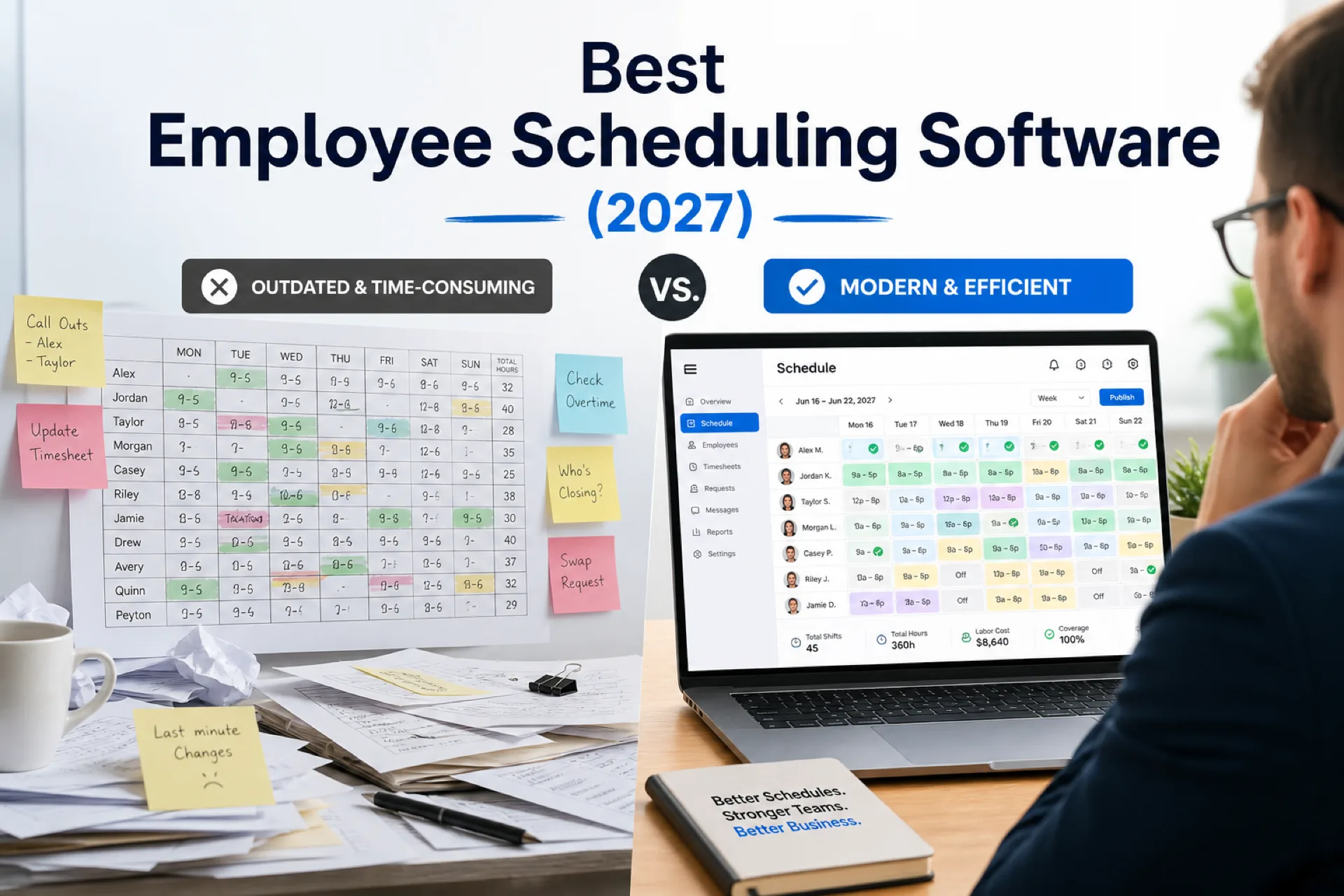
Best employee scheduling software (2027): compare top platforms
Compare the best employee scheduling software in 2027 for growing USA teams. Vendor profiles, feature table, industry picks, pricing factors, and buying guidance for shift-based businesses.
Read article
Mobile workforce management: schedule, track, and communicate with deskless teams
Mobile workforce management connects scheduling, attendance, and communication for deskless and field teams so USA operators manage distributed staff from one platform.
Read article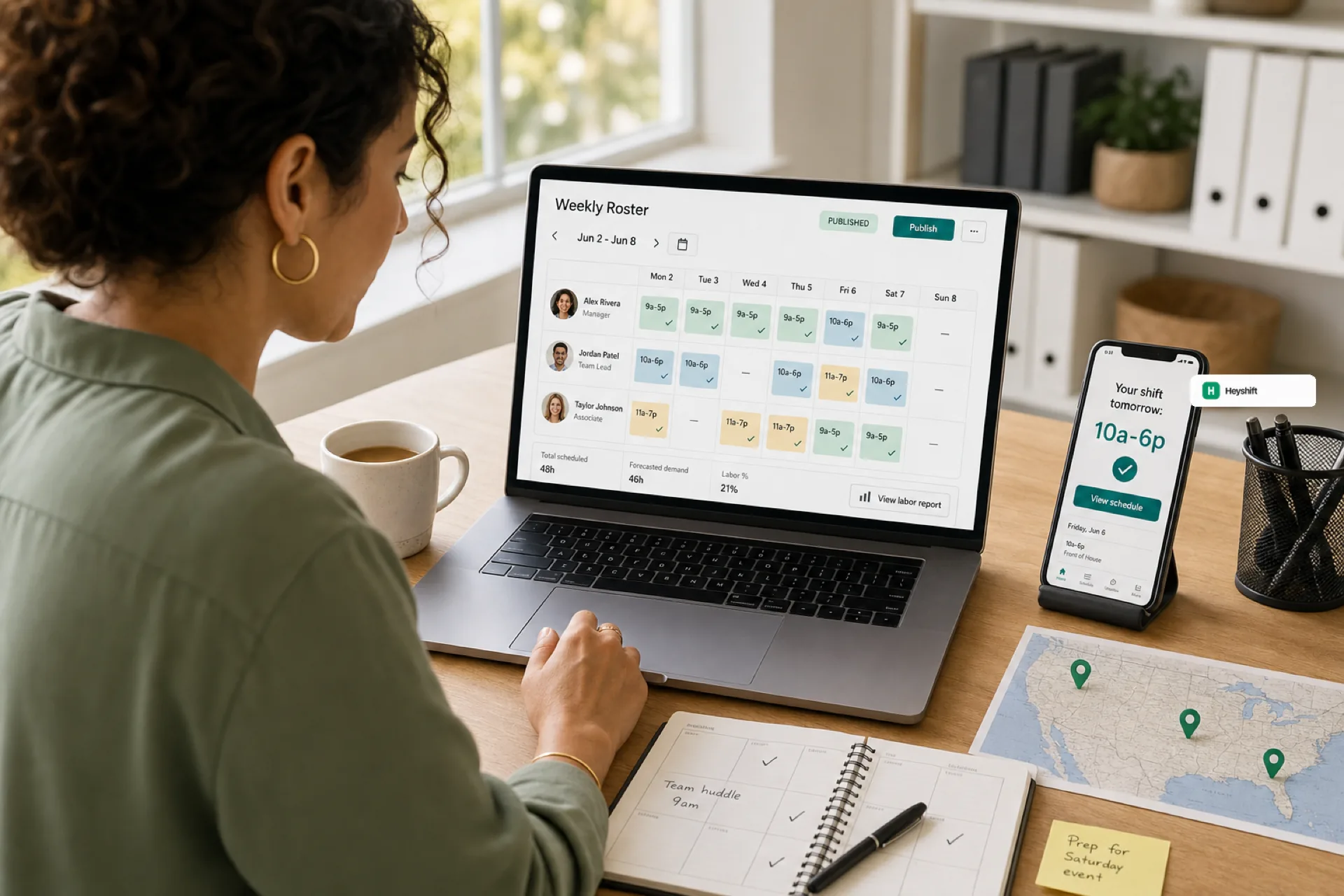
Best employee scheduling software for small businesses (2026 guide)
Small businesses in 2026 need employee scheduling software that publishes one official roster, keeps hourly staff on mobile, and scales across locations without spreadsheet chaos.
Read article