

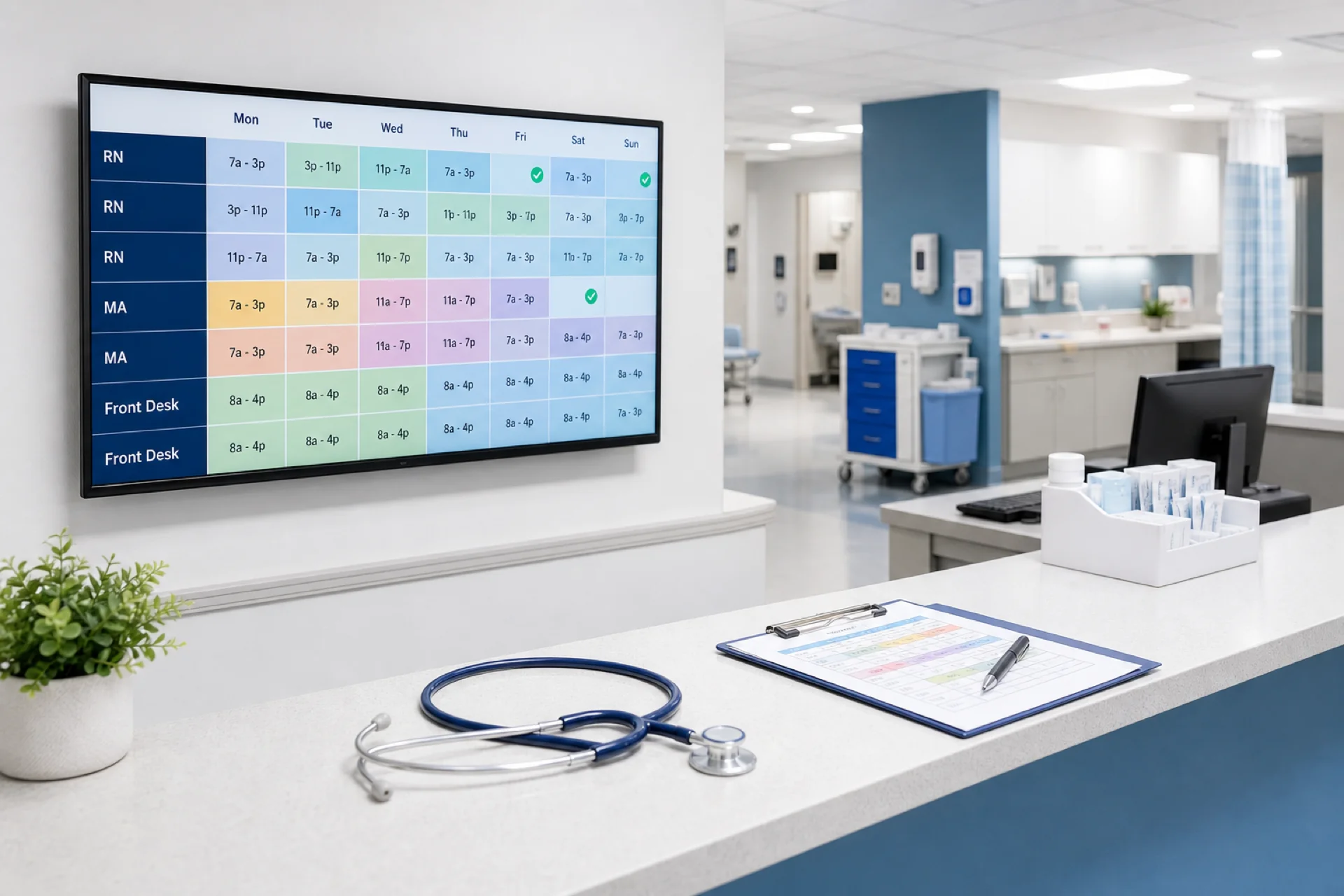
Best Employee Scheduling Software for Healthcare Teams in 2026
Compare the best employee scheduling software for healthcare teams. Score scheduling, availability, coverage, attendance, and multi-location fit before you buy.
What is employee scheduling software for healthcare?
Choosing employee scheduling software for healthcare teams is different from choosing a basic shift-planning tool. Healthcare organizations may need to coordinate nurses, caregivers, medical assistants, physicians, administrative staff, and other employees across shifts, departments, and locations.
Healthcare employee scheduling software helps organizations create, manage, publish, and update employee schedules. Unlike a basic calendar, healthcare-focused workflows may need to account for roles, departments, locations, shift types, availability, time off, coverage, working hours, and schedule changes.
The right platform should help managers do more than create a grid. It should also help with employee availability, open shifts, shift swaps, time-off requests, attendance, working hours, overtime visibility, and multiple locations.
Featured answer: The best healthcare scheduling software is the platform that matches your real week: one official roster, availability you can see while assigning shifts, a path for open shifts and swaps, leave that blocks coverage mistakes, attendance beside published hours, and enough location control for the sites you run today.
Who should read this: Clinic managers, nursing supervisors, home-health coordinators, and multi-site operations leads who are comparing options, not looking for a product brochure.
For Heyshift product depth, see healthcare staff scheduling software. This article stays on comparison: what to score, how vendors differ, and how to choose from your workflow.
What makes healthcare employee scheduling different?
Healthcare schedules can change frequently. A manager may need to respond to last-minute call-outs, open shifts, availability changes, shift swaps, demand spikes, leave, overtime, and more than one location.
For a small team, those changes may still be manageable in a spreadsheet and a group chat. For larger teams, a centralized scheduling platform makes the same processes easier to coordinate because the official week, coverage requests, and hours live in one place.
The operational difference is not “healthcare needs more features.” It is that coverage mistakes show up the same day: an uncovered evening clinic, a missed home visit, or a unit that is short a licensed role.
Best employee scheduling software for healthcare teams
The best option depends on team size, how often the week changes, how many locations you run, and which workforce workflows must sit beside the roster. Use the same evaluation framework for every platform instead of collecting feature lists.
Heyshift
Best for: healthcare teams that want scheduling and workforce management in one platform.
Heyshift is built for growing hourly and shift-based teams. Healthcare managers can publish an official week, review availability, post open shifts, approve swaps, record leave, track attendance, and watch hours and overtime without moving the process into a second tool.
Key capabilities
- Employee scheduling
- Employee availability
- Open shifts
- Shift swaps
- Leave management
- Attendance tracking
- Time tracking
- Overtime visibility
- Multi-location scheduling
- Workforce reporting
Consider: advanced payroll, compliance, and enterprise controls sit on higher tiers. Review pricing against your site count and manager roles.
Ideal for: medical clinics, nursing teams, home healthcare agencies, and multi-location care groups that want one publish path.
Deputy
Best for: operators who want scheduling plus labor-compliance tooling and are ready for a broader workforce suite.
Deputy’s official product materials describe employee scheduling, availability, open shifts (including manager approval), shift swaps, time and attendance, multi-location rostering, and reporting. Healthcare buyers should confirm how those workflows feel for rotating clinical patterns, not only for hospitality-style shifts.
Confirm in trial: setup time, plan cost as sites grow, and whether attendance rules match your care setting.
Connecteam
Best for: mobile-first field and multi-site teams that also want communication tools beside the schedule.
Connecteam’s official scheduling pages describe availability, open shifts with optional approval, shift trades, attendance, and multi-location management through groups and permissions. Home healthcare and multi-site groups should test visit-style coverage and manager permissions, not only the mobile app.
Confirm in trial: how many schedules you need, reporting depth on your plan, and whether chat features replace or support a published roster.
Homebase
Best for: small clinic teams testing scheduling before the organization adds sites and complexity.
Homebase’s official pages describe scheduling, employee availability, open shifts, manager-approved swaps, attendance, and multi-location scheduling. Multi-location features and some labor tools sit on paid plans. Confirm how district roll-up and permissions work before you assume one login covers every site.
Confirm in trial: one-location limits on the free tier, overtime visibility while you build the week, and healthcare role coverage.
Sling
Best for: budget-conscious teams that need core scheduling, availability, and messaging.
Sling’s official materials describe scheduling, availability, available/open shifts, shift swaps, multi-location filters, and time tracking or attendance on paid plans. Reporting and labor tools also vary by plan. Confirm the paid tier you would actually buy before you score “attendance” and “reporting” as included.
Confirm in trial: swap rules by location, attendance on your plan, and whether managers can see hours before they add another shift.
Comparison table
Capabilities below are those each vendor publicly documents. Plan limits, healthcare-specific workflow fit, and reporting depth still need a live demo.
| Platform | Scheduling | Availability | Open shifts | Shift swaps | Attendance | Multi-location | Reporting |
|---|---|---|---|---|---|---|---|
| Heyshift | Yes | Yes | Yes | Yes | Yes | Yes | Yes |
| Deputy | Yes | Yes | Yes | Yes | Yes | Yes | Yes |
| Connecteam | Yes | Yes | Yes | Yes | Yes | Yes | Yes |
| Homebase | Yes | Yes | Yes | Yes | Yes | Yes | Yes |
| Sling | Yes | Yes | Yes | Yes | Paid plans | Yes | Paid plans |
A table of “yes” does not pick a winner. Score each column against a real week: a call-out, an open evening clinic, a swap, and a second location.
Features to look for in healthcare scheduling software
Use this list as a scoring sheet. If a vendor cannot show the item on your roles and sites, treat the gap as a buying risk.
- Employee scheduling. Managers should create and publish schedules without relying entirely on spreadsheets.
- Employee availability. Availability should be easy to review when assigning shifts. See healthcare employee availability management.
- Open shift management. Managers should see which shifts still need coverage. See healthcare open shift management.
- Shift swapping. Employees need a structured way to request changes while managers keep approval control.
- Leave management. Approved time off should be visible when the week is built, not discovered after publish.
- Attendance tracking. Managers should compare scheduled shifts with actual attendance.
- Time tracking. Working hours should sit beside scheduled hours.
- Overtime visibility. Managers should see hours before they assign another shift.
- Multi-location support. Required once more than one facility shares people or reporting.
- Mobile access. Employees should read the official schedule without a desktop.
- Reporting. Managers should review hours, coverage, attendance, and overtime trends.
How to choose the best scheduling software for your healthcare team
Do not choose software based solely on the number of features. Start with the week you already run.
Small clinic
Prioritize scheduling, availability, time off, and mobile access. A simple published week beats an enterprise suite nobody adopts.
Growing healthcare team
Prioritize open shifts, shift swaps, attendance, time tracking, and overtime visibility. These are the workflows that break first when headcount and call-outs rise.
Multi-location healthcare organization
Prioritize location management, centralized scheduling, employee availability, workforce reporting, and manager permissions. District leads need one official week per site without merging files.
Healthcare scheduling software vs Excel
Many healthcare organizations begin with Excel or Google Sheets. That is not automatically a problem.
A spreadsheet can work when the team is small, shifts are predictable, schedule changes are uncommon, and there is one location.
Dedicated scheduling software becomes more attractive when the team grows, changes become frequent, open shifts increase, employees work different patterns, more than one manager edits the week, or more than one location needs coordination.
Read healthcare scheduling software vs Excel for the full comparison.
Best scheduling software for different healthcare organizations
Long-tail searches often name a setting. The buying question is the same: which workflows must sit on the official roster.
Hospitals. Look for multi-department scheduling, shift management, availability, and workforce visibility. See hospital staff scheduling software.
Nursing teams. Look for flexible shift scheduling, availability, swaps, and working-hour visibility. See nurse scheduling software.
Home healthcare. Look for caregiver availability, assignments, open shifts, and mobile access. See home healthcare scheduling software.
Medical clinics. Look for simple staff scheduling, availability, leave, and attendance. See medical clinic scheduling software.
Urgent care, behavioral health, and dental practices use the same framework: score coverage flexibility, role mix, and how fast the official week can change.
How much does healthcare employee scheduling software cost?
Pricing can depend on employee count, locations, features, billing model, implementation, and support. Do not make price the only comparison.
Also count the administrative time currently spent building schedules, updating them, finding coverage, managing swaps, tracking hours, and monitoring overtime.
For ranges and cost drivers, see healthcare scheduling software cost.
How to evaluate scheduling software before buying
Run this checklist in a demo or 30-day trial with your real roles.
Scheduling. Can managers create and publish schedules without a side spreadsheet?
Availability. Can employees provide availability the manager can see while assigning shifts?
Open shifts. Can managers identify uncovered shifts and offer them to qualified staff?
Shift swaps. Can employees request swaps with manager approval on the official week?
Attendance. Can managers compare the published schedule with actual attendance?
Overtime. Can managers review working hours before they add another shift?
Locations. Can the platform manage more than one facility with clear permissions?
Mobile. Can employees open the official schedule on a phone?
Reporting. Can managers see hours, coverage, and attendance without exporting three files?
Scalability. Can the same process support more employees and locations next year?
Common mistakes when choosing healthcare scheduling software
Choosing based only on price. The cheapest platform may not support the coverage workflow your organization already runs.
Buying too many features. A small clinic may not need an enterprise system. Unused modules slow adoption.
Ignoring employee experience. If staff cannot find the official week on mobile, they will keep using group chat.
Ignoring growth. A tool that works for one site can stall when you add a second location or a second manager.
Not testing real workflows. A demo should include a call-out, an open shift, a swap, and a leave conflict, not only a pretty empty calendar.
Why Heyshift?
Heyshift brings the workforce scheduling processes healthcare teams compare into one platform: employee scheduling, availability, open shifts, shift swaps, leave, attendance, time tracking, overtime visibility, multi-location scheduling, and workforce reporting.
The goal is a centralized way to coordinate the official week as teams grow, not a separate tool for every change. Start a 30-day free trial.
Final thoughts
The best employee scheduling software for a healthcare team depends on organization size, workforce complexity, and the week you already run.
A small clinic may need only basic scheduling and availability. A growing organization may need open shifts, shift swaps, attendance, time tracking, overtime visibility, and multi-location support.
Score each platform against that workflow, not against a feature count or a list price. The software that wins is the one managers publish every week and staff actually open on mobile.
Frequently Asked Questions
Continue with related topics
More articles on topics related to this one.

Healthcare Workforce Management: The Complete Guide for Hospitals, Clinics & Care Providers (2026)
Learn healthcare workforce management best practices for hospitals, clinics, and care providers: staff scheduling, attendance tracking, labor planning, overtime reduction, compliance, and workforce communication in one guide.
Read article
Healthcare Scheduling Software for Startups: How Growing Healthcare Teams Can Manage Staff
Healthcare startups often start on spreadsheets. Learn when growing teams should move to scheduling software, which features matter first, and how to scale staffing without rebuilding the process every quarter.
Read article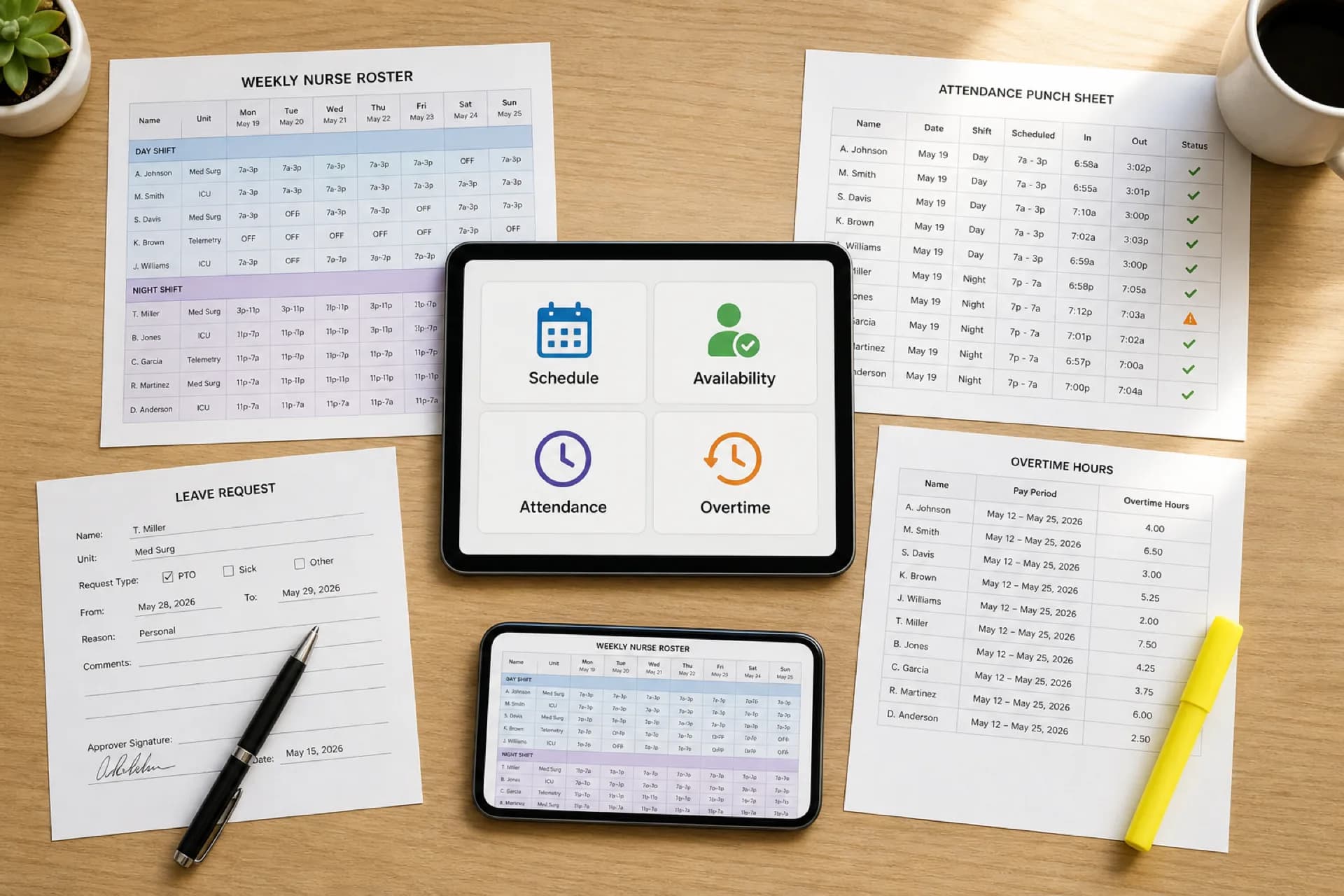
Healthcare Workforce Management Software: Complete Guide for 2026
Learn how healthcare workforce management software helps hospitals, clinics, and care organizations manage scheduling, availability, attendance, overtime, leave, and staffing from one platform.
Read article