

Employee scheduling software for small business vs. enterprise: what changes as you grow
Compare scheduling needs for small businesses, growing teams, and enterprise organizations. See which features matter as headcount and locations increase.
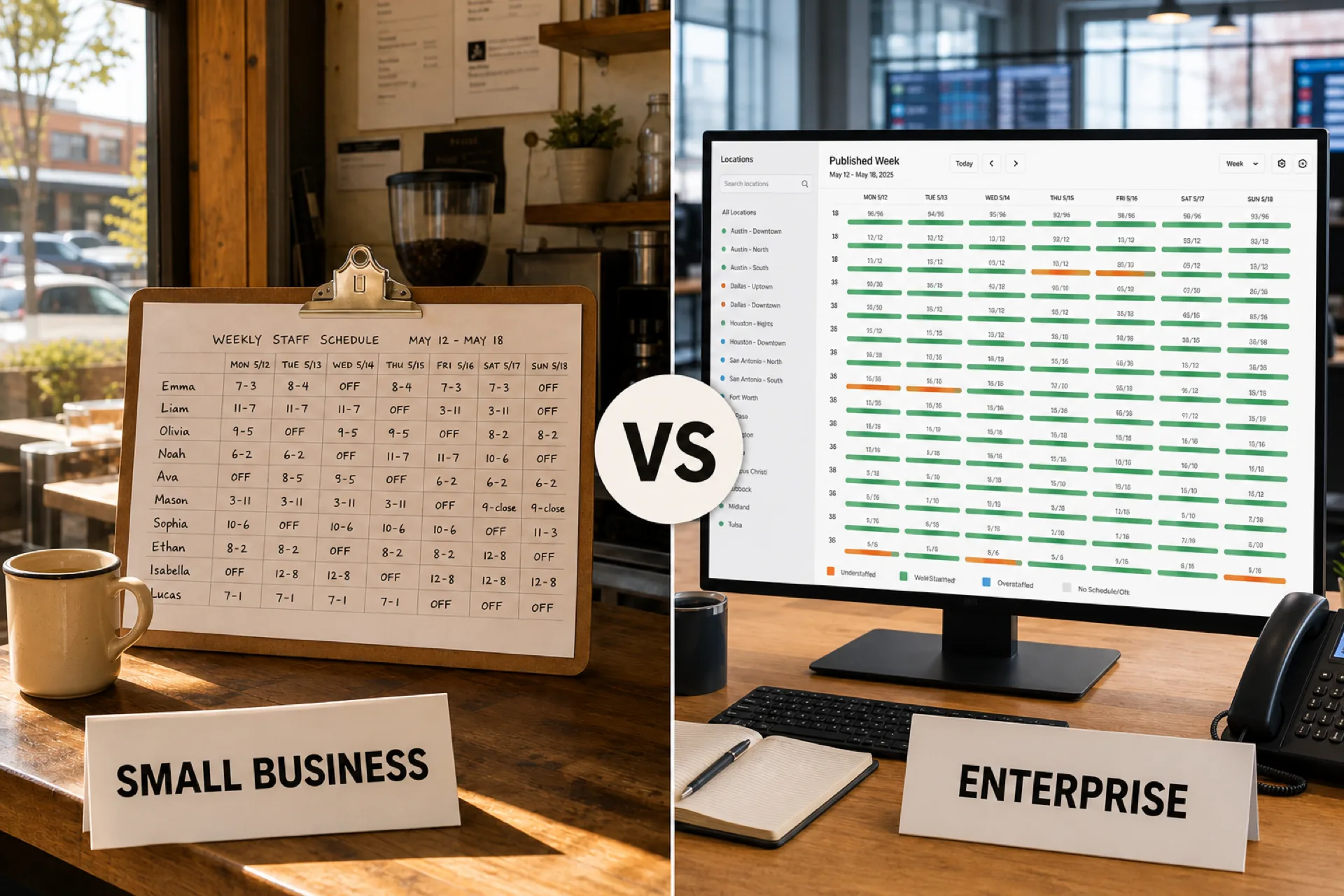
Employee scheduling looks different when you manage 10 people at one site compared with 100 people across several locations.
A small business may only need a simple weekly roster that shows who works and when. As the workforce grows, availability, manager permissions, location coverage, approvals, and mid-week changes all multiply. That is when teams start looking beyond spreadsheets and basic calendars.
The right employee scheduling software should match the complexity you have today and still have room for the next stage.
Quick answer: what changes from small business to enterprise?
The scheduling question stays the same: who should work, when, and where. What changes is the number of variables. Small teams need a fast weekly publish. Growing teams need availability, open shifts, swaps, and hour visibility. Enterprise organizations need those workflows plus multi-location control, permissions, and reporting.
This page maps those stages. It is not a vendor shootout. For product lists, start with best employee scheduling software.
What changes as a business grows?
A small business might have 10 to 20 employees, one location, one manager, relatively stable shifts, and limited schedule changes.
A growing organization might have 50 or more employees, multiple managers, multiple departments, frequent availability changes, open shifts, shift swaps, and more overtime risk.
An enterprise organization may have hundreds or thousands of employees, many locations, location-level managers, regional or corporate administrators, complex rules, high change volume, and centralized reporting.
The process has to evolve with that complexity. Headcount alone is not the test.
Small business scheduling needs
For a small business, software should make the weekly roster faster to build and easier to share.
A manager may know most people personally. They do not need a heavy workforce-management suite. They need a weekly grid, shift assignments, availability, time off, a way to publish, and a way to handle the occasional change.
A simple week can look like this:
- Employee A, 8 AM-4 PM
- Employee B, 10 AM-6 PM
- Employee C, 12 PM-8 PM
The manager creates it, publishes it, and people know when to show up. The primary goal is simplicity. If that is your stage, the small-business scheduling comparison is the better buying page.
When do spreadsheets stop working?
Spreadsheets are not automatically a bad tool. For a very small team with predictable hours, they can work.
They fail when several versions of the same week exist: spreadsheet, email, text, then another spreadsheet. Employees stop knowing which file is current. The manager starts checking availability, time off, coverage, hours, overtime, and call-outs by hand.
You may have outgrown spreadsheets if managers spend hours building the week, people keep asking for updates, swaps happen regularly, you keep more than one file, open shifts are hard to fill, you added a second location, or overtime shows up only after the week closes.
The problem is not Excel itself. The problem is managing scheduling complexity by hand. For the side-by-side, read workforce scheduling software vs Excel.
Scheduling needs for growing teams
The jump from a small shop to a growing organization is where the week usually gets hard. Shifts may still be simple, but there are more people, more managers, and more changes.
A team moving from 15 to 60 employees often adds departments, part-time staff, more time-off requests, more supervisors, longer hours, and sometimes a second site. One person can no longer hold the roster in their head.
Managers need answers they can see: who is available, who is already booked, where coverage is thin, who requested time off, how many hours each person has, which shifts are open, and which location they belong to. That is the job of scheduling software for growing teams.
Enterprise employee scheduling needs
Enterprise scheduling is not just a larger grid. It is a consistent process across a large workforce.
Corporate needs organization-wide visibility. Regional managers need several locations. Location managers need their store, clinic, or site. Department managers need their team. Employees need their own schedule and requests.
Disconnected spreadsheets cannot hold that structure. Multi-location scheduling software is usually the first enterprise-shaped requirement, even before anyone uses the word enterprise.
Small business vs growing team vs enterprise
The difference is operational complexity, not a magic employee number.
| Scheduling need | Small business | Growing team | Enterprise |
|---|---|---|---|
| Weekly schedules | Essential | Essential | Essential |
| Employee availability | Useful | Important | Essential |
| Time-off management | Useful | Important | Essential |
| Shift swaps | Sometimes | Important | Essential |
| Open shifts | Sometimes | Important | Essential |
| Attendance visibility | Useful | Important | Essential |
| Overtime visibility | Useful | Important | Critical |
| Multiple locations | Rare | Increasing | Core requirement |
| Manager permissions | Basic | Important | Advanced |
| Reporting | Basic | Important | Advanced |
| Centralized workforce visibility | Optional | Valuable | Essential |
| Mobile employee access | Useful | Important | Essential |
The right software is the one that fits that table, not the one with the longest feature list.
What features become more important as you scale?
Employee availability. Informal knowledge stops scaling when school schedules, second jobs, and temporary changes live in texts.
Open shifts. A few uncovered hours are manageable on a 10-person team. At scale, call-offs become a weekly operations problem.
Shift swaps. A text-and-spreadsheet swap can work once. It fails when it happens every day.
Time-off management. Requests that arrive by email, chat, paper, and hallway conversation cannot stay the source of truth.
Attendance and hours. The schedule says what should happen. Attendance says what happened. Larger teams need both before payroll, not after.
Multi-location scheduling. One site has one week. Four sites need local publish plus organization-wide visibility.
Manager permissions. One owner can run the whole file. Enterprise teams need different access by role and location.
Reporting. A small shop needs this week's hours. A larger org needs hours, attendance, overtime, and coverage by location and department.
When should you upgrade your scheduling software?
There is no employee count that automatically means you need new software. Look at the work.
Upgrade when building the week takes too long, changes never stop, you add locations or managers, scheduled hours and actual hours live in different systems, or overtime is a surprise after Friday.
If you are comparing year-one cost, use the employee scheduling software pricing guide. If you are arguing the business case, use the ROI guide.
How scheduling software supports multiple locations
Multi-location teams need both standardization and local control. Corporate may want one workflow. Each site may have different hours, staffing, availability, and managers.
A useful structure is company, then region, then location, then department, then people. Software should let a location manager publish their week while a regional lead reviews hours without merging files.
How much scheduling software do you actually need?
More features are not automatically better.
Small business: easy schedule creation, availability, time off, publish, mobile access.
Growing business: add open shifts, swaps, attendance, overtime visibility, multiple managers, and department scheduling.
Enterprise: add multi-location scheduling, permissions, centralized visibility, reporting, standardized workflows, and room to add people without a new unofficial file.
Choose the layer that solves today's week without making a 12-person team administer an enterprise console.
Employee scheduling software vs workforce management software
These labels get used interchangeably. They are not always the same product.
Employee scheduling software focuses on shifts, people, availability, time off, coverage, and changes.
Workforce management software may also include attendance, time tracking, leave, overtime, reporting, and workforce planning.
A small organization may only need the roster. A larger organization often needs the roster plus attendance and reporting in one loop.
Should small businesses use enterprise scheduling software?
Usually no. Ten employees at one location do not need the same admin model as 500 people across 50 sites.
Look for software that is easy to learn, fast to set up, simple for hourly staff, and flexible enough to add a second manager or location later.
Should growing businesses wait until scheduling becomes a problem?
Also no. Waiting until the week is already unmanageable creates a messy cutover.
If you expect to go from one location to five, or from 20 employees to 100, pick a system that can grow. Avoid buying complexity you will not use this year.
How Heyshift helps as teams grow
Heyshift is built for teams that need one published week as they add people, managers, and locations. It is not an enterprise HRIS.
Managers can keep scheduling, availability, open shifts, swaps, time off, attendance, hours, overtime visibility, mobile access, and multi-location views in one workspace. Paid plans start at $4, $6, and $9 per seat after a 30-day free trial, with unlimited locations on paid plans.
For a small team, that can mean less Sunday rebuild time. For a growing organization, it can mean one process as you add departments and sites.
How to choose scheduling software as your business grows
- How many people do we schedule today, and in one to three years?
- How many locations do we operate, and are we likely to add more?
- How often does the week change?
- How do people communicate availability today?
- How are open shifts filled?
- How are time-off requests collected?
- Do we need attendance next to the roster?
- Can managers see overtime before payroll?
- How many managers need access, and at which locations?
- Can the system grow without a second unofficial schedule?
A simple growth path for employee scheduling
Stage 1: small team. About 10 employees, one location, simple hours. Focus on create, publish, communicate.
Stage 2: growing team. About 50 employees, multiple managers, frequent changes. Focus on schedule, availability, coverage, changes, attendance.
Stage 3: multi-location. 100 or more employees, several sites. Focus on locations, departments, managers, people, centralized visibility.
Stage 4: enterprise. Large workforce, many locations, complex operations. Focus on standardization, permissions, reporting, workforce visibility, and scale.
The technology should follow the business. It should not force every shop into the same model.
Final thoughts
Employee scheduling gets harder as you grow because the variables multiply, not only because the headcount does.
A small business may only need a simple weekly roster. A growing team usually needs availability, open shifts, swaps, attendance, and overtime visibility. An enterprise organization usually needs those plus centralized scheduling, permissions, and reporting across locations.
Start with the problems you have this week. Then pick a platform that can handle the week after you add the next manager or the next site.
Start a 30-day free trial if you want to test Heyshift against your current stage. Or book a walkthrough.
Frequently Asked Questions
Continue with related topics
More articles on topics related to this one.

Employee Schedule Change Management: One Official Roster
Learn employee schedule change management: a simple approval workflow, change log and notification process that keeps one official roster.
Read article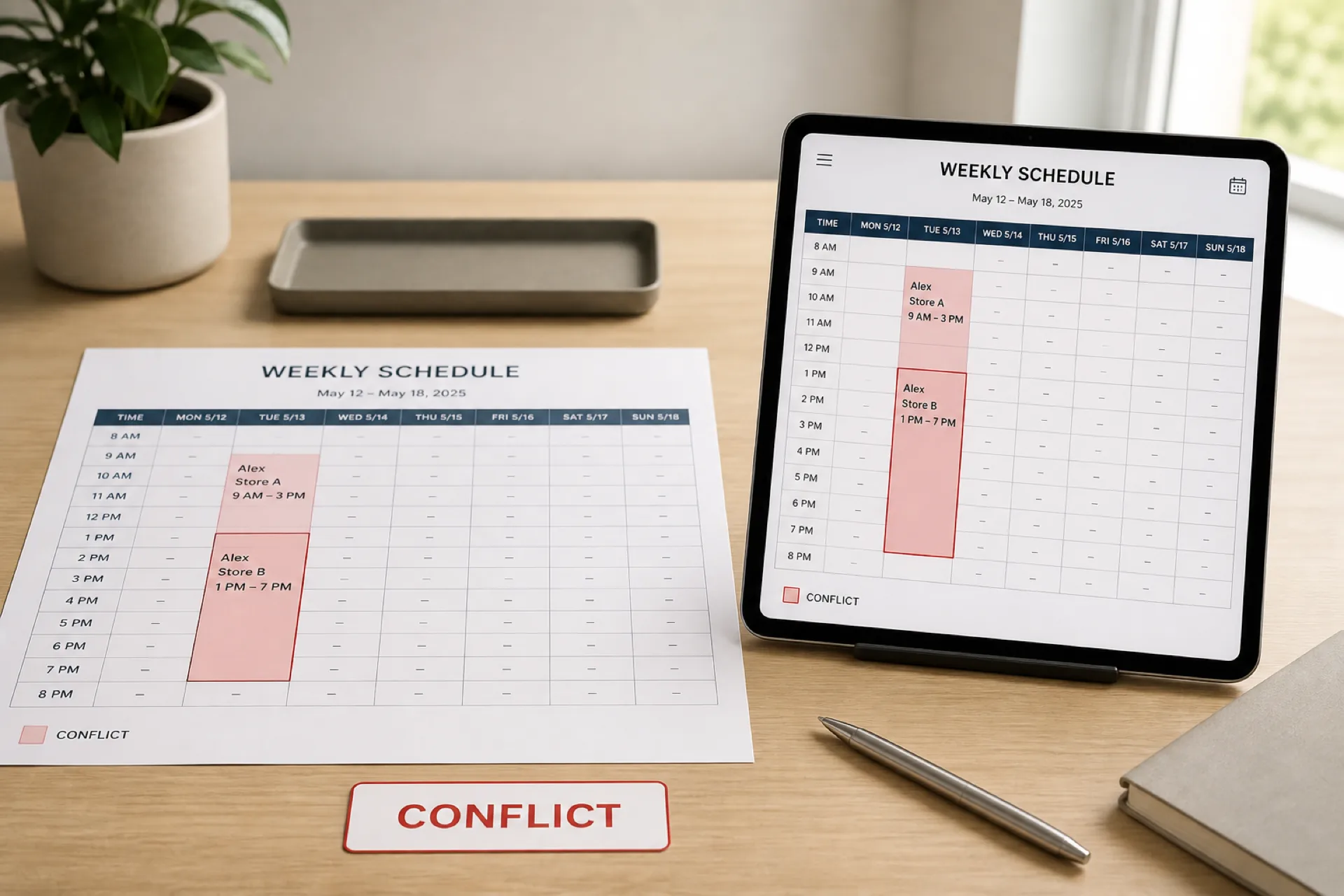
How to prevent employee scheduling conflicts and double-bookings
Prevent employee scheduling conflicts before you publish: catch double-bookings, availability clashes, missed time off, and location overlaps.
Read article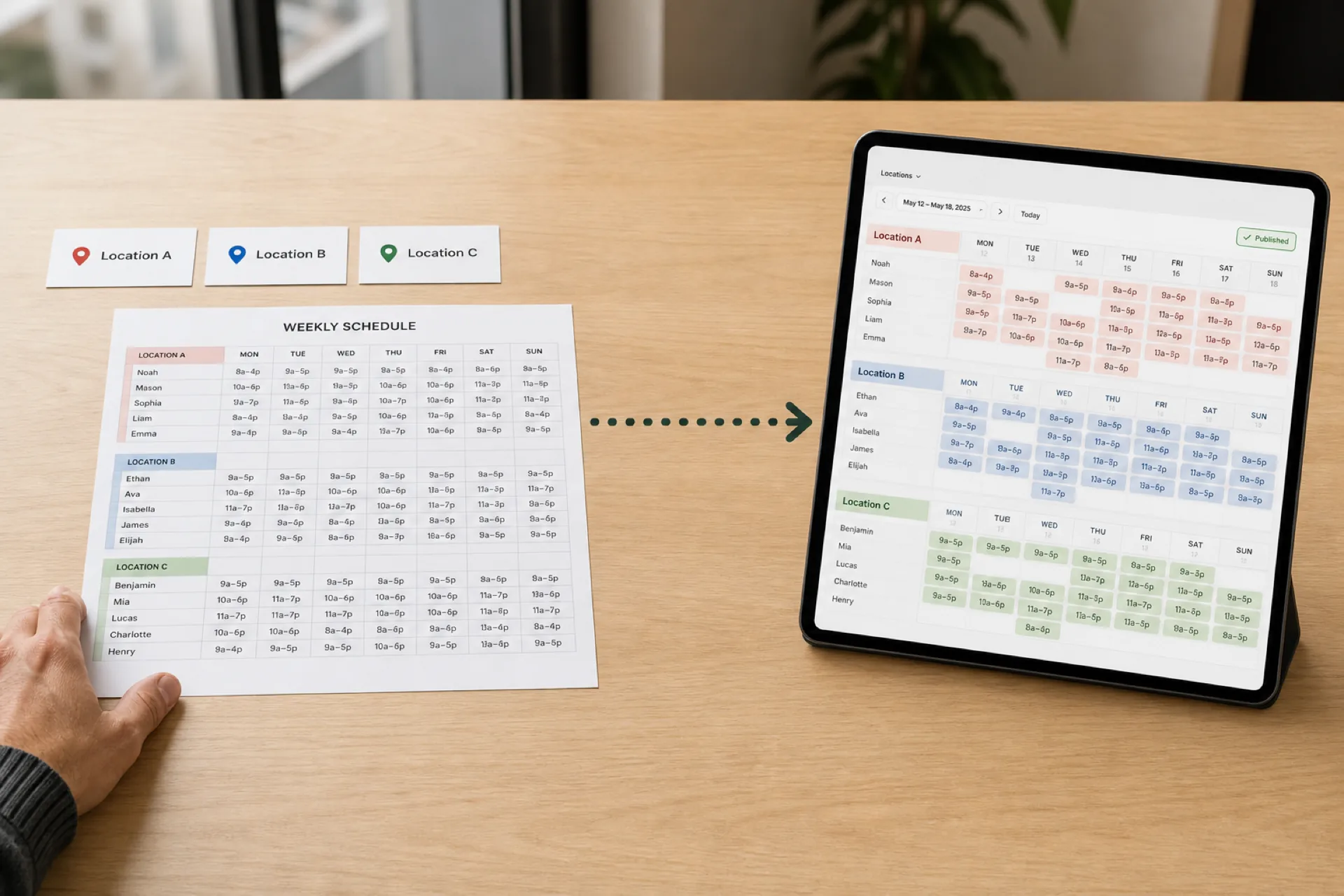
How to Create an Employee Schedule for Multiple Locations
Scheduling several locations is not the same as scheduling one store three times. Use a 10-step workflow, a staffing matrix, and one published roster.
Read article